Our Adventures

Category: Blog

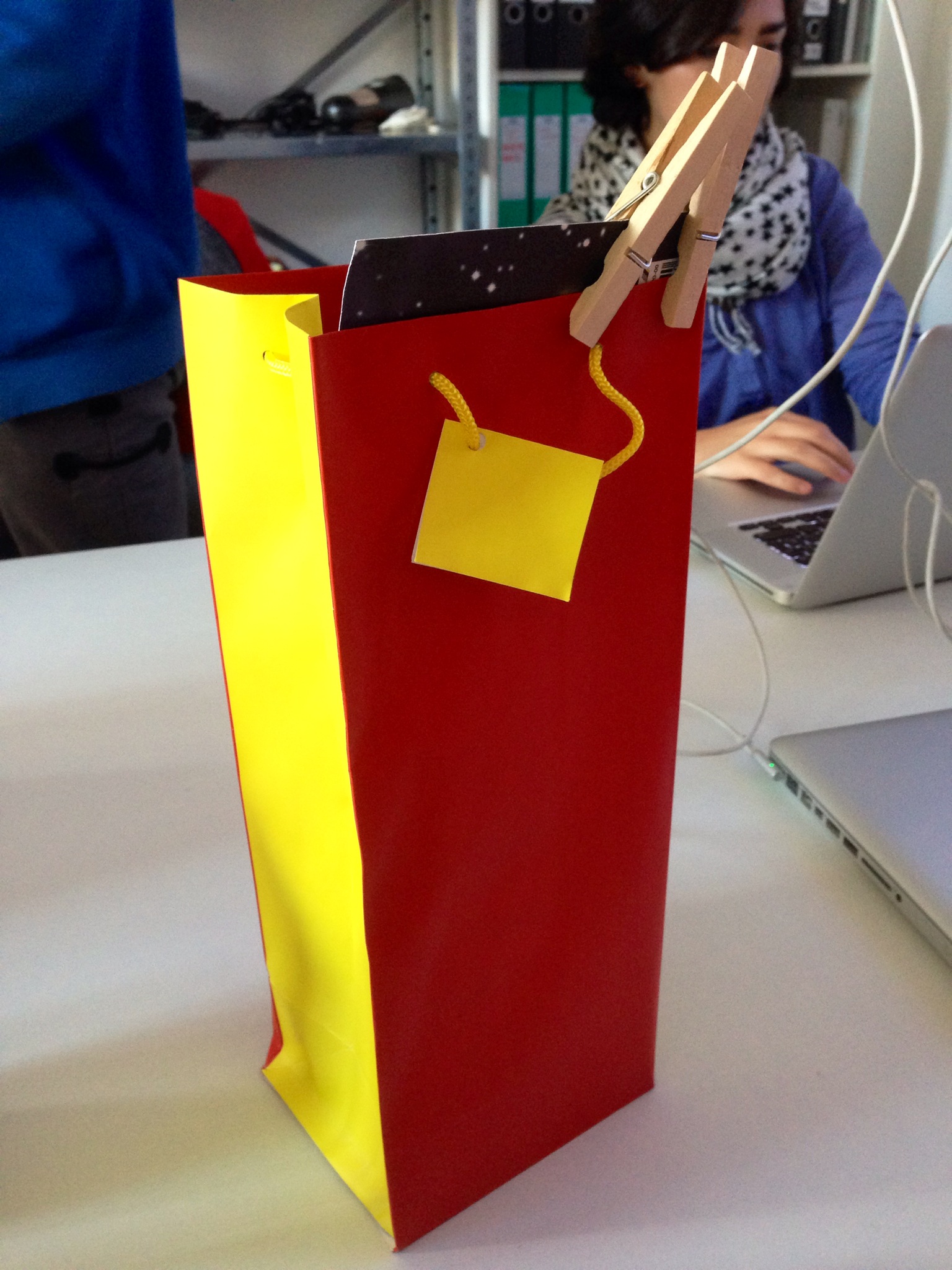
  • Door trumpet

    Take wireless doorbell for the connection to the existing bell

    Pushbutton + Receiver

    Strong servomotor 

    Torque at 7.4 V = 268 Ncm


    DS8203 MG servo from Reely (Conrad link)

  • Test

    [rev_slider Revolution]

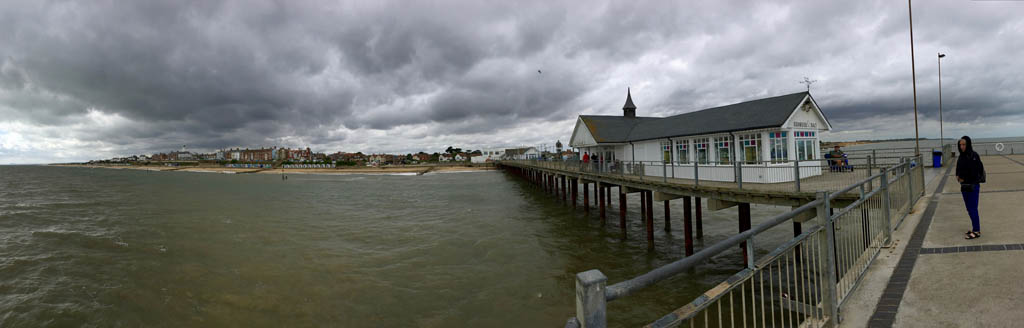
  • 9 September Southwold pier

    southwold

    Southwold Pier

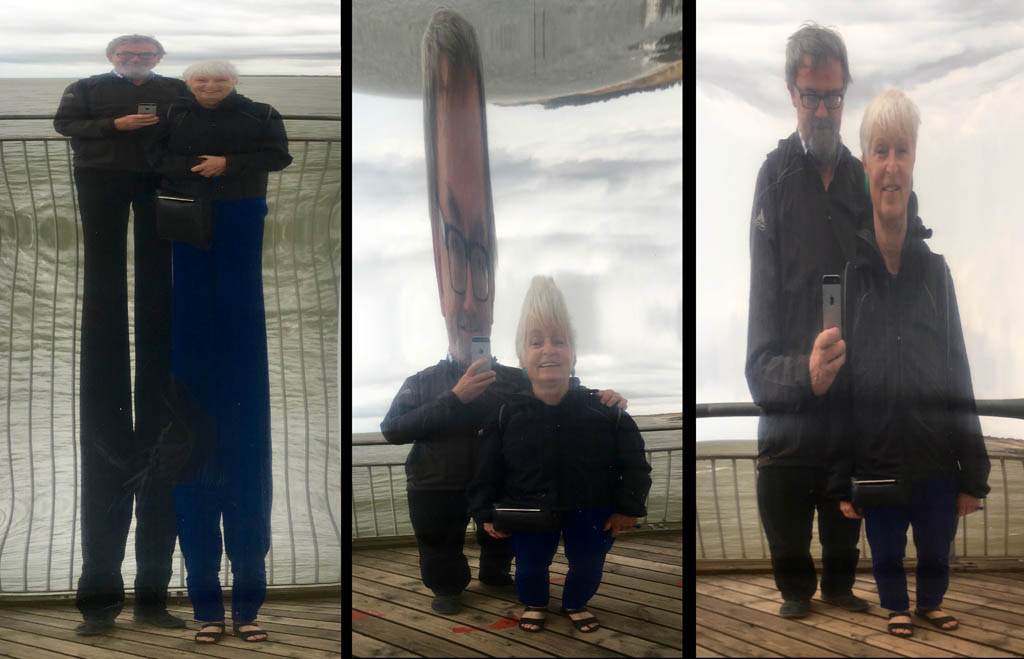
    pier_mirrors

    Mirror, mirror on the wall, who is the fairest of them all?
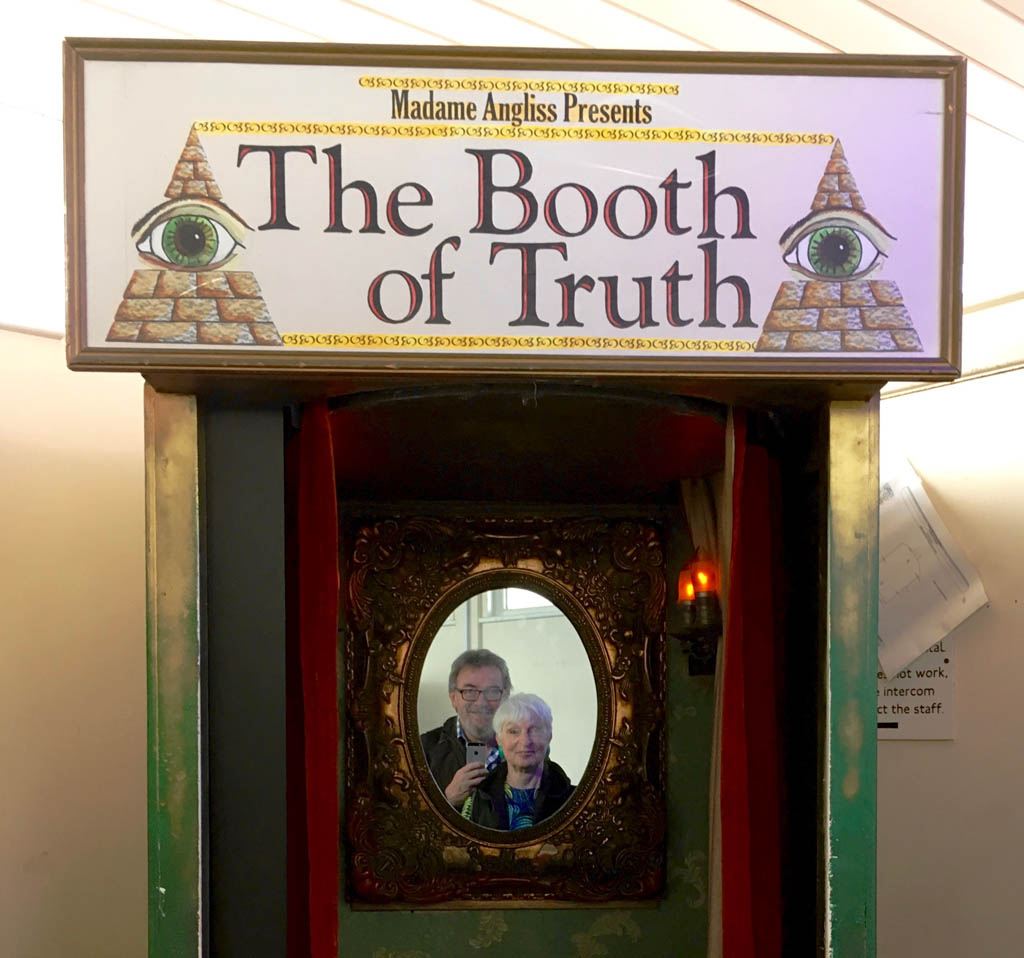
    booth_of_truth

    A truthful Booth

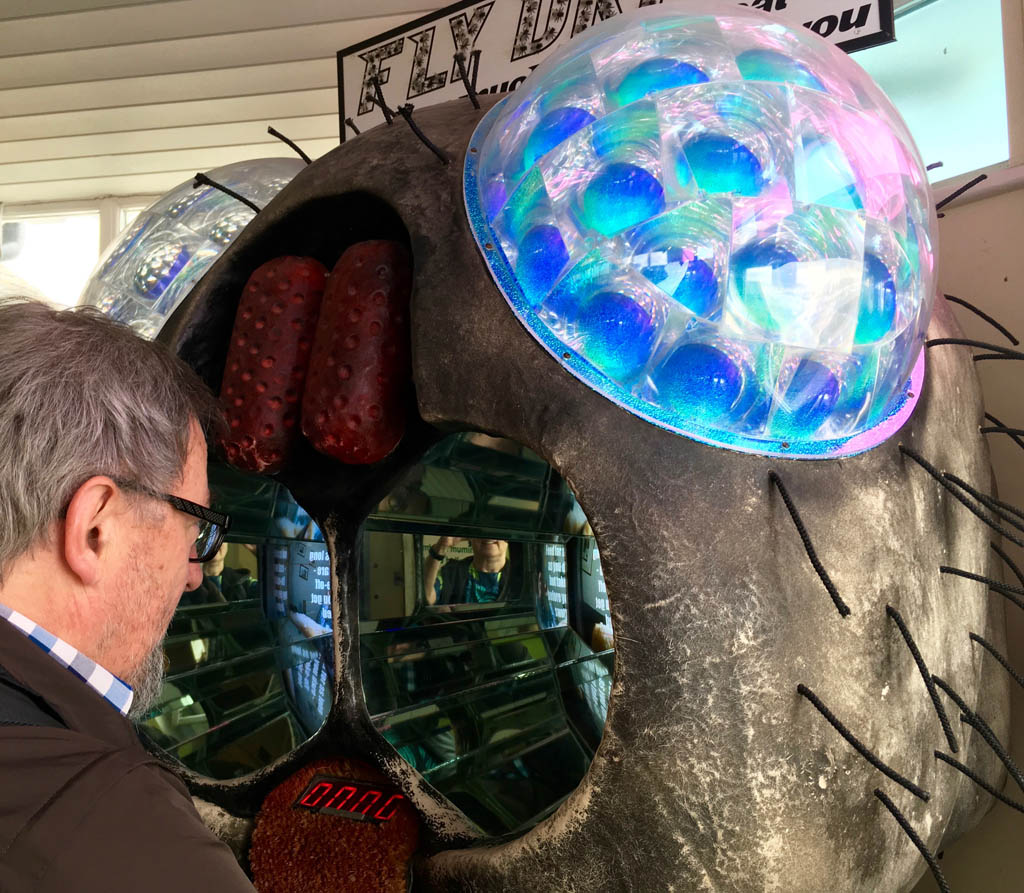
    flying_machine

    Experiencing life as a fly

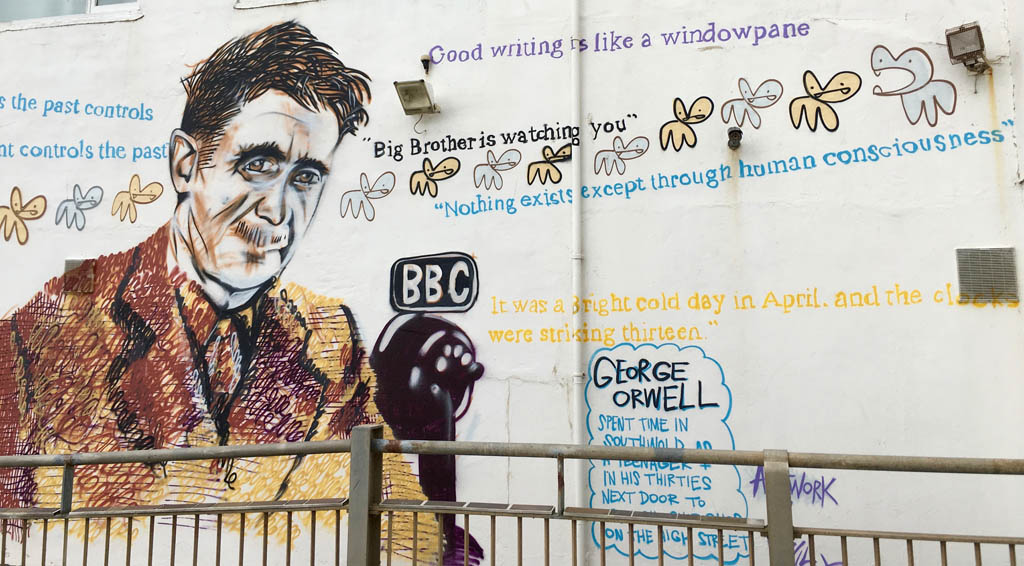
    george_orwell


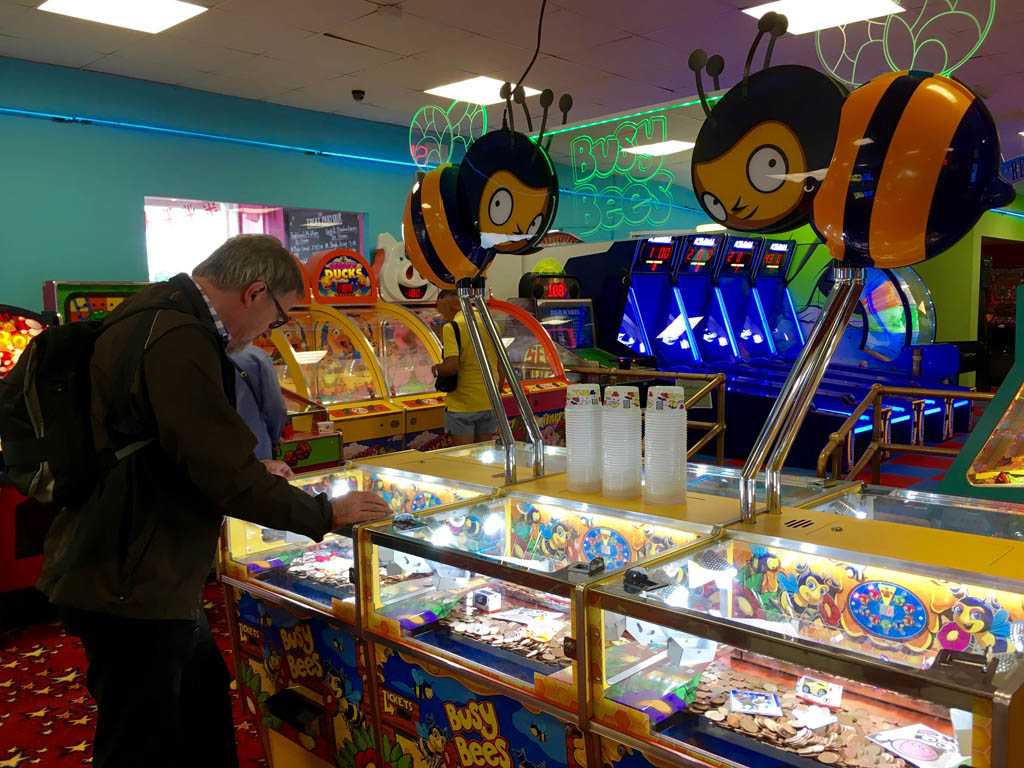
    coin_game

    Shove tuppence machine

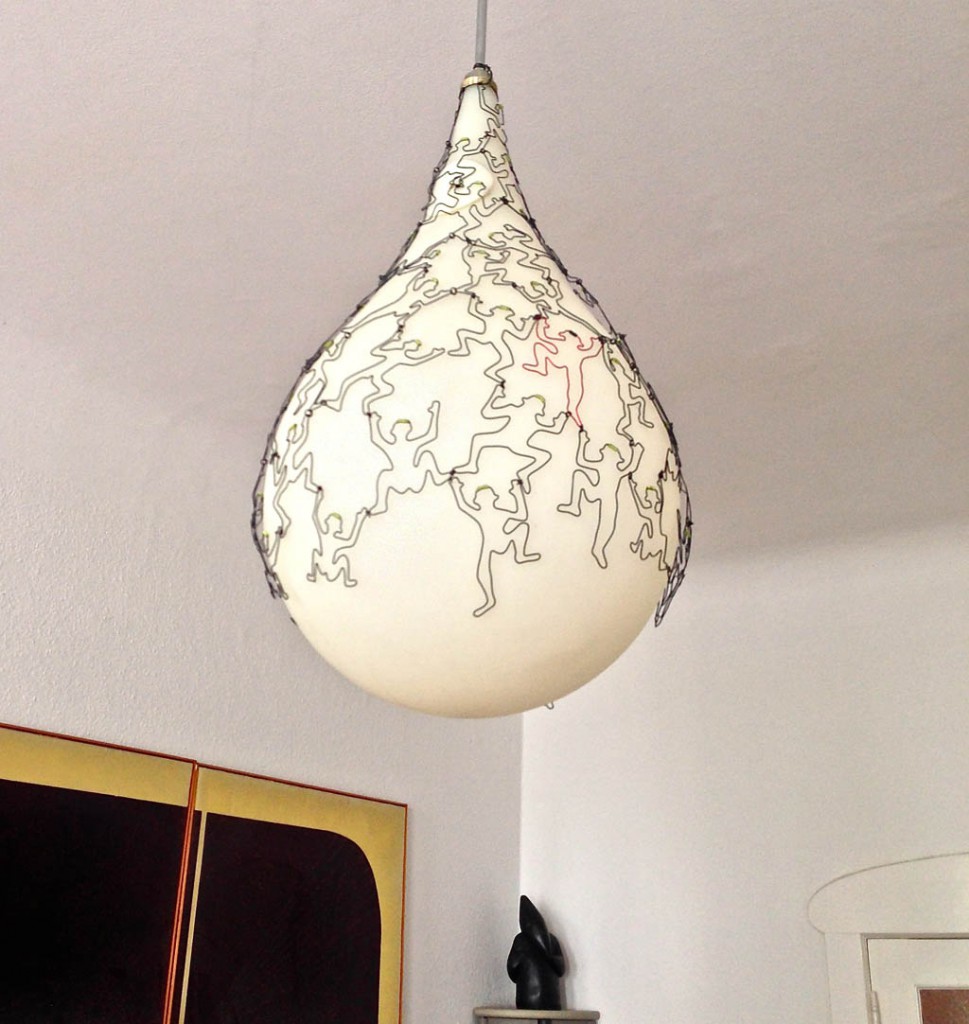
  • Climbing lamp


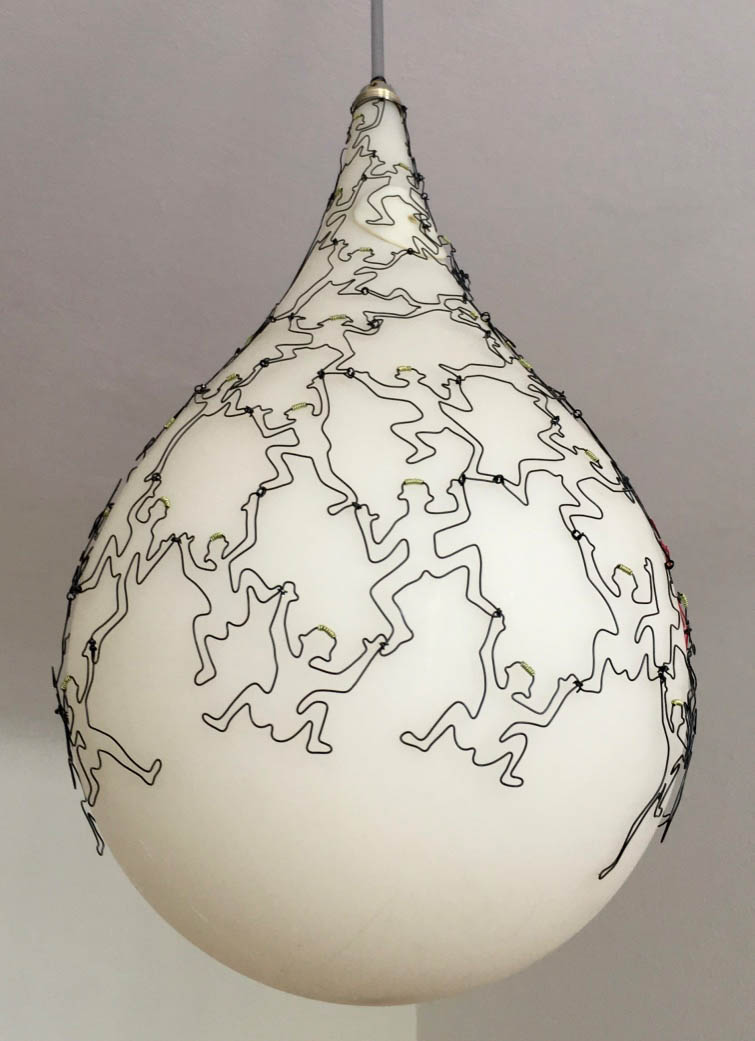
    Climbing_lamp

    It’s hard getting to the top …

  • Kim’s Amazing Ant Circus

    There is an online version to try yourself. It’s best with Firefox, mostly works with Internet Explorer, doesn’t work at all with Safari.

    It is a small Processing sketch using sound and the computer’s camera. The online version uses p5.js.

  • Jack & the Beanstalk

    My first Processing experiment on Sketchpad.
    Experimenting with Bezier curves. Thanks to Abe for his great instructional site – http://funprogramming.org

  • Processing software

    How to embed Processing onto a web site
    [processing]
    /***************************************************************
    * Kims tree also known as Jack and the beanstalk
    * Fish appear instead of fruit
    * Make bunches of fruit
    * Flower before fruit?
    * last change 11 April 2016
    * See http://drifkin.net/processing/beziereditor/
    ***************************************************************/
    float loopCount;
    float oldxStemStart=0;
    float oldyStemStart=0;
    int standStill=0;
    void setup()
    {
    fullScreen();
    background(0);
    }
    /***************************************************************
    * The loop
    ***************************************************************/
    void draw()
    {
    color leafColour;
    float xStemStart, yStemStart, xStemEnd, yStemEnd;
    int growthSpeed=150; // bigger = slower

    // Draw stems
    xStemStart= mouseX;
    yStemStart= mouseY;
    xStemEnd= random(xStemStart-100, xStemStart+100);
    yStemEnd= random(yStemStart-100, yStemStart+100);
    stroke(#745106); // Brown
    strokeWeight (7);
    line (xStemStart, yStemStart, xStemEnd, yStemEnd); // Draw stem for 1 leaf
    line (oldxStemStart, oldyStemStart, xStemStart, yStemStart); // Draw main stem

    // Draw berries
    if (oldxStemStart == xStemStart) // Check whether mouse is moving
    {
    standStill++; // If not moving increment standstill counter
    if (standStill>4) // If long pause, grow berries
    {
    noStroke();
    fill(#CE063C,150); // red, slightly transparent berries
    ellipse (xStemStart, yStemStart + (standStill-4)*40, 40, 40);
    fill(255); // with a white highlight
    ellipse (xStemStart+5 , yStemStart-10 + (standStill-4)*40, 10, 10);
    if (standStill==14) standStill=0; // stop after 10 berries
    }
    } else
    {
    standStill=0; // reset counter
    }
    oldxStemStart = xStemStart; // remember where last mouse position was
    oldyStemStart = yStemStart;

    // Draw leaves
    leafColour = color(random(0, 100), random(150, 255), random(0, 190)); // Greenish colours
    drawLeaf(xStemEnd, yStemEnd, random(100, 200), random(360), leafColour);

    // Fade old content
    if (loopCount++ %4==0) // make old stuff fade. Bigger number fades more slowly
    {
    noStroke();
    fill(0, 12);
    rect(0, 0, width, height);
    }
    delay(growthSpeed); // Control fertilizer
    }

    /***************************************************************
    * Draw one leaf
    ***************************************************************/
    void drawLeaf(float x, float y, float leafLength, float theta, color leafColour)
    {
    pushMatrix();
    translate(x, y); // Reset 0,0 to wherever the leaf is to start
    rotate(radians(theta));
    fill(leafColour); // fill colour
    stroke(#045A1E); // stroke colour
    beginShape();
    vertex(0, 0); // Leaf root is always at origin
    bezierVertex(
    0.15*leafLength, 0.3*leafLength, 0.4*leafLength, 0.45*leafLength,
    leafLength,
    -leafLength*0.05
    );
    bezierVertex(
    0.6*leafLength, 0, 0.45*leafLength, -0.45*leafLength, 0, 0);
    endShape();
    popMatrix();
    }
    [/processing]
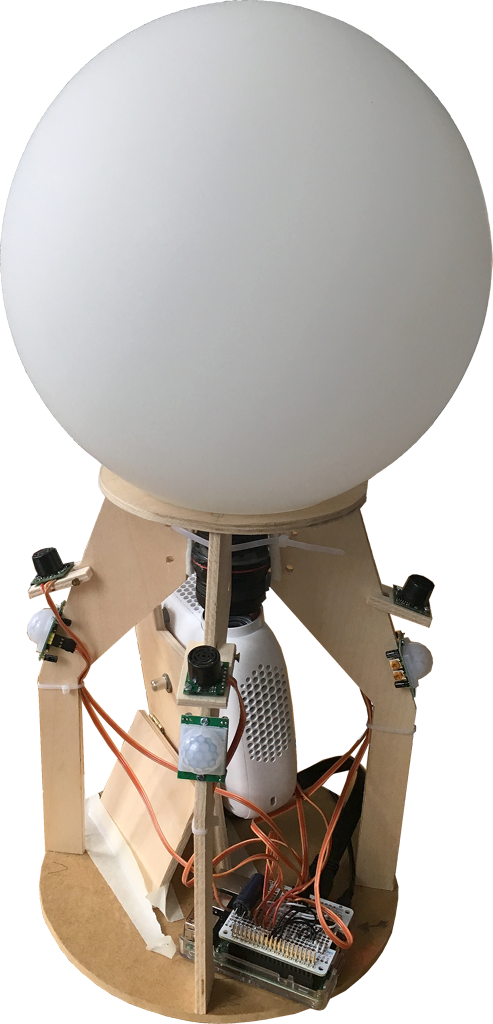
  • Crystal Ball

    Prototyp_1

    The Crystal Ball

    You can’t have it all
    But a crystal ball
    Shall reveal all
    With no embroidered shawl
    But fisheyes two
    A Raspberry Pi three
    Ultrasonic sensors four
    And PIRs on each wall  
    A projector quite small
    Processing then does it all
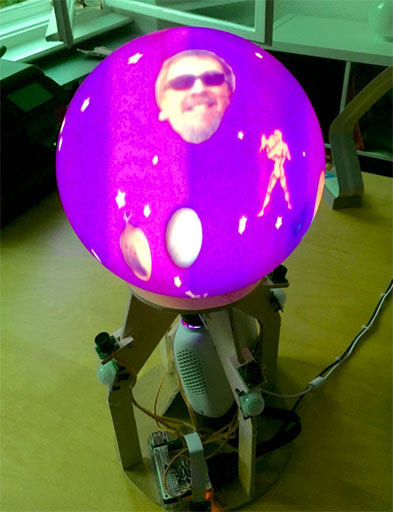
    Sample_starscape

    Only the initiated can see through this 21st century crystal ball. Approach it in the right frame of mind and your gestures will reveal all, even if you can only ever see half of the story. For the first time, its secrets are revealed here for all true believers.

    The Raspberry Pi software

    What does the Raspberry Pi software have to do?
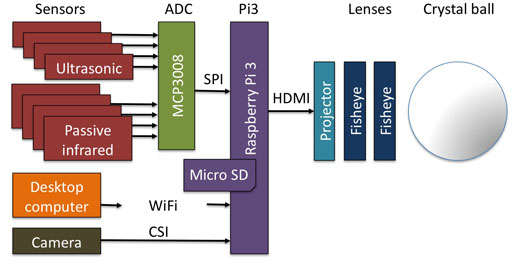
    • Boot Raspbian operating software from a 32 Gbyte plug-in MicroSD card
    • Display the user interface image via an HDMI interface
    • Support WiFi access
    • Allow FTP access via WiFi to copy image files
    • Allow VNC access via WiFi to allow a remote user interface
    • Read out 4 ultrasonic sensors meant to detect hands
    • Read out 4 passive infrared sensors meant to detect people
    • Supply a sound signal via the HDMI interface
    • Support the Processing software

    Block diagram

    Crystal_ball_block_diag2_512

    First steps

    1. Download  the experimental image including Raspbian and Processing onto your desktop computer.
    2. Unpack the downloaded file (double-click on file).
    3. Copy the unpacked image onto a 32 Gbyte MicroSD card
    4. Put the MicroSD card into your Raspberry Pi3.
    5. Temporarily connect the Pi3 to any display with an HDMI interface
    6. Temporarily connect a keyboard & mouse to the Pi3 USB ports
      (Once remote access is possible these temporary items won’t be needed.)
    7. Power up the Pi3.
    8. Change the Raspbian preferences to match the keyboard connected under Menu->Preferences->Keyboard settings.
    9. From the Pi3 log in to the same WIFI network used by your desktop computer
    10. Install X11vnc on Raspbian. Using X11vnc means that you can directly view/control the same session as you see on the screen connected via HDMI.
    11. Download the Real  VNC Viewer onto your desktop computer to access the Pi3 screen, keyboard & mouse remotely.
    12. Check that the iMac can access X11vnc properly e.g. use address 192.168.2.111
      A fixed address would be good. How to set up a fixed IP address
    13. Check that the your FTP client can access Pi3 with
      IP address – e.g. 192.168.2.111
      user – pi
      password – raspberry
      protocol  – SFTP.
      (SFTP is easier to setup than FTP as Raspbian has SSH enabled by default)
      If your FTP client complains about change in the Pi’s key, delete the old entry for Raspberry Pi in ~/.ssh/known_hosts.
    14. Remotely log in to Pi3 from Mac using VNC Viewer
    15. Configure X11VNC to start automatically (use nano not vim).
    16. Expand the Pi3 file system to use the full SD card capacity
      Open a terminal window on the Pi3 and enter
      sudo raspi-config
      to open the Pi3 configuration and “Expand Filesystem” to ensure that all of the SD card is used.
    17. Update Raspbian.
    18. Reboot the Pi3
    19. In a Pi3 terminal window enter
      sudo raspi-config
      and enable SPI to allow access to the 8 analogue inputs for the Pi
    20. Update the Processing software in a Pi3 terminal window
      curl https://processing.org/download/install-arm.sh | sudo sh
    21. This loads the software to e.g.
      /usr/local/lib/processing-3.2

    The hardware

    • Wire up the SPI bus to the MCP3008


    Help with Processing

    Daniel Shiffmann has a Youtube channel called Coding Rainbow.

    Abe Pazos has a great web site call Fun Programming.

    Camera

    https://github.com/processing/processing/wiki/Raspberry-Pi#video-library-capture

    Problems

    Raspberry Pi 2 software is not compatible with Raspberry Pi 3 software

    • The OS Raspbian is different
    • The Processing image is different
    • Arduino has lots of support for sensors
    • Raspberry Pi supports some sensors but they are not integrated into Processing
    • Processing has a GPIO library but I haven’t found ready-made ultrasonic sensor support. I could use a serial interface but there’s only 1 on the Pi.
    • Using a Raspberry Pi and an Arduino seems too much, but maybe it’s the path of least resistance.

    Preparing Raspberry Pi 3 – OLD

    1.  Download  the experimental image including Raspbian and Processing that supports Raspberry Pi3 to iMac.
    2. Unpack the downloaded file (double-click on file).
    3. Copy the unpacked image onto a 32 Gbyte MicroSD card
    4. Put the MicroSD card into Pi3
    5. Connect Pi3 to TV with full HDMI interface
    6. Connect Pi3 to local WLAN
    7. Change Raspbian preferences for correct keyboard
    8. Open Epiphany web browser
    9. To configure Pi3 for 7 inch HDMI LCD panel (LCD won’t work otherwise)
      Enter command

      sudo su

      Go to boot directory

      cd ../../boot

      Use the nano editor

      nano config.txt

      to add the following code to the end of /boot/config.txt:

      max_usb_current=1
      hdmi_group=2
      hdmi_mode=1
      hdmi_mode=87
      hdmi_cvt 1024 600 60 6 0 0 0
    10. The laser projector doesn’t need that. The HDMI interface must either tell Pi3 what size the display is, or it must be configured. The 7″ LCD display doesn’t support this so either the projector must be connected first as it doe support that, or set the projector’s pixel size in config.txt.
    11. Install X11vnc on Raspbian
    12. Download Real VNC viewer onto iMac to access the Pi3 screen remotely.
    13. Check that the iMac can access X11vnc properly use address 192.168.2.111
      Question. use fixed IP address? How to set up a fixed IP address
    14. Check that the Viscom FTP client can access Pi3 with
      IP address – 192.168.2.111
      user – pi
      password – raspberry
      protocol  – SFTP.
      (SFTP is easier to setup than FTP as Raspbian has SSH enabled by default)
      If FTP client complains about change in the Pi’s key, delete old entry for Raspberry Pi in ~/.ssh/known_hosts.

    See if Pi speeds up when x11vnc disconnected


    A/D converter

    MCP3008 (datasheet)

    Adafruit suggestion

    Processing code suggestion

    Enable the SPI interface in the P3 config.

    Ultrasonic sensors

    LV-MaxSonar EZ MB1010
    www.maxboxit.com

  • Neujahr 2015

    TXT ME

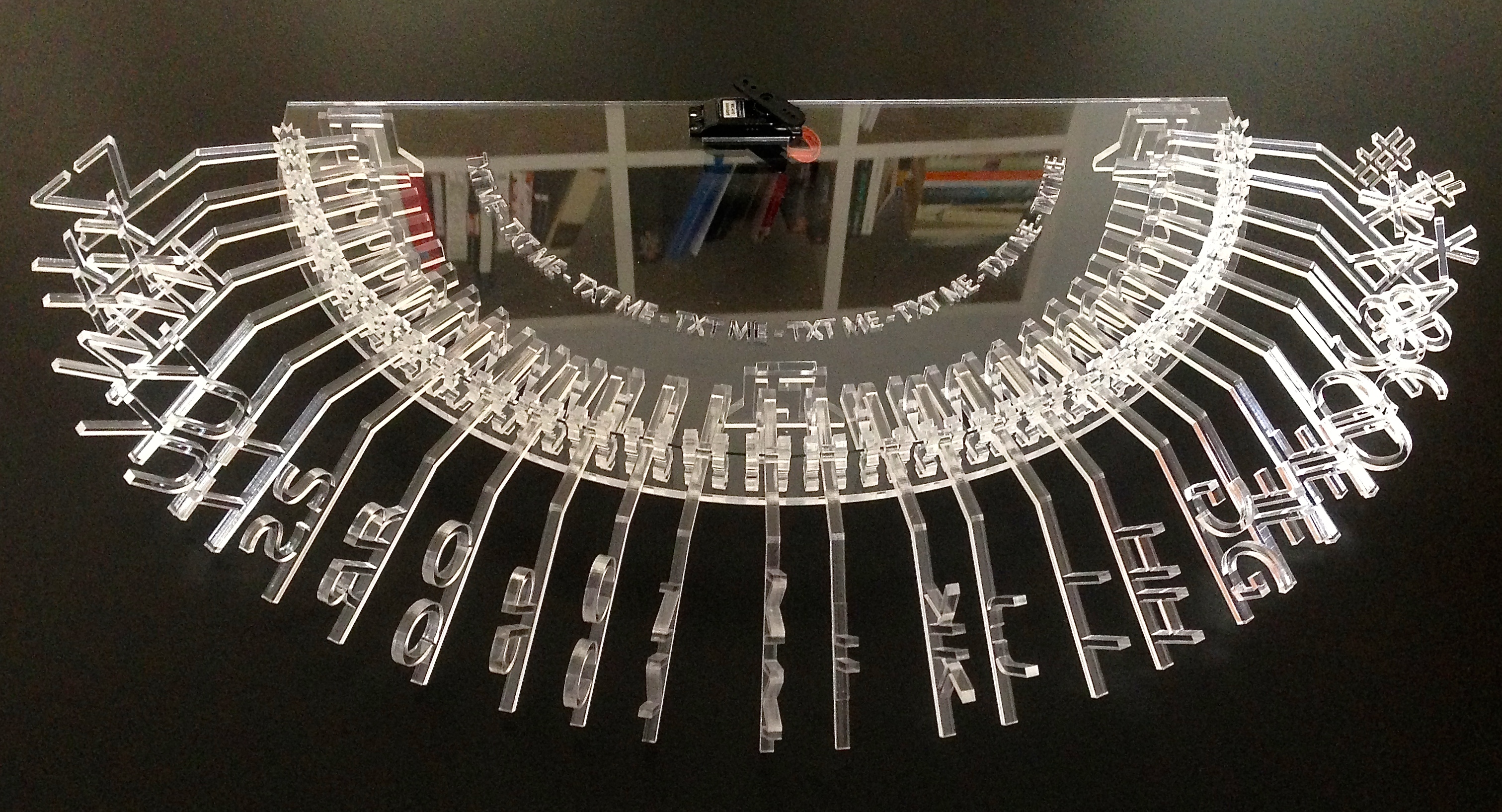
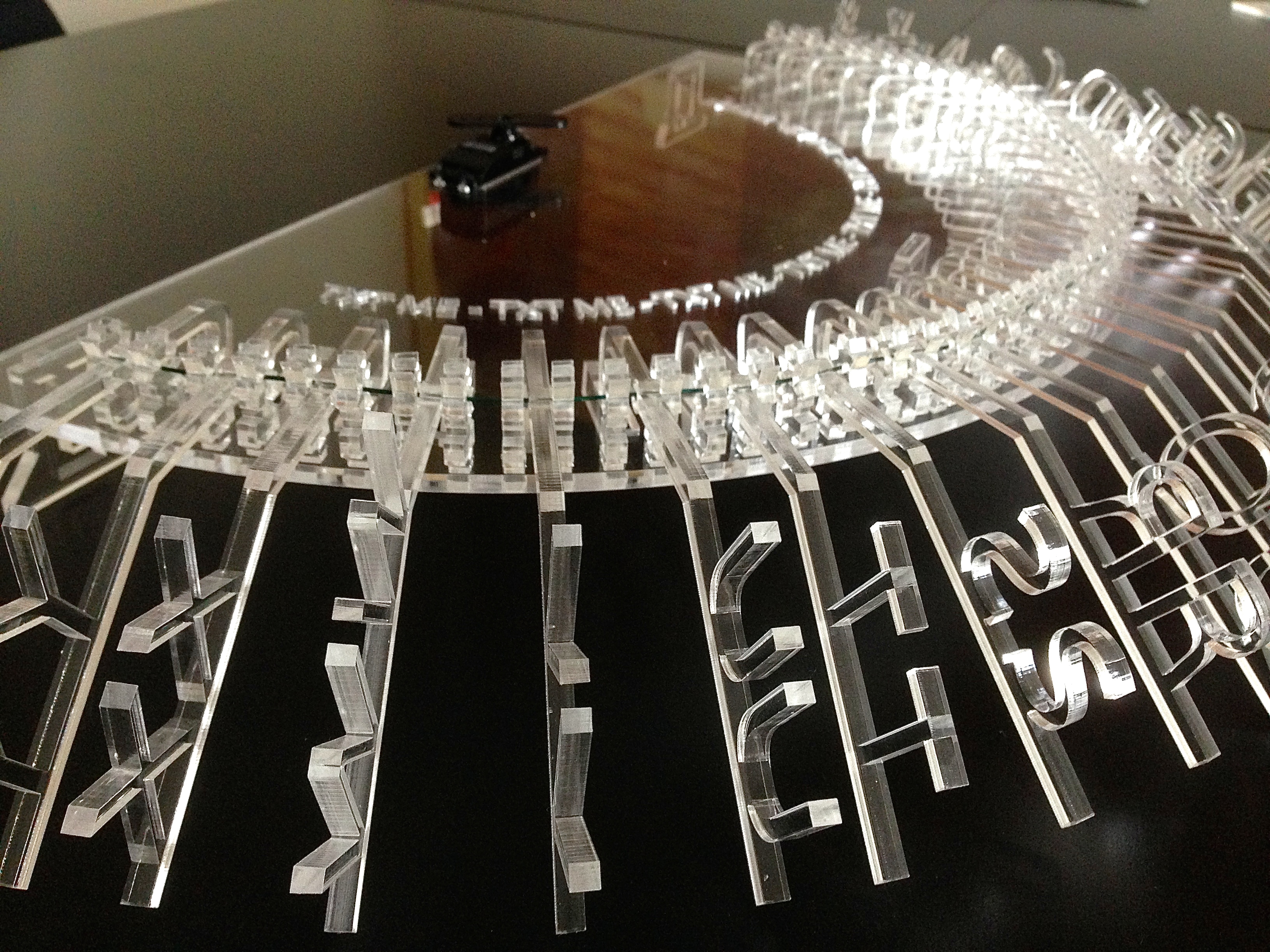
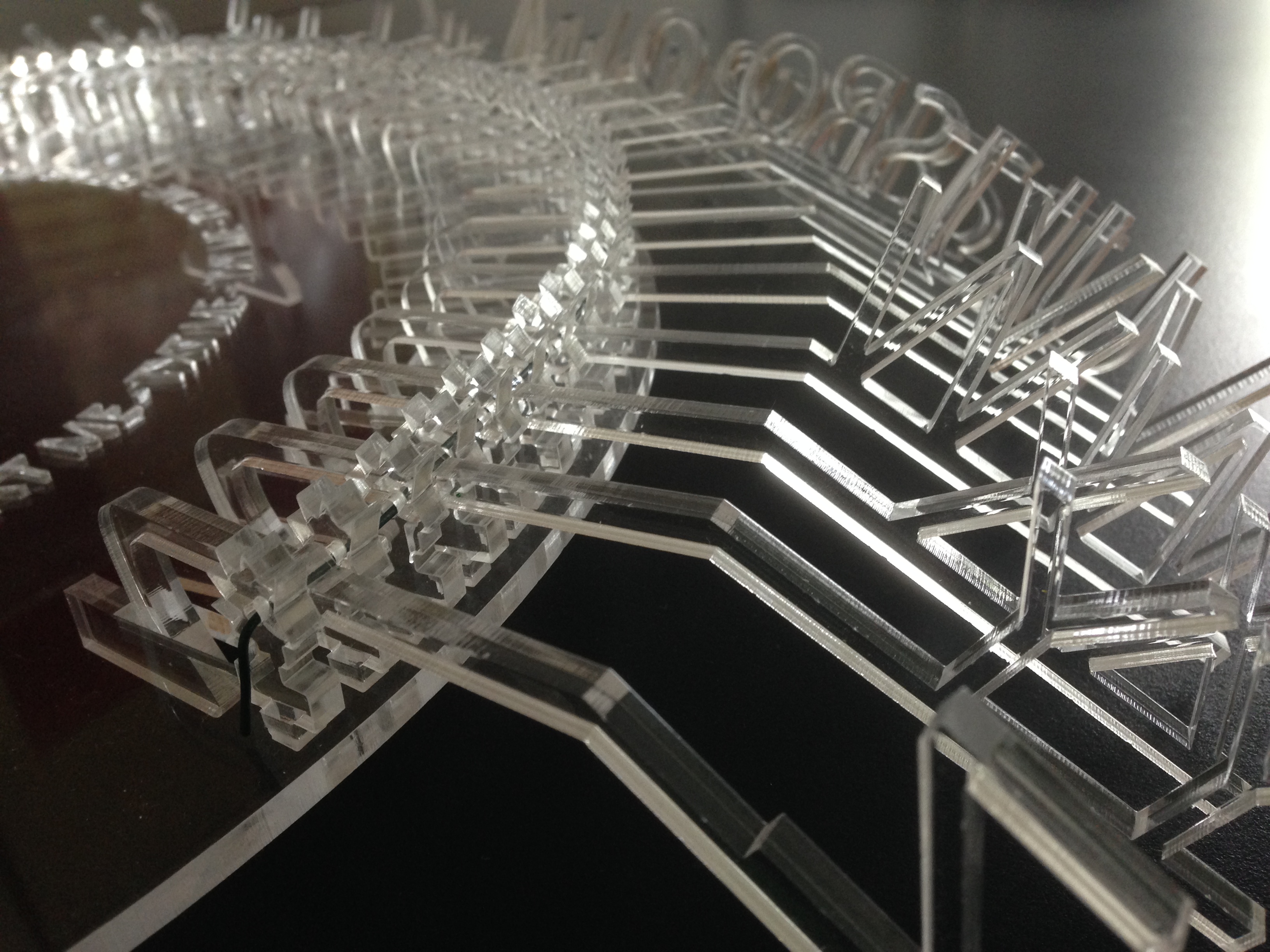
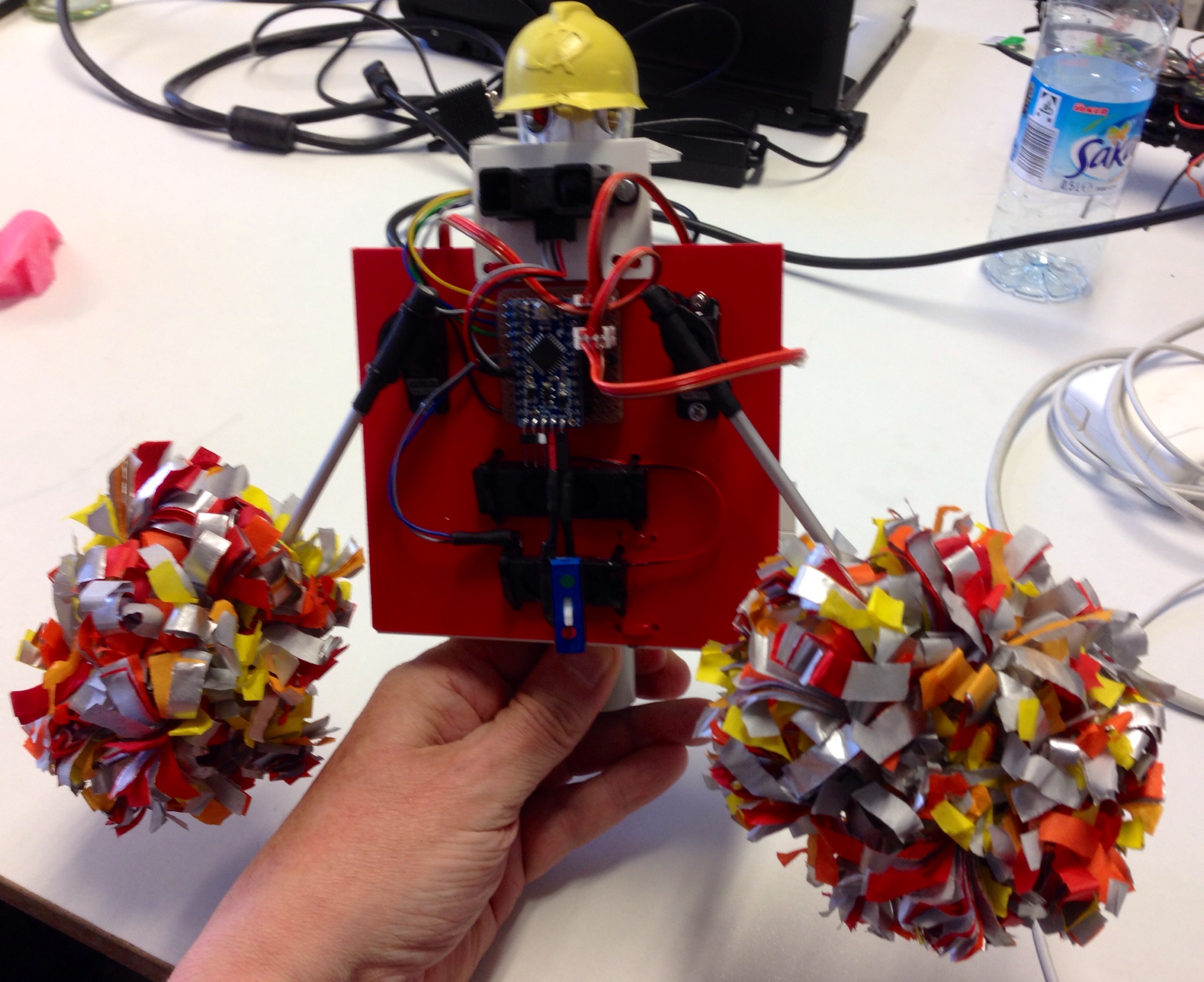
    TXT ME receives SMS messages and displays them, one letter at a time, by raising arms with letters on the end. Our world is getting faster and faster, so this deliberately takes its time and slowly “reads out” your message. You have to concentrate or you will miss a letter. You will find it hard to avoid trying to guess what a word will be when only a few letters have been revealed. Patience is required, it will not be rushed. If no one sends any messages, after a while it reads out TEXT ME as an invitation.



    In der S-Bahn


    captiondistraction


    Cedric auf dem Weg nach Potsdam


    FullSizeRender 9

    Consti auf dem gleichen Weg


    FullSizeRender 19


    Sansoucci


    FullSizeRender 20

    FullSizeRender 29

    FullSizeRender 18


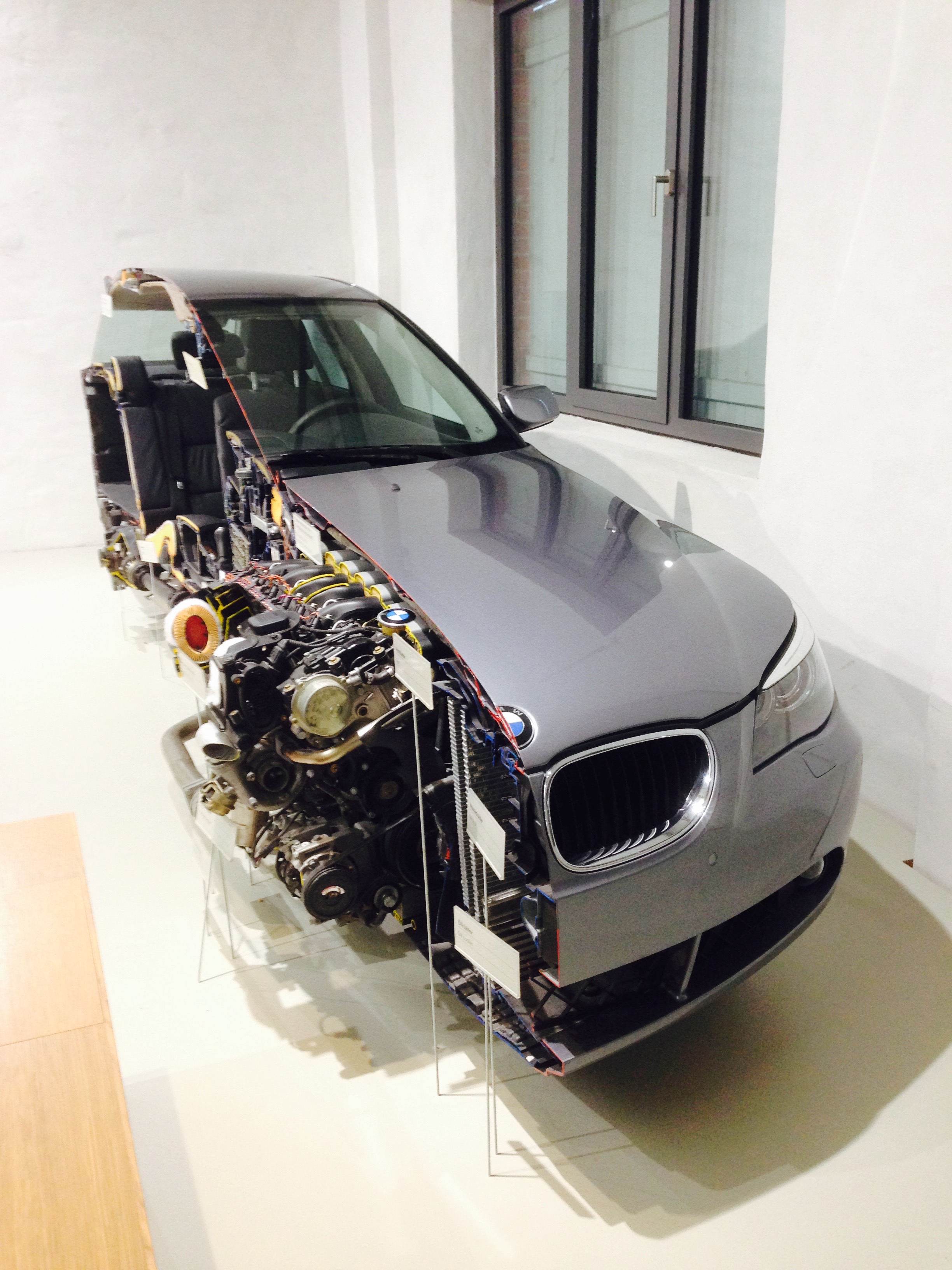
    Das Technische Museum Berlin


    FullSizeRender

    FullSizeRender 16

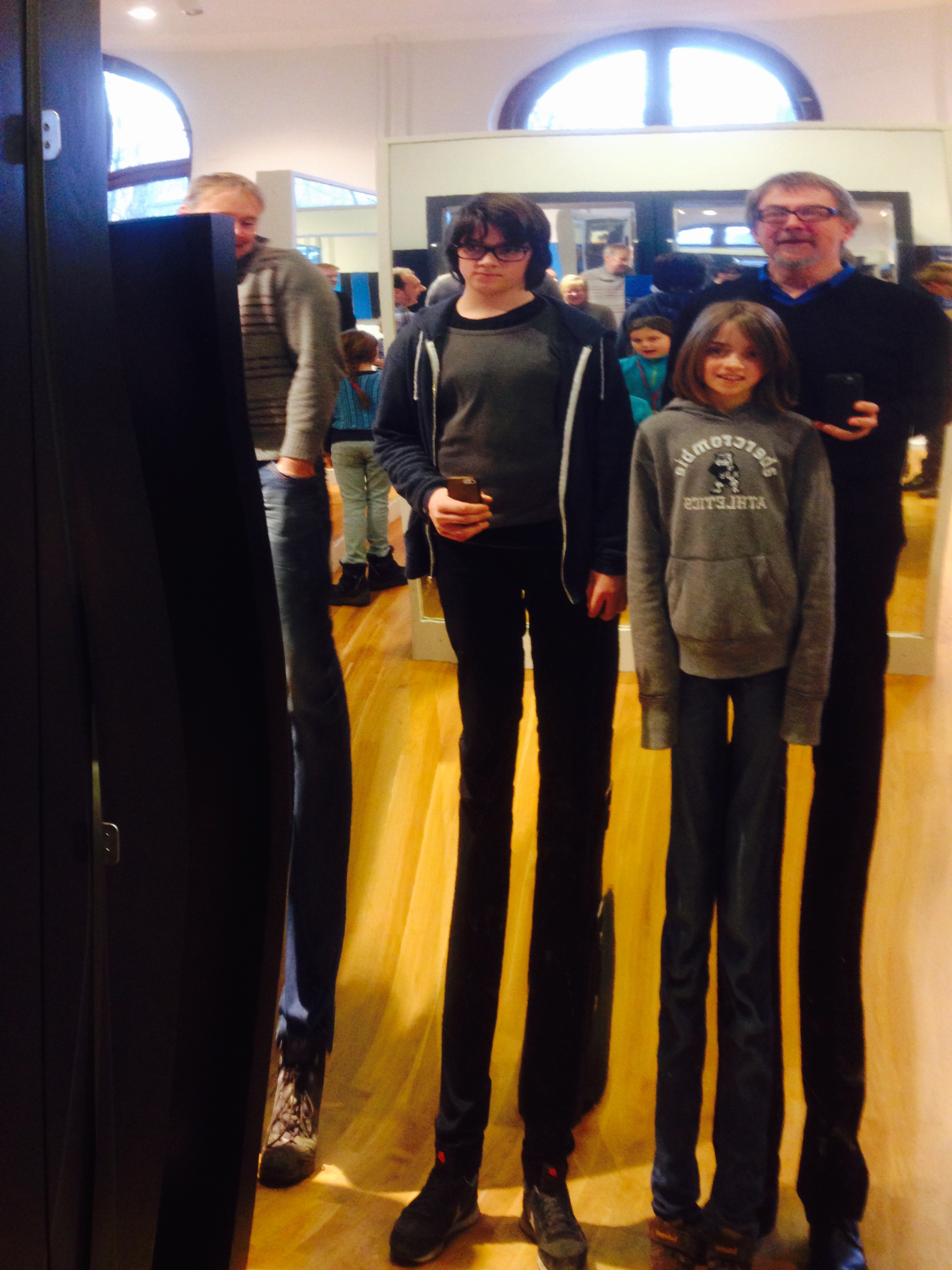
    Der Wind im Technischen Museum
    FullSizeRender 8

    FullSizeRender 21

    FullSizeRender 17


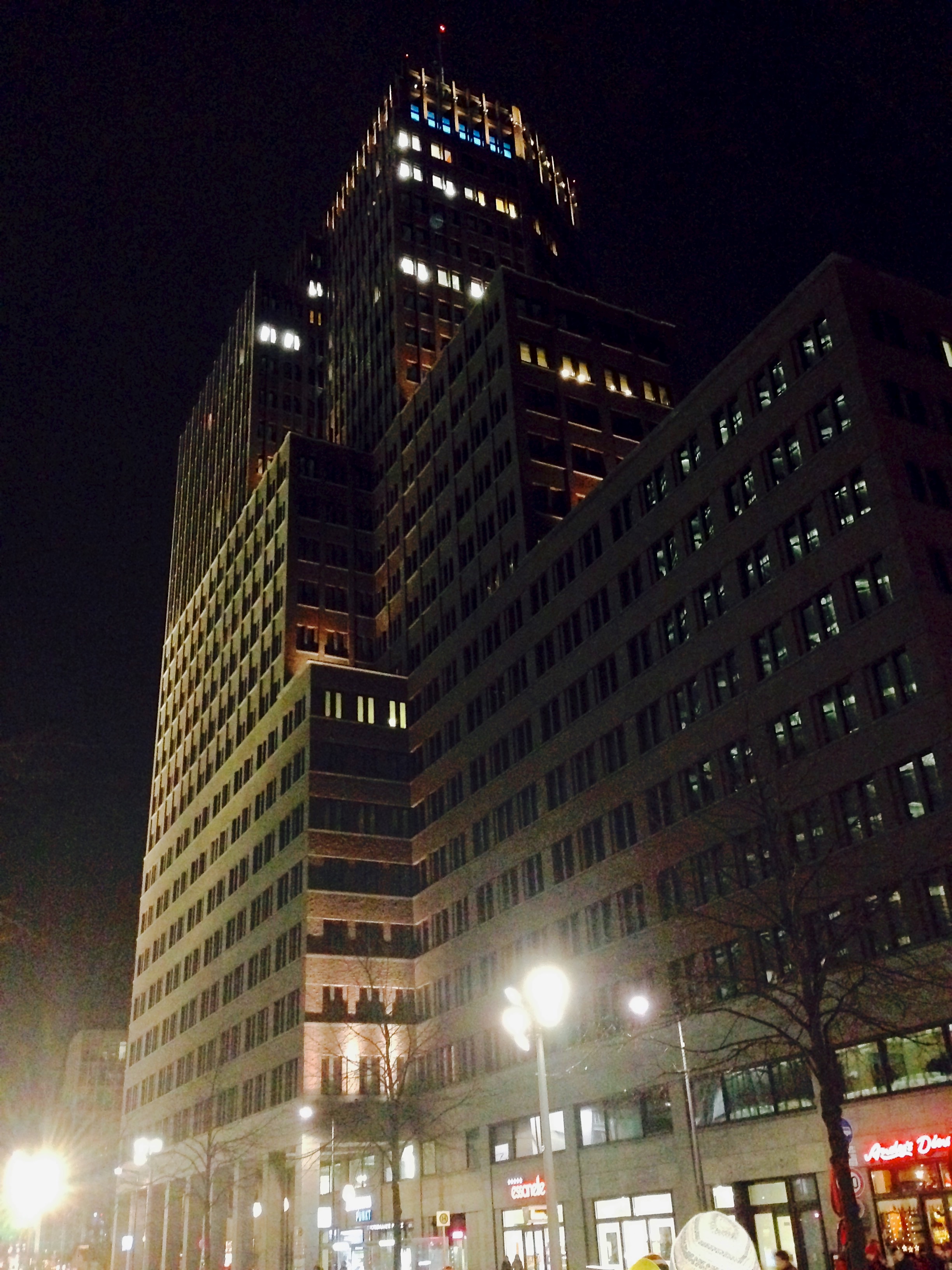
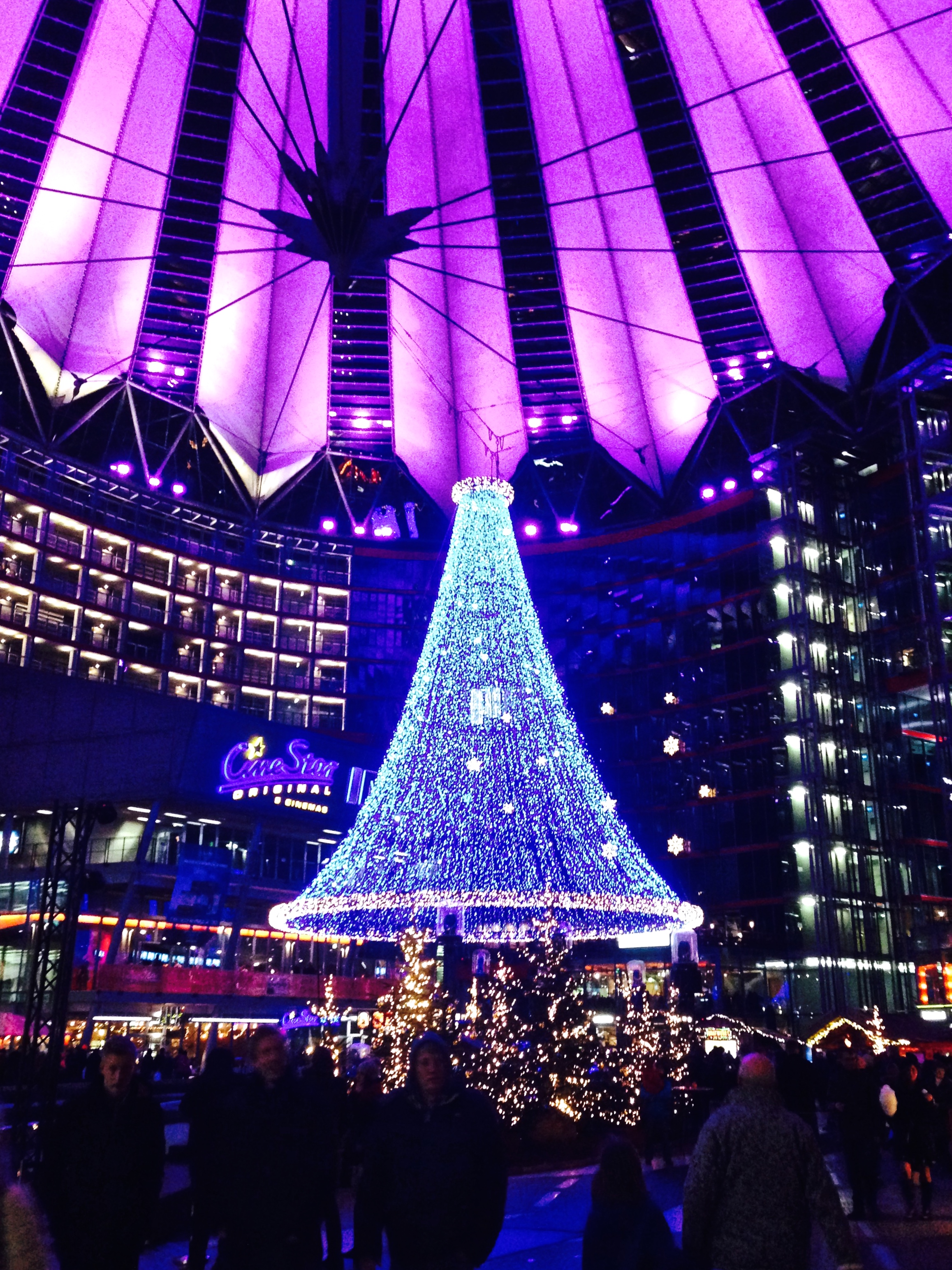
    Potsdamer Platz


    Der Wind verfolgt uns


    FullSizeRender 9

    FullSizeRender 12

    FullSizeRender 19

    IMG_4479

    FullSizeRender 7

    FullSizeRender 24

    FullSizeRender 13


    Donuts for dinner


    FullSizeRender 15

    FullSizeRender 6

    FullSizeRender 11


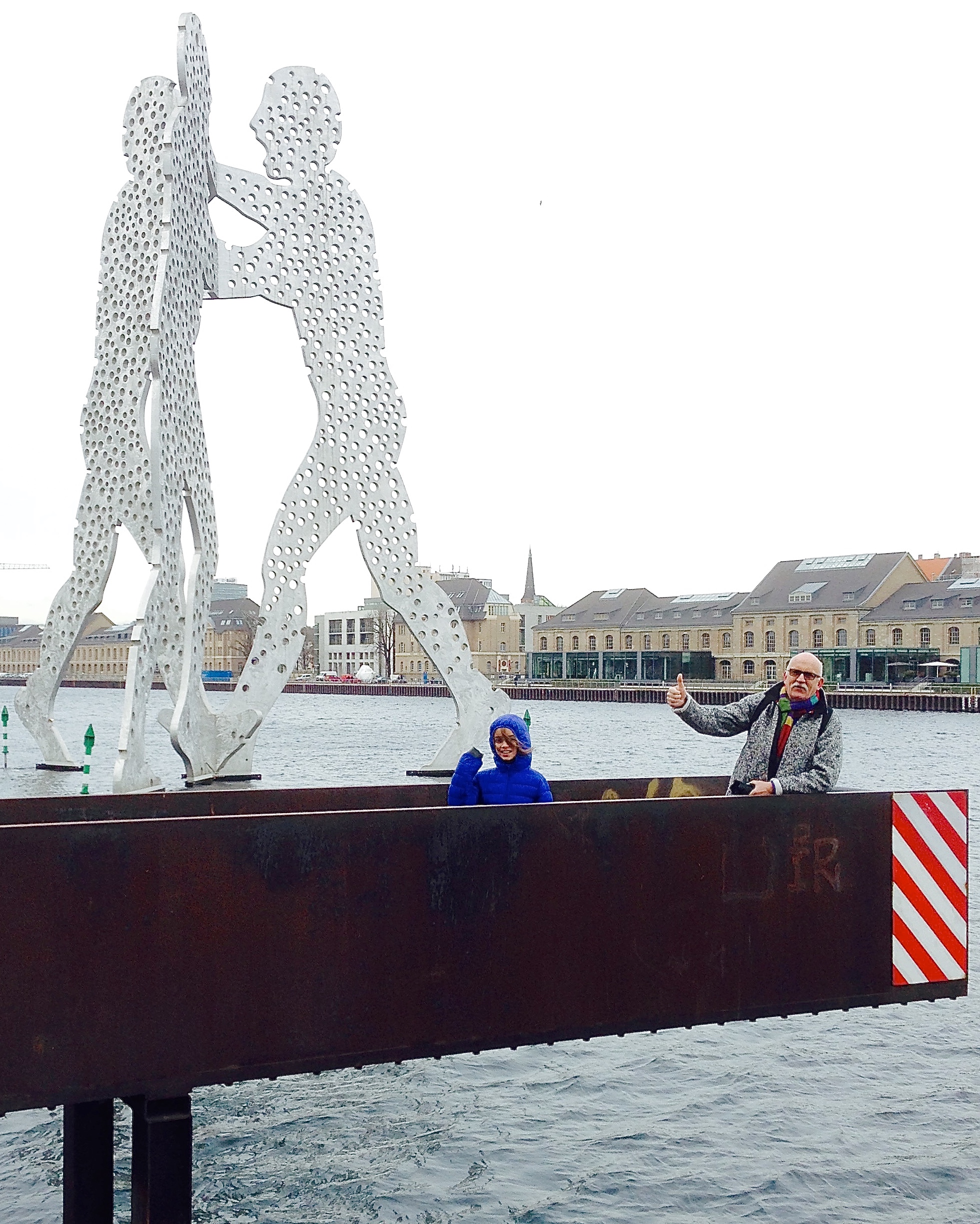
    Molecule Men


    FullSizeRender 3

    FullSizeRender 4

    FullSizeRender 25

    FullSizeRender 18

    FullSizeRender 20

    FullSizeRender 22

    FullSizeRender 23

  • The Academy of Observation

    PIR

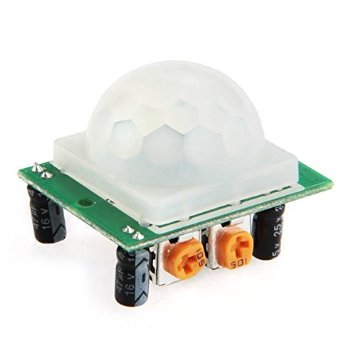
    PIR sensor

    From blypower via Amazon
    How do PIR sensors work?

    • € 2.79
    • Operating voltage: DC 5 – 20 V
    • Static consumption: 65 microamps
    • Adjustable delay time: 0.3 to 18 seconds
    • Range: 7 m
    • Size: 3.5 x 2.5 x 2.5 cm
    • Blockage time: 0.2 s
    • Temperature range: -15’C – 70’C
    • Weight: 9 g

    3-pin connector labelled


    VCC
    OUT
    GND

    Preset pots labelled


    SX – sensitivity
    TX – time anticlockwise = min. (min. seems to be about 3 sec)


    PIR_bottom
    PIR_top_no_lens

  • Sunday

    IMG_0660.JPG
    IMG_0669.JPG

    IMG_0689.JPG

    IMG_0693.JPG

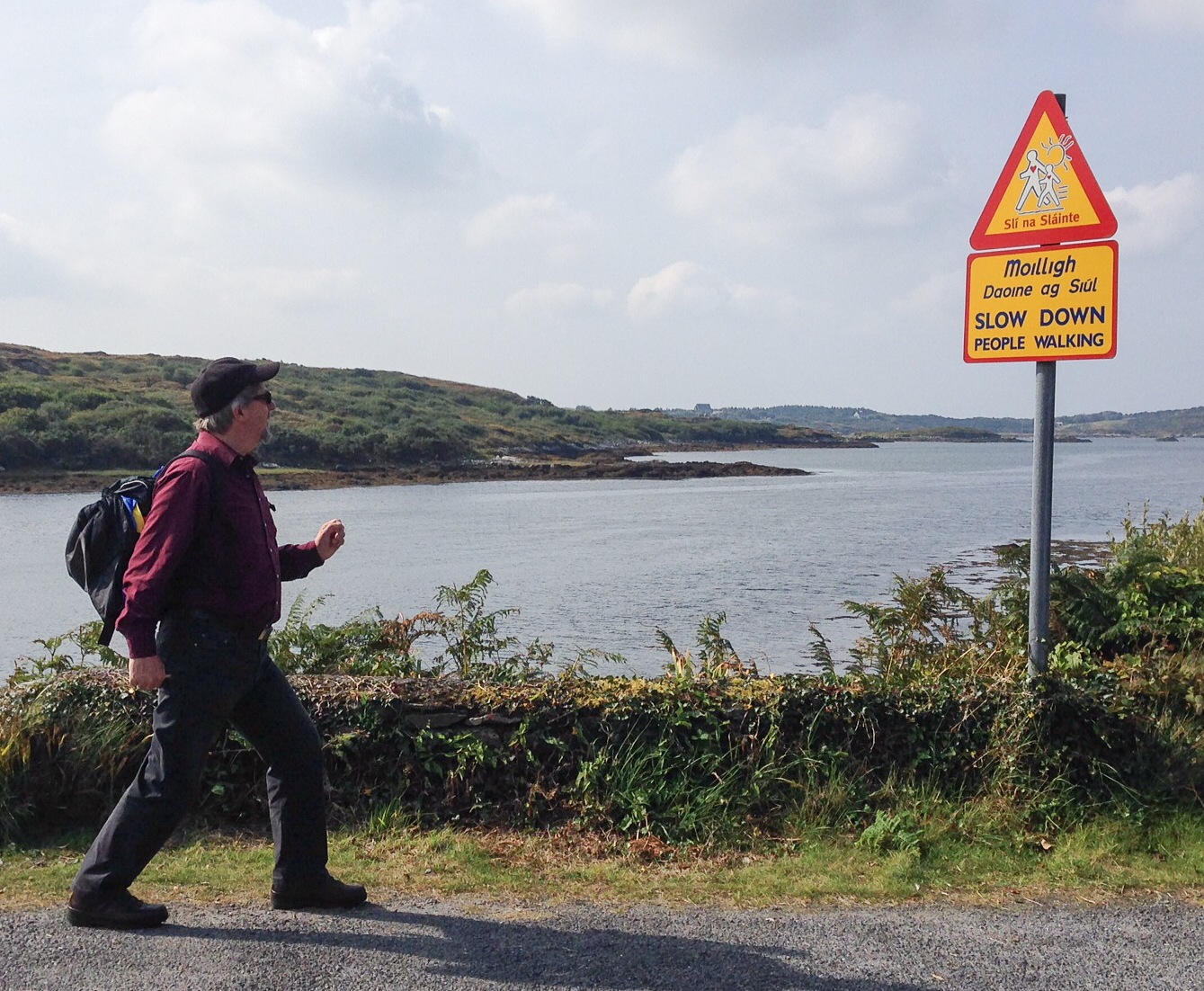
    I’m going as slow as I can …
    IMG_0691.JPG

    What a sight!

    IMG_0692.JPG
  • Weekend after week 3

    Laser cutting rules OK


    IMG_3157

    IMG_3159

    IMG_3160

    Now it just needs an arm, the electronics and the software …
  • Monday week 3

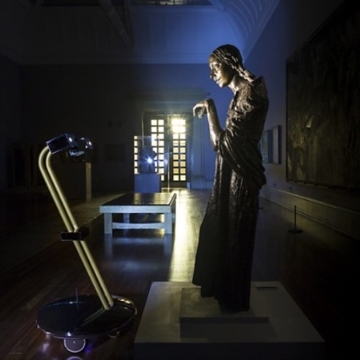
    ROBOTS LOOSE IN TATE BRITAIN!

    ea01cb8c-9e85-44be-bb90-8b7e84555115The Space reports. Four robots will be roaming the galleries of Tate Britain after hours this weekend (15 – 17 August). After Dark offers people from all over the world the chance to control one of the robots’ routes around the Tate and to see through their ‘eyes’.

    After Dark won the inaugural IK Prize 2014, a new annual prize presented by Tate to celebrate digital creativity, supported by the Porter Foundation.

    Niklas and Kati

    Their web sites are here and here.

    Cyberbeetle from Kati Hyyppä on Vimeo.

    Niklas Roy – My Little Piece of Privacy from Le Studio MAC Créteil on Vimeo.

    Can we make walking machines as silly as John Cleese?


    4 hours to print & then this

    IMG_3005.JPG

    Wooh! Presents!

    IMG_3009.JPG

    IMG_3011.JPG

    Treasure trove – All of these beautiful things to use

    IMG_3013.JPG

    To make one of these

    IMG_3021.JPG

    Or one of these

    IMG_3022.JPG

  • Ideas

    EDIT

    The FRAME

    • House with several stories
    • Mirror(s) in the middle
    • Turn bicycle? crank at bottom to move everything
    • Birds on roof
    • Chimney sweep
    • Children playing (seesaw) at bottom
    • Parcel man ringing doorbell
    • Water plants
    • Clean windows
    • Drink coffee
    • Cat walking on balcony
    • See Article on Probošt’s mechanical Christmas crib


    The WATCHDOG

    • Dog with bone, eyes closed, seated.
    • Touch the bone, dog stands up, opens eyes, barks.
    • The longer you hold the bone, the more he barks – n times.
    • When you let go, it sleeps for n minutes, then wakes up and barks until you touch the bone or for 20 seconds.
    • Power by rechargeable batteries
    • Power only applied by touching the bone
    • When cycle has finished, turn off the power


    http://cmucam.org/projects/cmucam5/wiki/Can_Pixy_do_face_tracking_face_detection_or_facial_recognition
    http://cmucam.org/projects/cmucam5/wiki

    Kinect Arduino – Google?

    Leap Motion – Arduino – needs PC/laptop …

    A few links


    EL wire

    el-light.de
    Experiments in dimming EL wire
    how to dim el wire current limiting the oscillator


    Tati’s Titfer

    mr-hulot-2This very polite hat is lifted whenever anyone approaches. What a gentleman!
    Add legs which move in 1 sec cycle as tick tock.


    Text me

    There is no need for polarized glasses or to stand in any particular location, this is the ultimate 3D display, which even includes the fourth axis of time to make the world’s first 4D visual display unit – a 4D-VDU (patent pending)! All that you have to do to put it to the test, is to send it a text message and it will display your message in glorious 4D-technicolour.
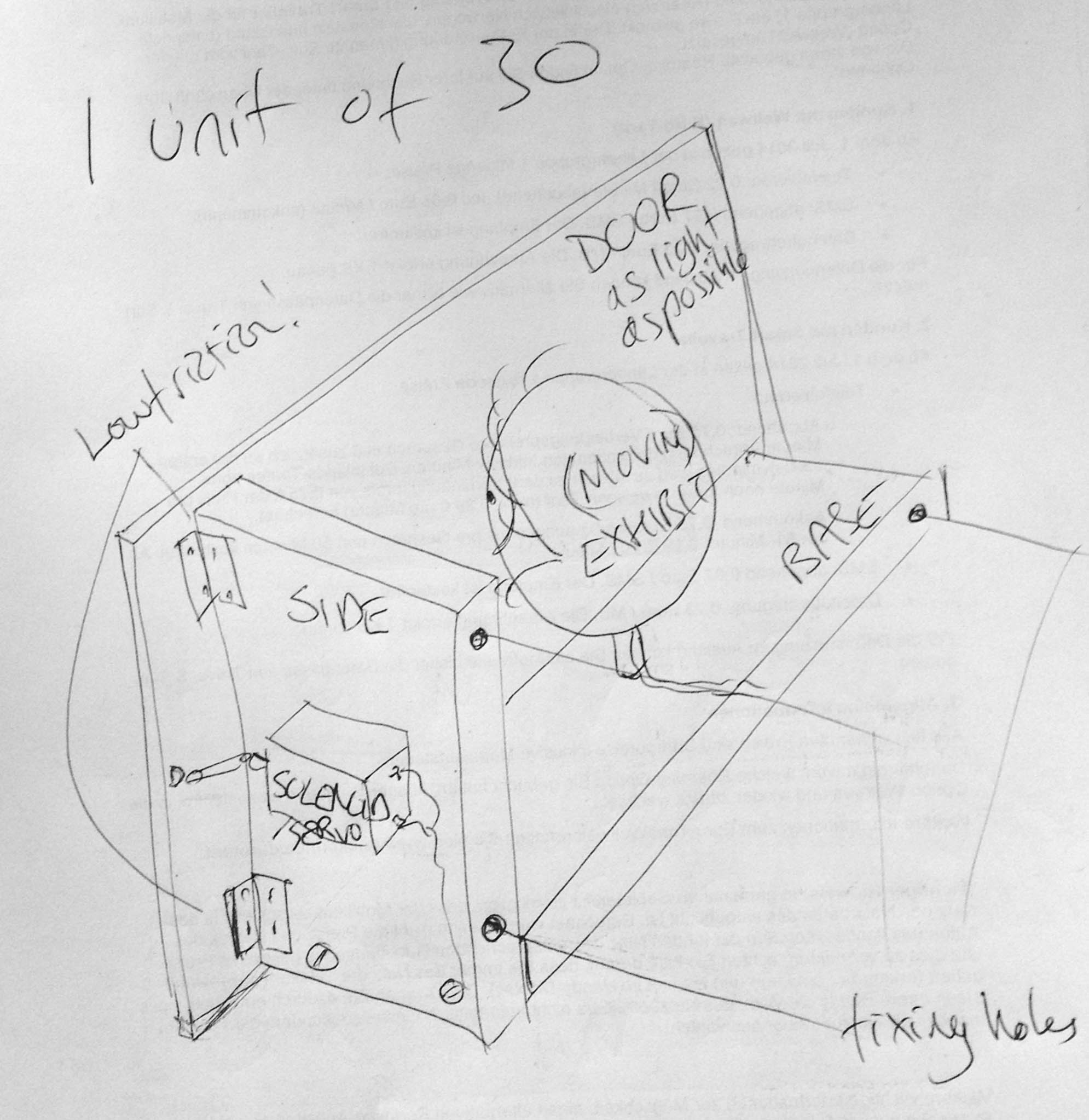
    Model_sketch

    • 30 boxes with doors
    • 5 rows, 6 columns
    • 1 solenoid or servo per box to open the door. Servo would be smoother. Which is cheaper?
    • €9.90 small servo plus driver.
    • 15 mm stroke 12V solenoid €10.79 Plus driver.
    • Each box contains a letter or something else
    • 1 to 26 = A to Z
    • 27 – 30 = something else = 4 jokers
    • When motion is detected, door opens showing “text me – 0176123456” message, lit up
    • For instance -When SMS received each letter opens door for 1 second, then next letter
    • For some letters, when door opens, something moves
    • “O” spins
    • “I” blinks
    • “X” scissors closing & opening
    • Keywords initiate some other behaviour
    • Prompt for “haven’t got a phone?” – door opens on gun
    • Some letters laser-cut
    • Some letters 3D printed
    • Typewriter type mechanism? Might be too slow …

    #1 There’s no arm in ’em

    • Multiple armed god(ess).
    • Arms counterbalanced to make easier to move.
    • Not Indian-looking, goddess-looking. Modern technical goddess
    • Rotating, hypnotic spiral eyes.
    • Arms move to show changing postcards/smartphones.
    • Buy old smartphones / iPod Touch as displays?
    • Games consoles are cheap e.g. EUR 60
    • Maybe wrists twist 180° turn to reveal image.
    • Reacts to approach
    • Make body move like Paul Spooner’s Olympia?
    • Send SMS, then text is displayed one letter at a time

    6-armed goddess


    #2 The Edward Snowden Academy of Observation

    • 16 eyeballs open when you stand in front of unit
    • They track your movement left to right
    • They close when you go away
    • They blink every few seconds when open
    • Row of green plants in front

    #3 Dental Clock

    • Two rows of teeth
    • Each tooth moves up & down separately
    • Eyes & ears could wiggle too
    • Eyes could show the time?
    • Fan to blow hair up
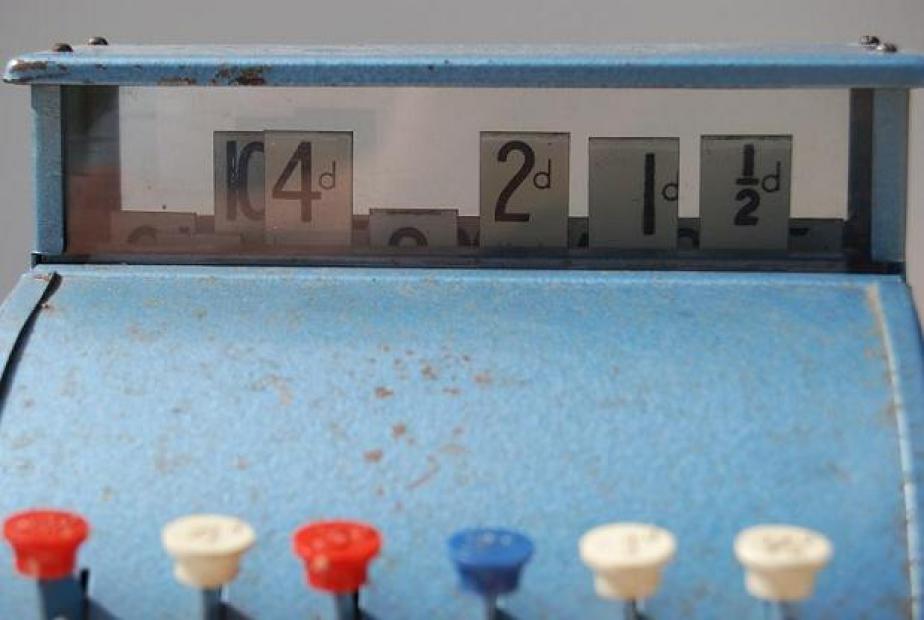
    • Eyes like a cash register
    • Mechanism like slide projector for eyes

    138_2

    Things could happen

    • every second – tick
    • each minute
    • every 15 minutes
    • each full hour

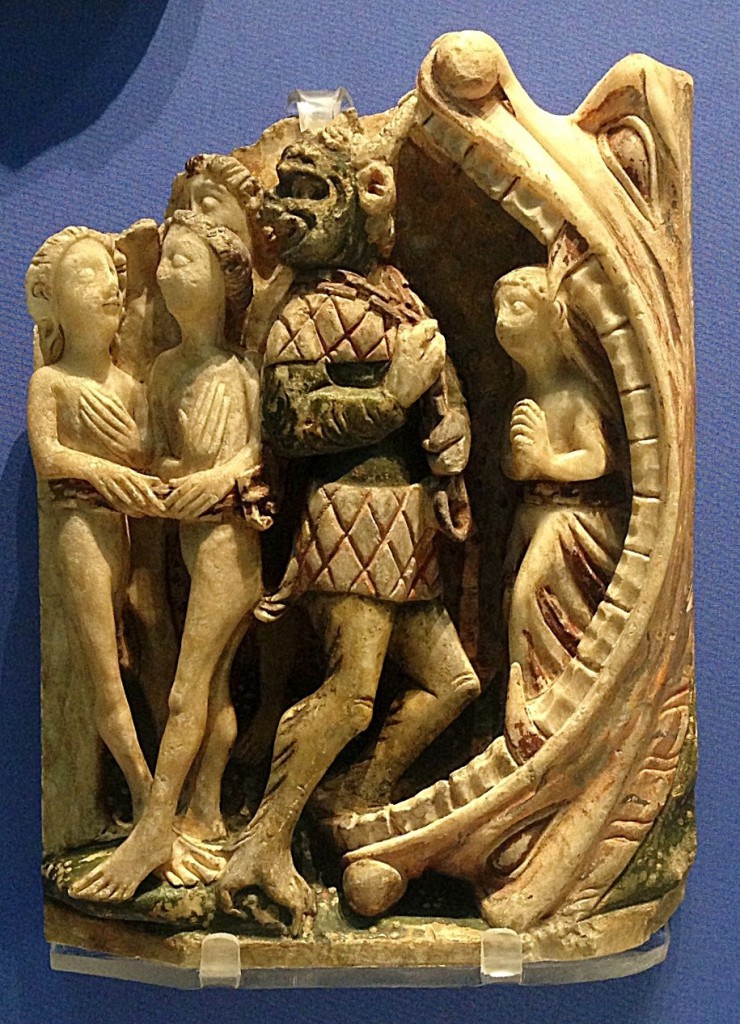
    At the jaws of Hell?

    Being dragged into the jaws of hell
    Being dragged into the jaws of hell

    €5 solenoid
    12V solenoid
    €9.90 small servo
    Cheap linear actuator
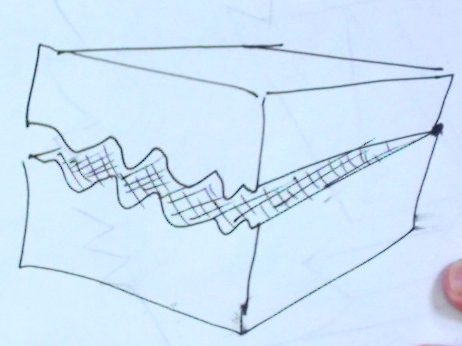

    #4 Who’s there?

    • Box with lid.
    • Only opens when there is a noise e.g. Knock, knock,
    • Opens just a crack at first and then fully e.g. if you sing.
    • Snaps shut if you get too close … Starts to shake?
    • On wheels so that shaking is more visible?

    Nervous box
    Nervous box


    #5 Mirror mirror on the wall

    • Eyes pop up to look at you
    • Sensor locates you and moves eyes
    • Something lights up behind the mirror
    • 1-way mirror film

    #6 Physical Space Invaders

    On-line example


    Light Relief

    • Hanging from light
    • Swinging corkman
    • Upside down automata
    • React to approach
    • Swivel spotlight
    • Make 3
    • Pan/tilt
  • Kletterlampe

    Going up, going up, going up, up, up

    kletterlampe

  • Test 2 as post

    Test 2 as post

    [post_map type=”ROADMAP” zoom=”5″ current=”off” style=”width: 50%; height: 400px; border: 1px solid #000; margin: 5px;” all=”on” photos=”off” traffic=”off” weather=”on” temperature=”C” directions=”off” distance=”M” panel=”off” link=”off”]

    Now is the winter of our discontent. Now is the winter of our discontent. Now is the winter of our discontent. Now is the winter of our discontent. Now is the winter of our discontent. Now is the winter of our discontent. Now is the winter of our discontent. Now is the winter of our discontent. Now is the winter of our discontent. Now is the winter of our discontent. Now is the winter of our discontent.

  • Being creative

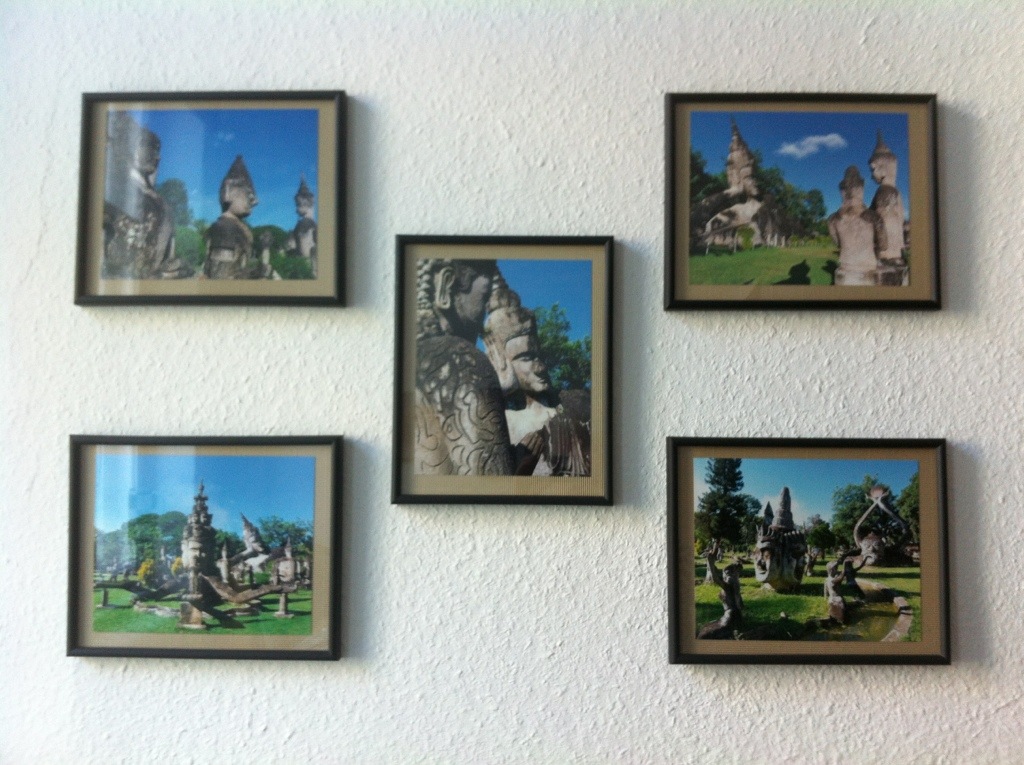
    Die neue Fotoserie im Arbeitszimmer!
    Love Gerhild
    20130513-082412.jpg

  • Berlin style

    So sind die Portionen hier im Norden.

    20130512-141327.jpg

  • KK

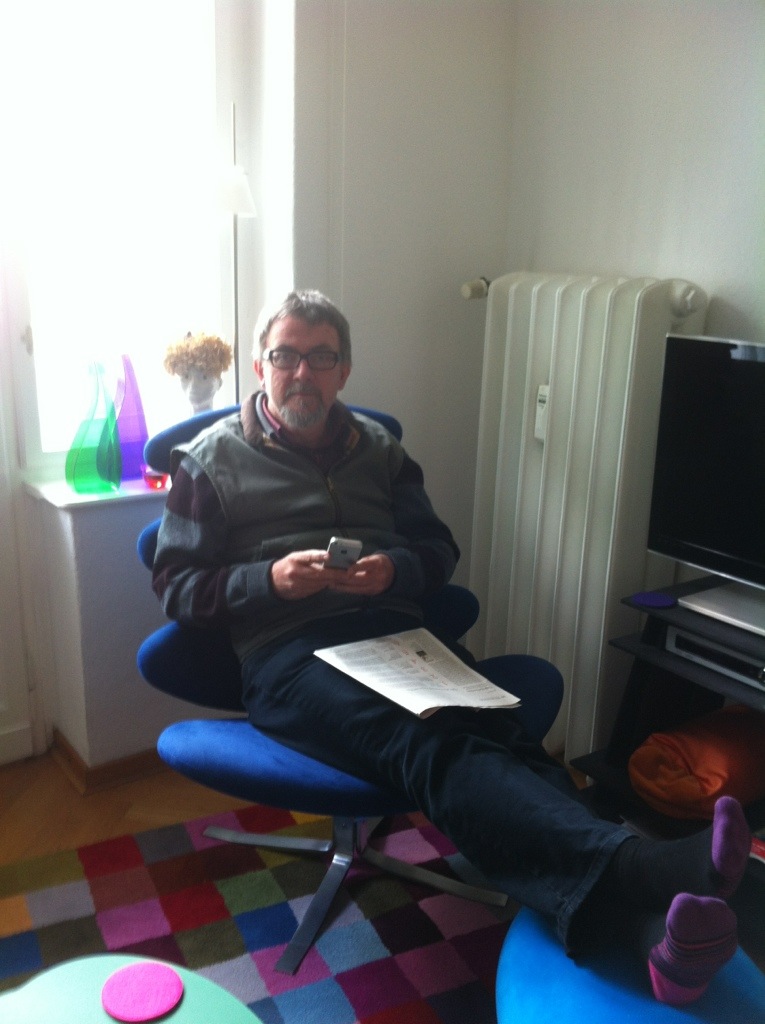
    Kim kann deine Gedenkstunde gut gebrauchen! Er kränkelt-Lunge etc
    20130512-130414.jpg

  • Neidisch

    ….in Berlin ist’s auch schön!

    20130510-173616.jpg
    Kurz geschoren für die Reise

    20130510-173830.jpg

  • Spargel

    Ein Schnaps gefällig nach jede Menge Spargel mit Butter!
    20130509-134055.jpg

  • Himmelfahrt

    Good morning, first things first!

    20130509-090416.jpg