Our Adventures

Category: School of machines

  • Monday week 1

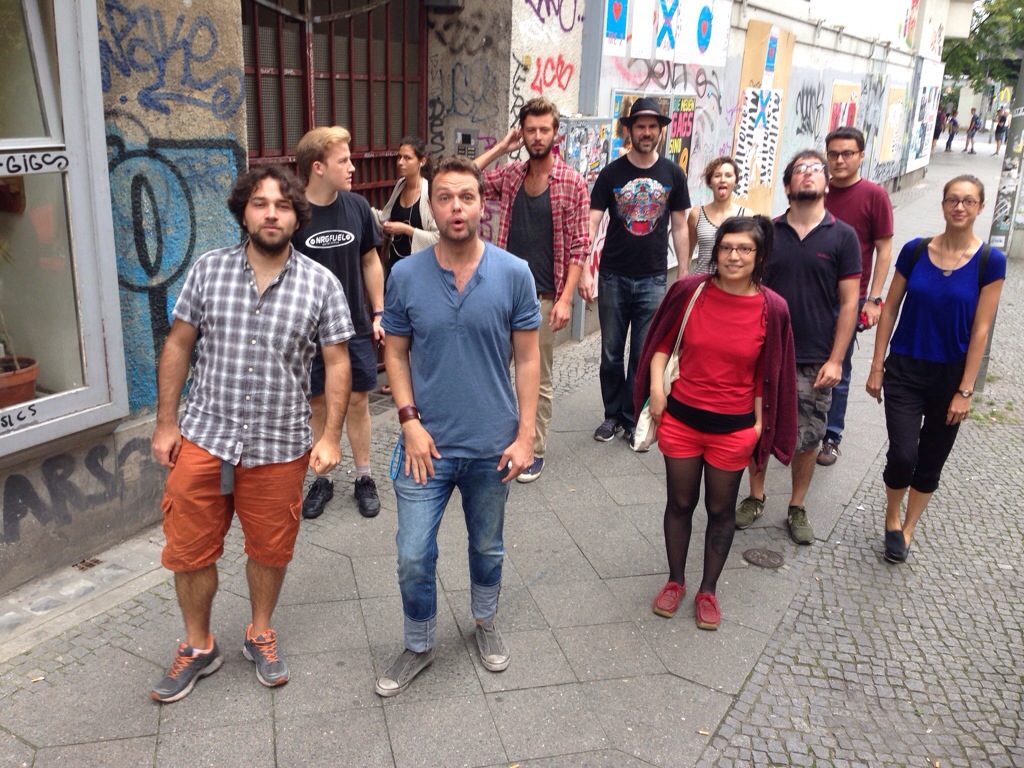
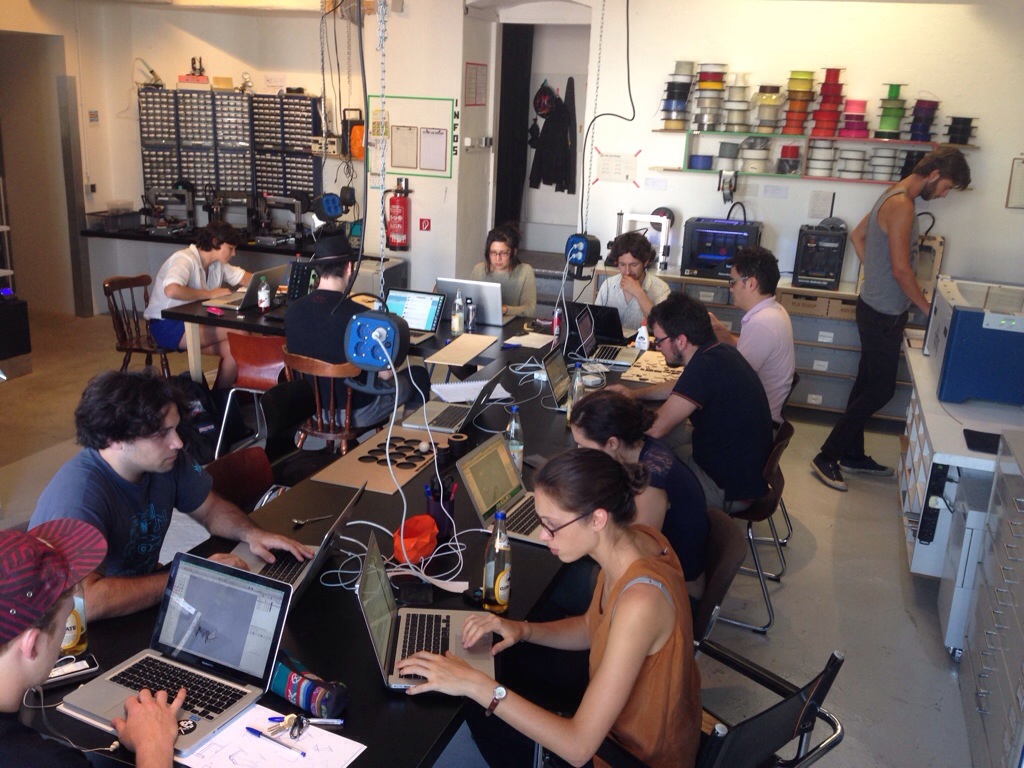
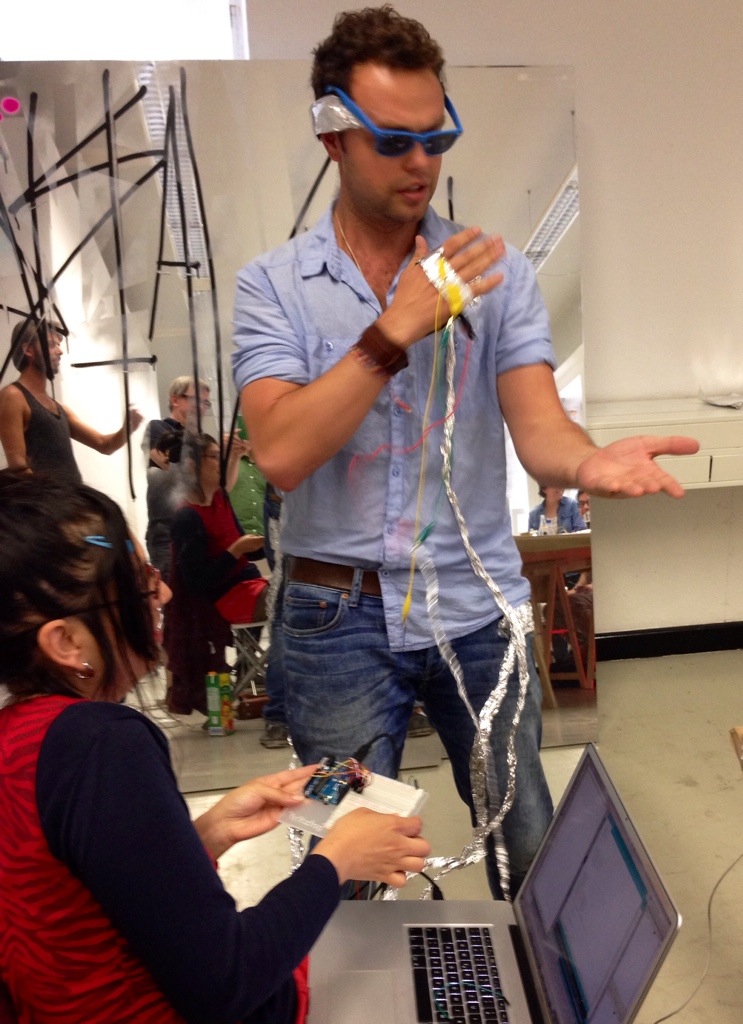
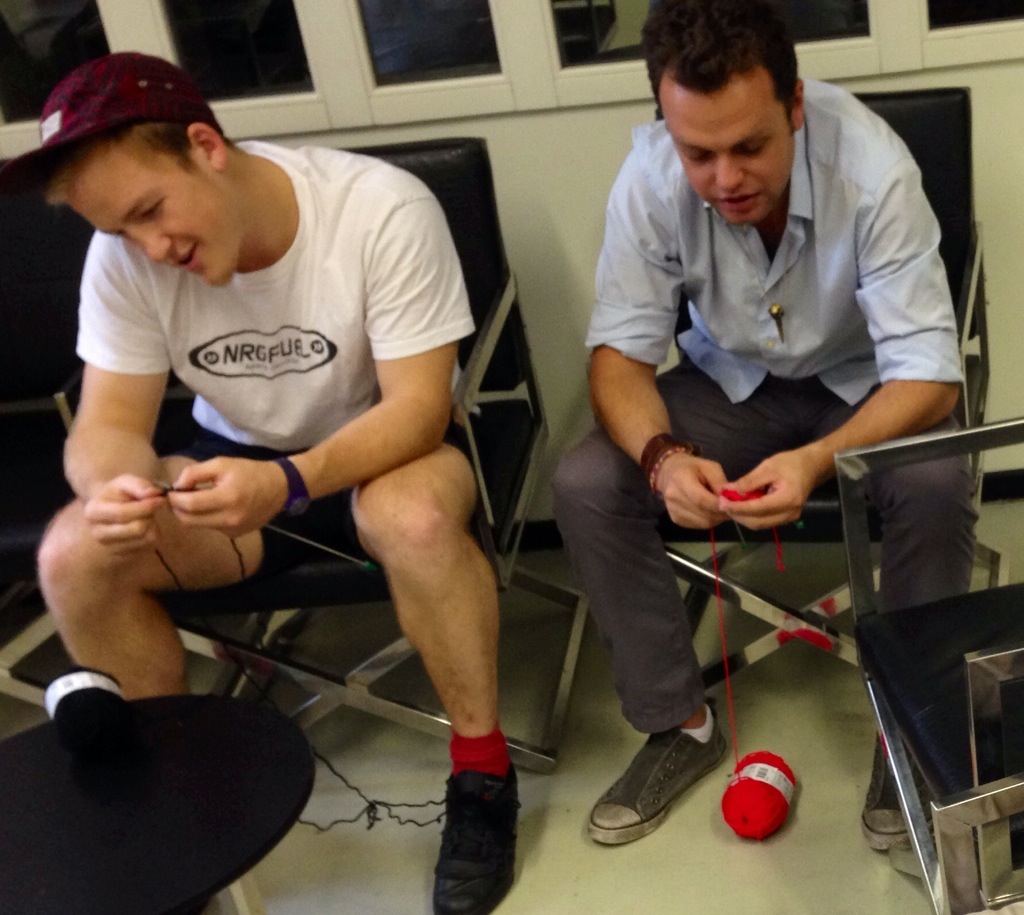
    Getting to know one another

    20140804-143139-52299982.jpg

    Looking for lunch

    20140804-143235-52355347.jpg

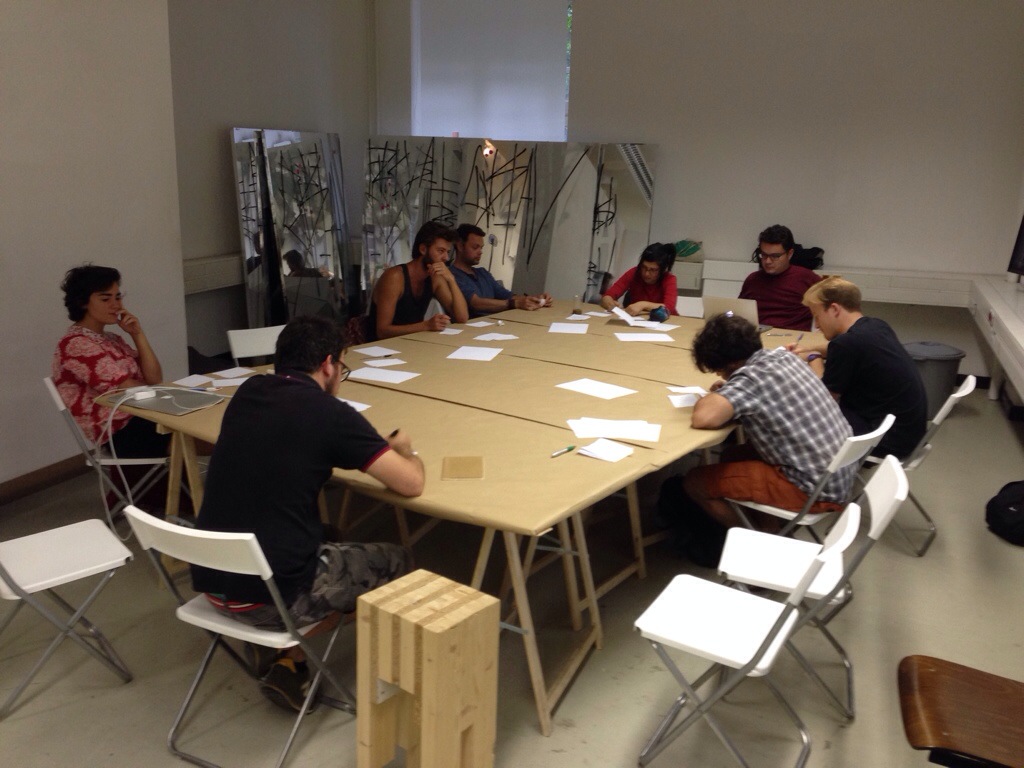
    Asking questions

    20140804-143324-52404342.jpg

    Some questions –

    • How do I make things that don’t fall over?
    • Why do people like to use technology?
    • How can I use a laser-cutter to teach calculus?
    • How do I decide what to learn first when there is so much I could learn?
    • Why do things have to be useful instead of playful?
    • Does the Arduino world include magnetic sensors?
    • How do I make large things?
    • What do people think of Phidgets?
    • What do people think of Gogoboard?
    • Do you know Daito Manabe?

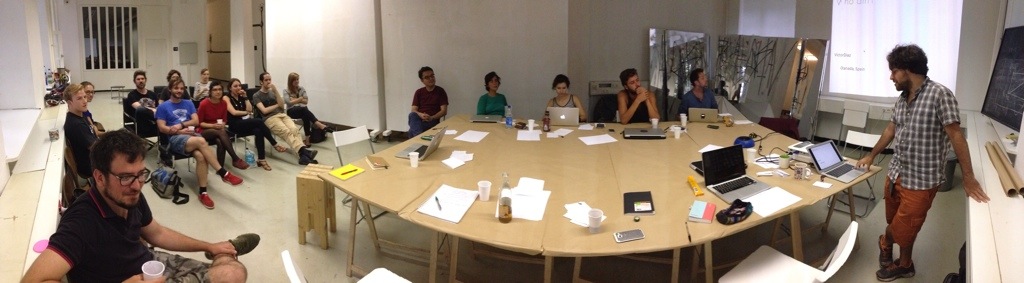
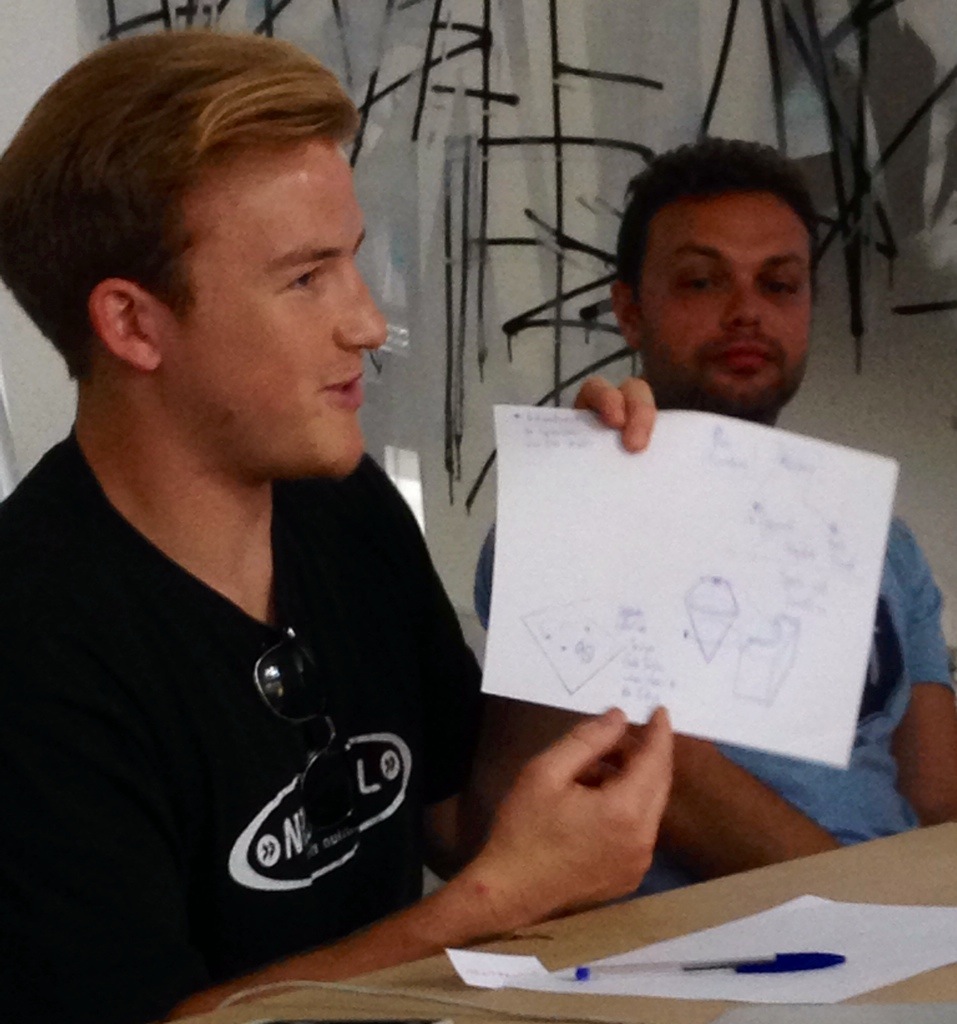
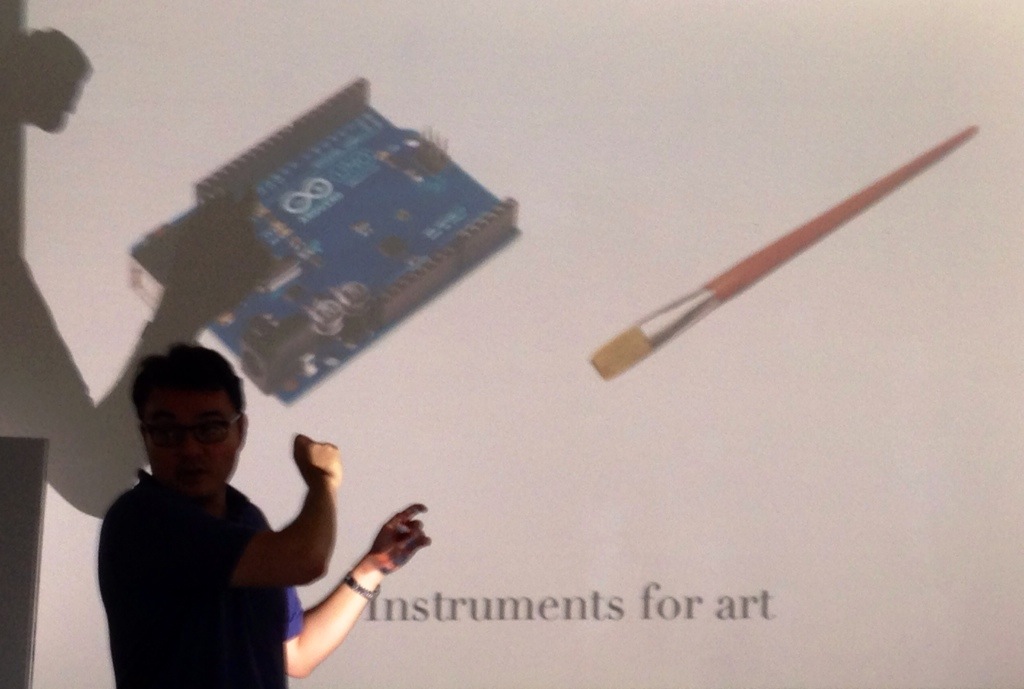
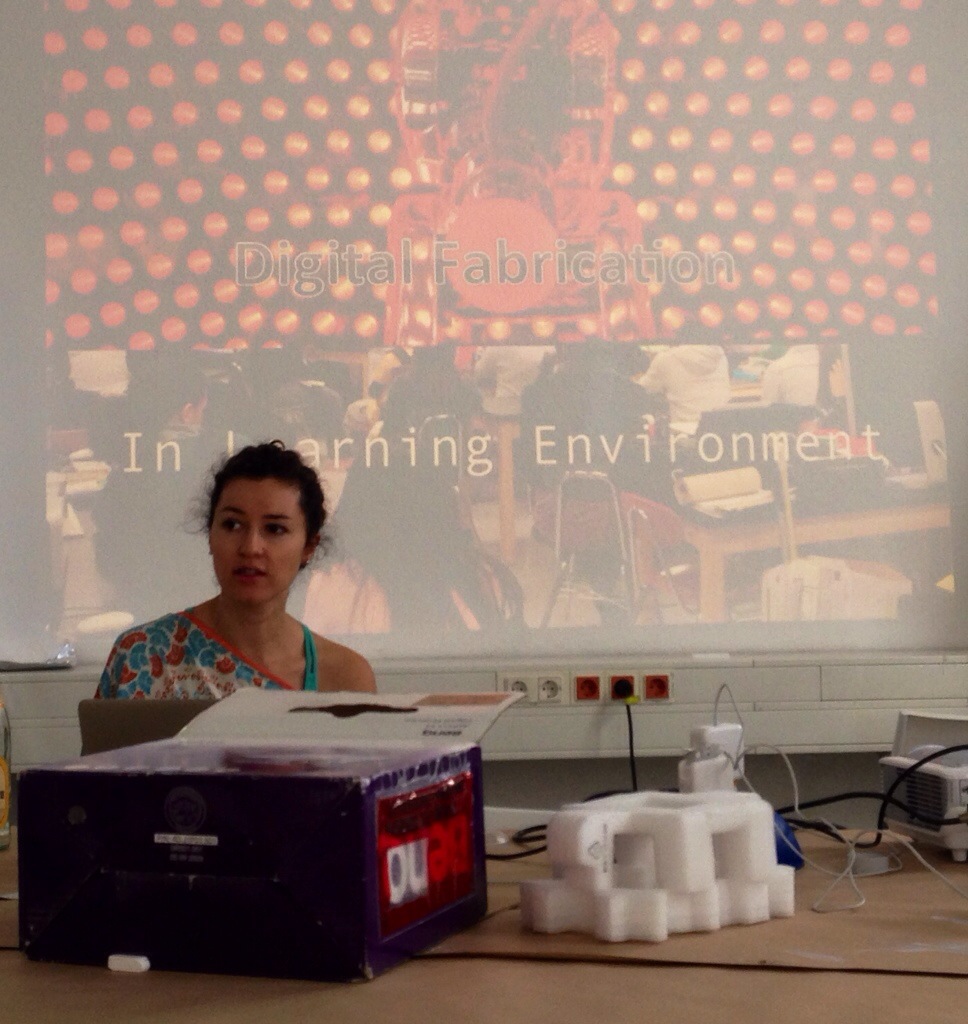
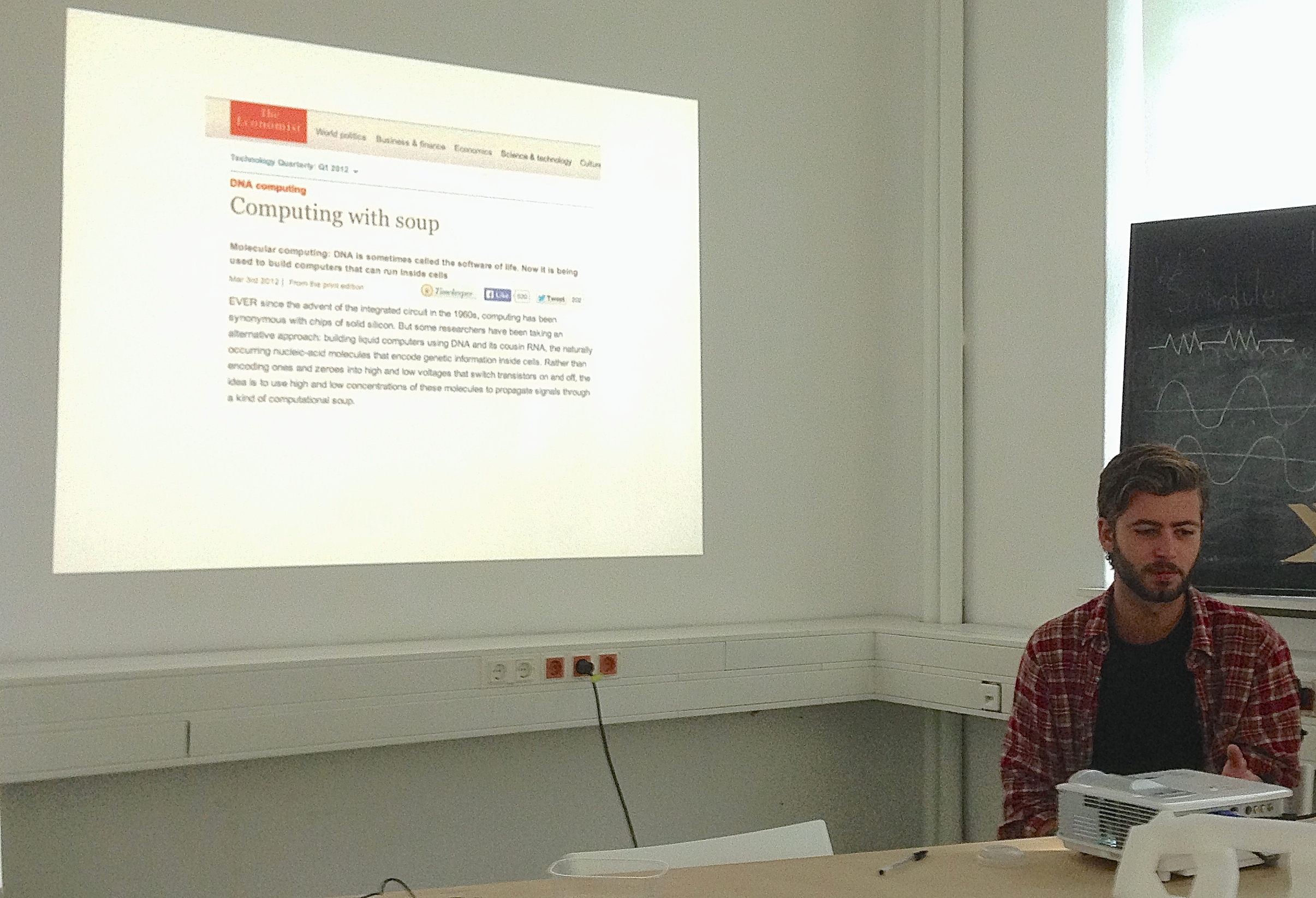
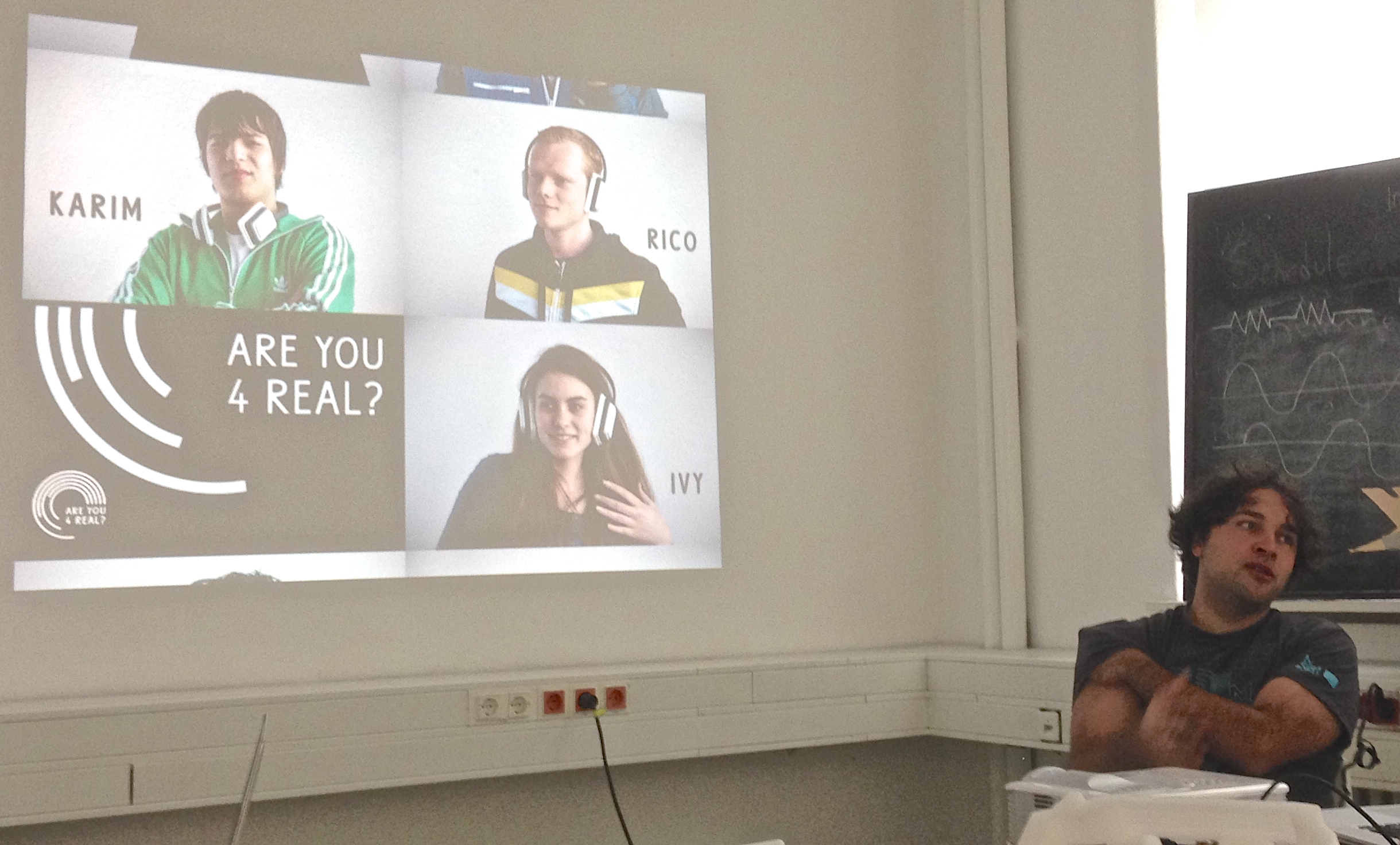
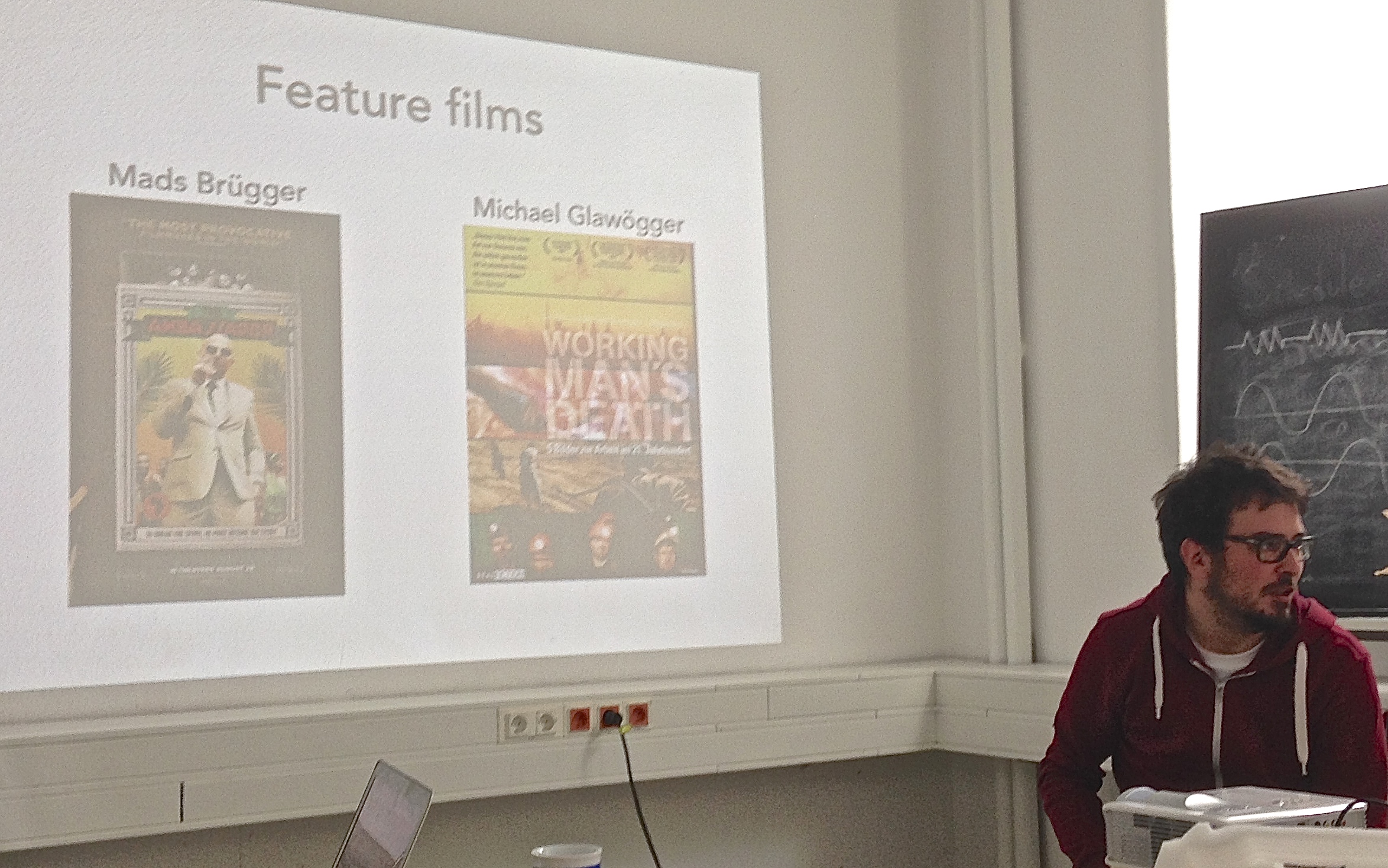
    Presentation time

    20140804-203322-74002543.jpg

    20140804-203341-74021703.jpg
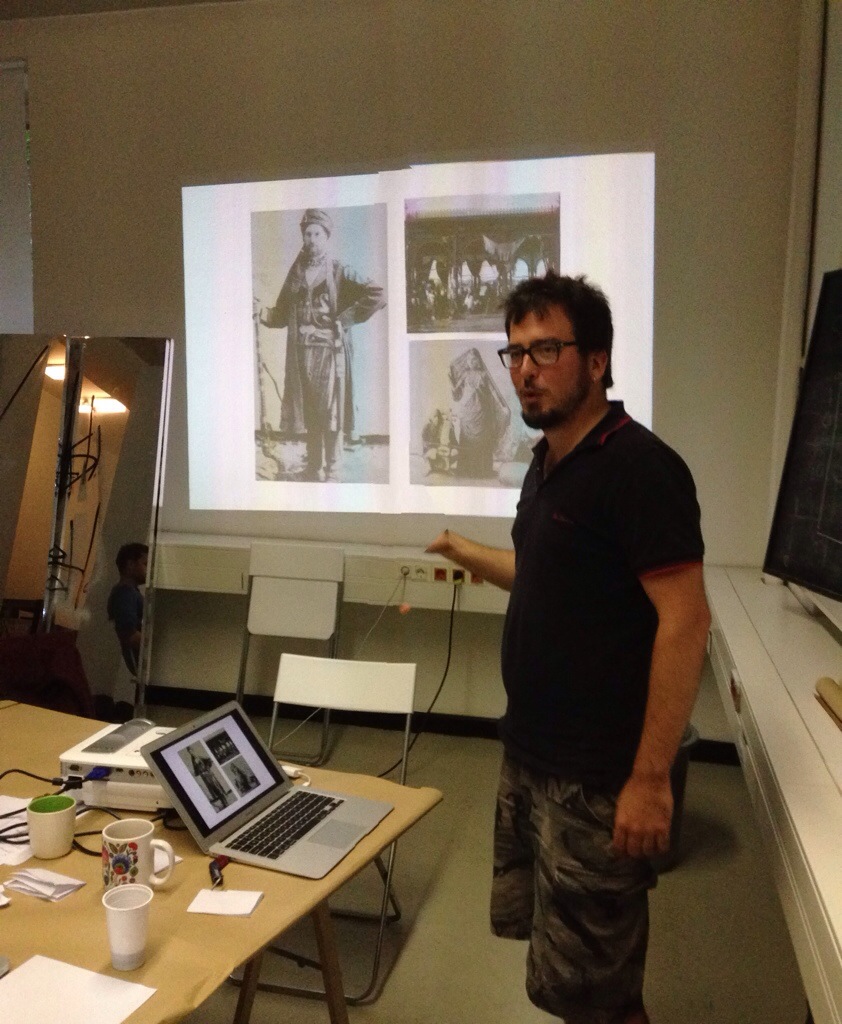
    Federico Peliti

    20140804-203355-74035984.jpg
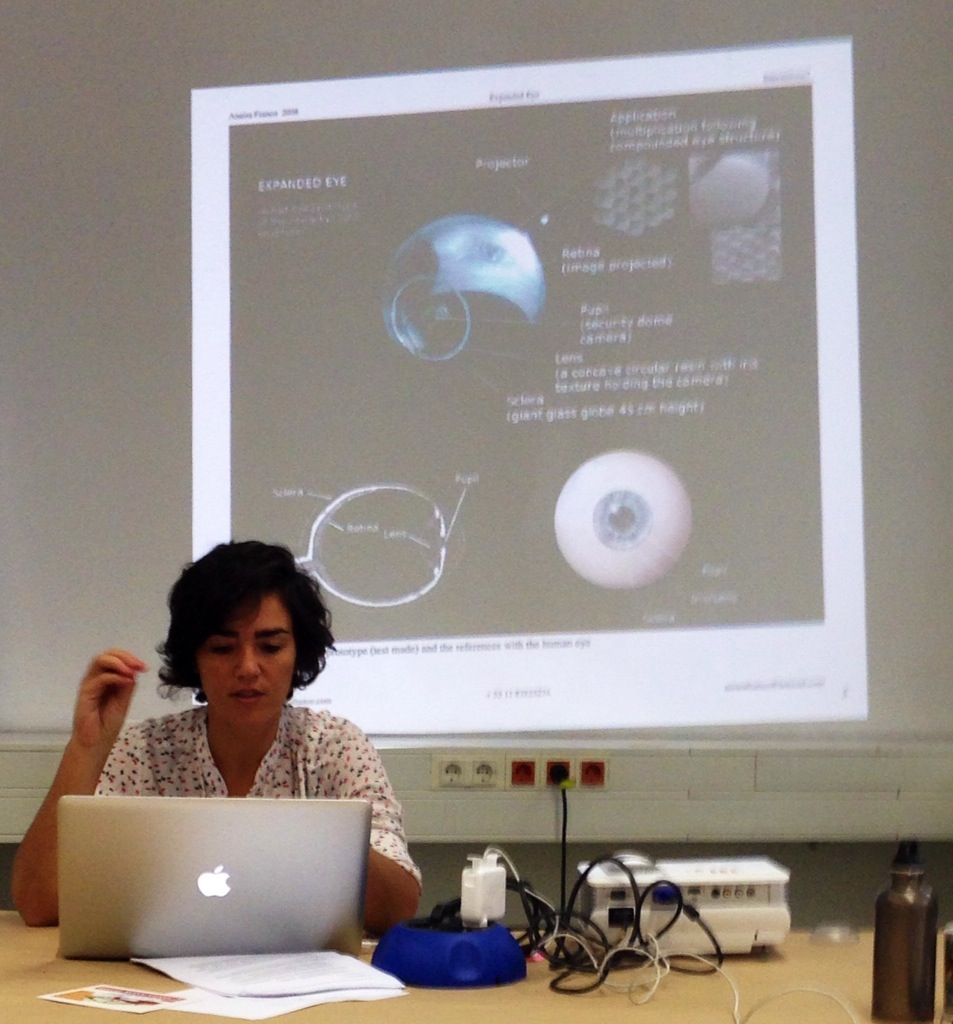
    Anaisa Franco


  • Tuesday week 1

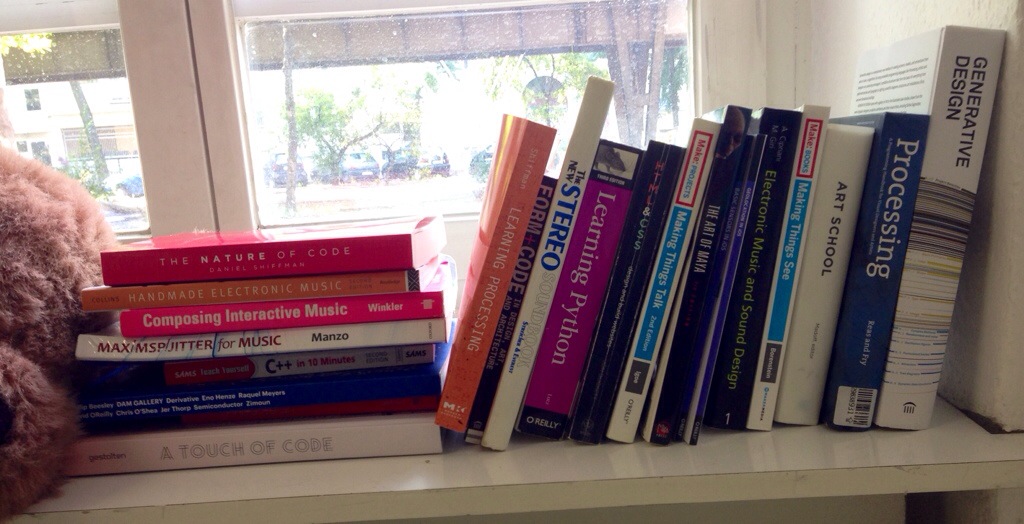
    The library
    20140805-120630-43590072.jpg

    Things are certainly starting to move around here

    €7,95 from Conrad (get yours here)

    Caitlin gets going

    20140805-120701-43621800.jpg

    Single-goal systems

    20140805-120856-43736519.jpg

    As a thought exercise –

    Take 2 electronic components – speaker, servo, LED, motor, spring, etc.

    Take a trait

    • passive aggressive
    • adventurous
    • optimistic
    • depressed
    • curious
    • aggressive
    • distracted
    • submissive

    Think of something!

    Tom’s idea

    20140805-120932-43772431.jpg

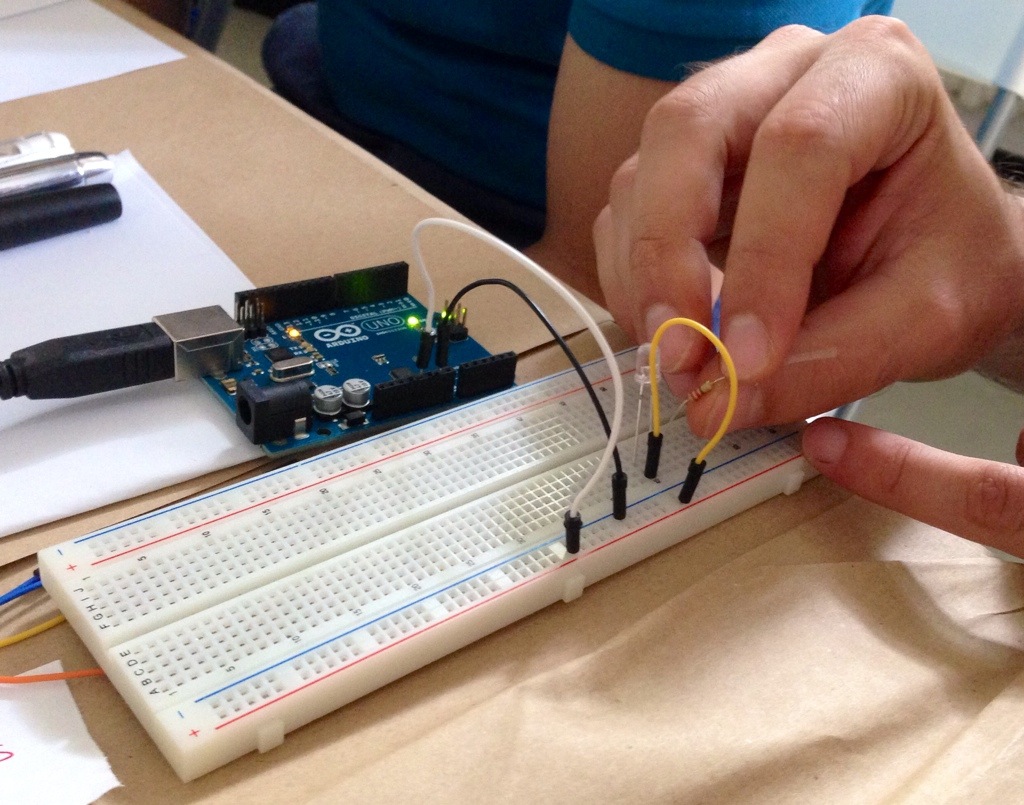
    Wayhay our first circuit!

    20140805-140214-50534923.jpg

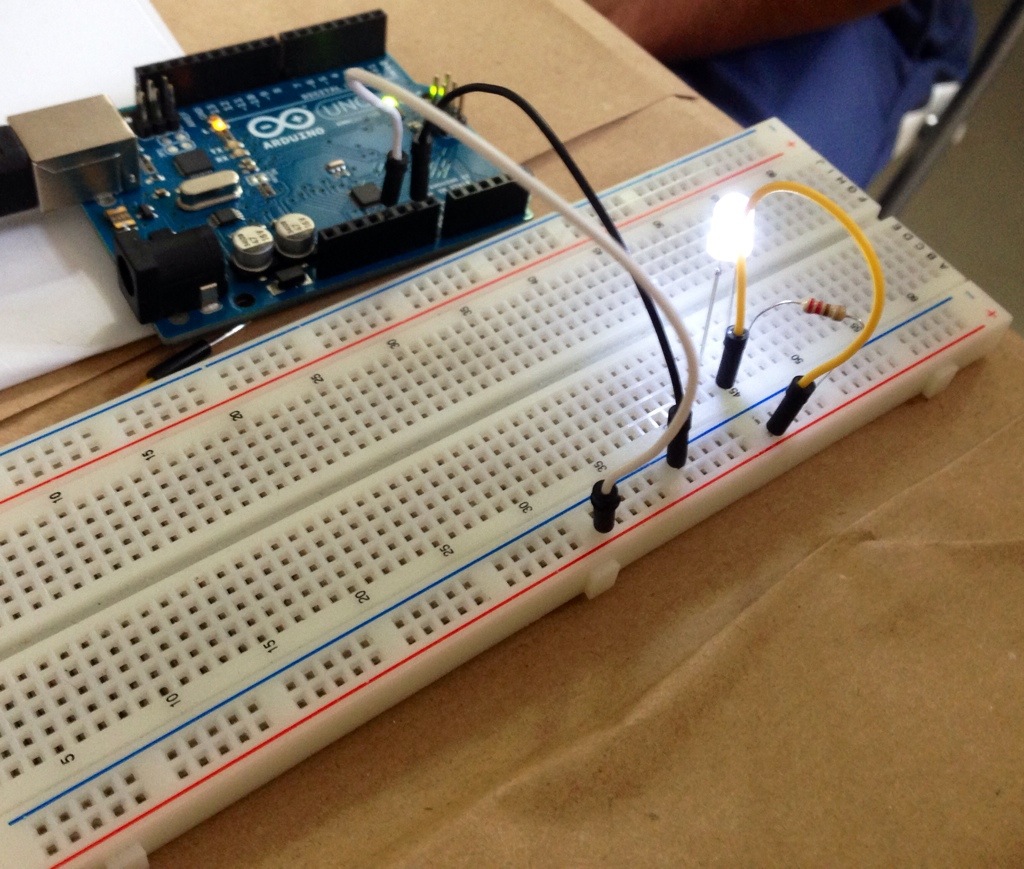
    An illuminating experience

    20140805-140311-50591643.jpg

    Download the Arduino software for your laptop.

    Here are the commands you can use.

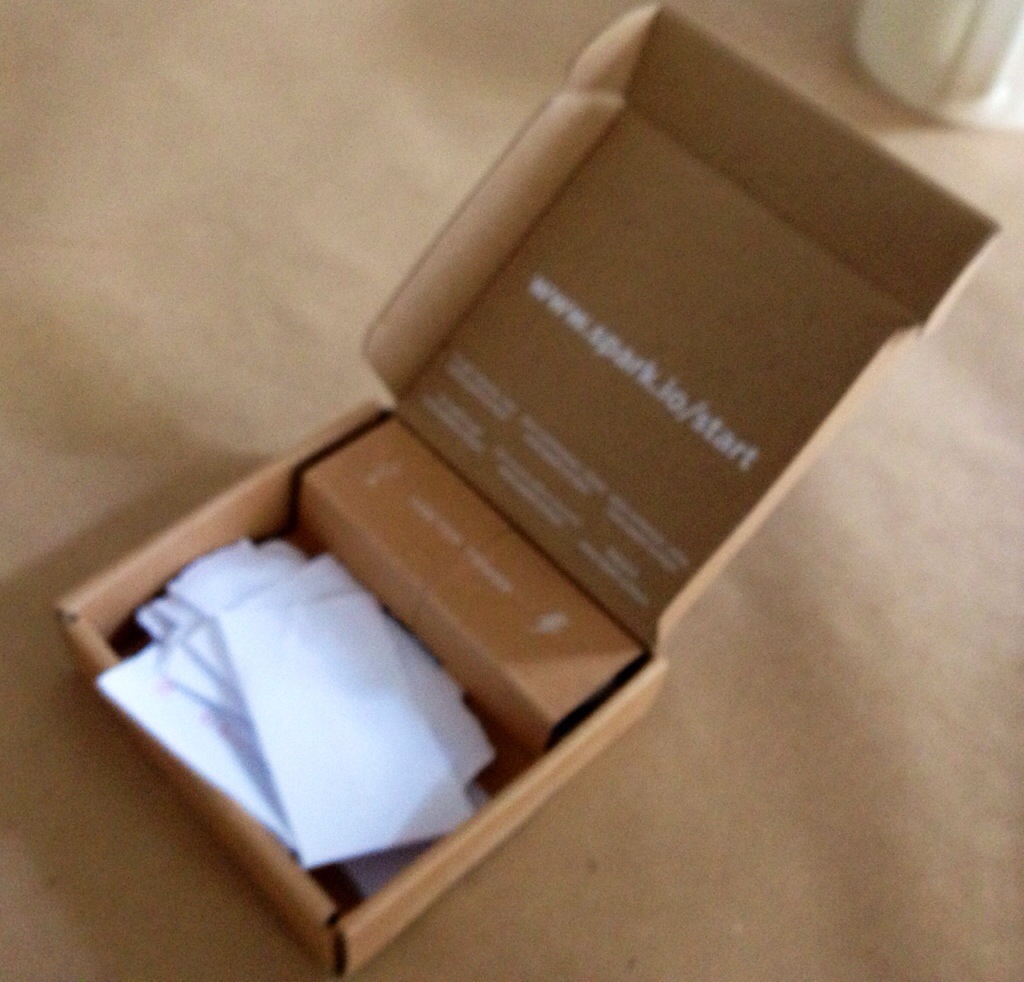
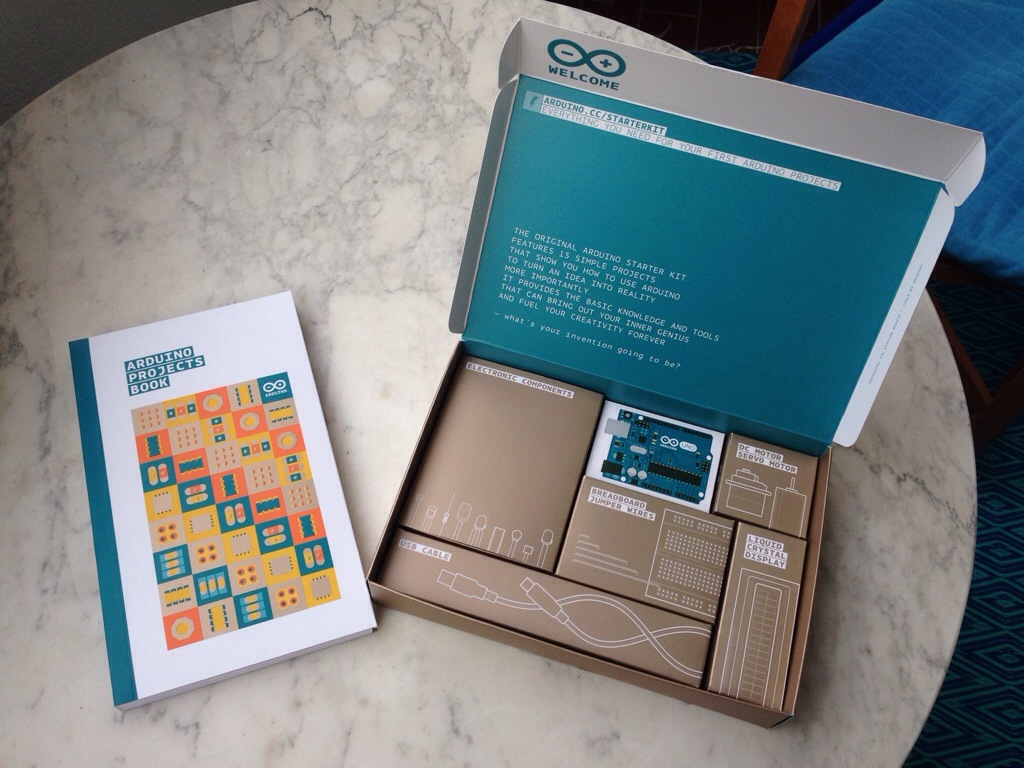
    The Arduino starter kit

    20140805-195045-71445470.jpg

    Buy at Tinker Soup for €98,50 Tel. 03077903156 c/o onformative, 2nd Hinterhof, 5th floor, Frankfurter Allee 53, 10247 Berlin

    Buy at Conrad for €125,00 Schöneberg or Kreuzberg


  • Wednesday week 1

    Do you know the Fritzing application? This is something you can use to plan your component/wiring layout on the breadboard, generate a circuit diagram and then a PCB layout. You can download it here.

    Magnificent Mario

    20140806-124635-45995536.jpg

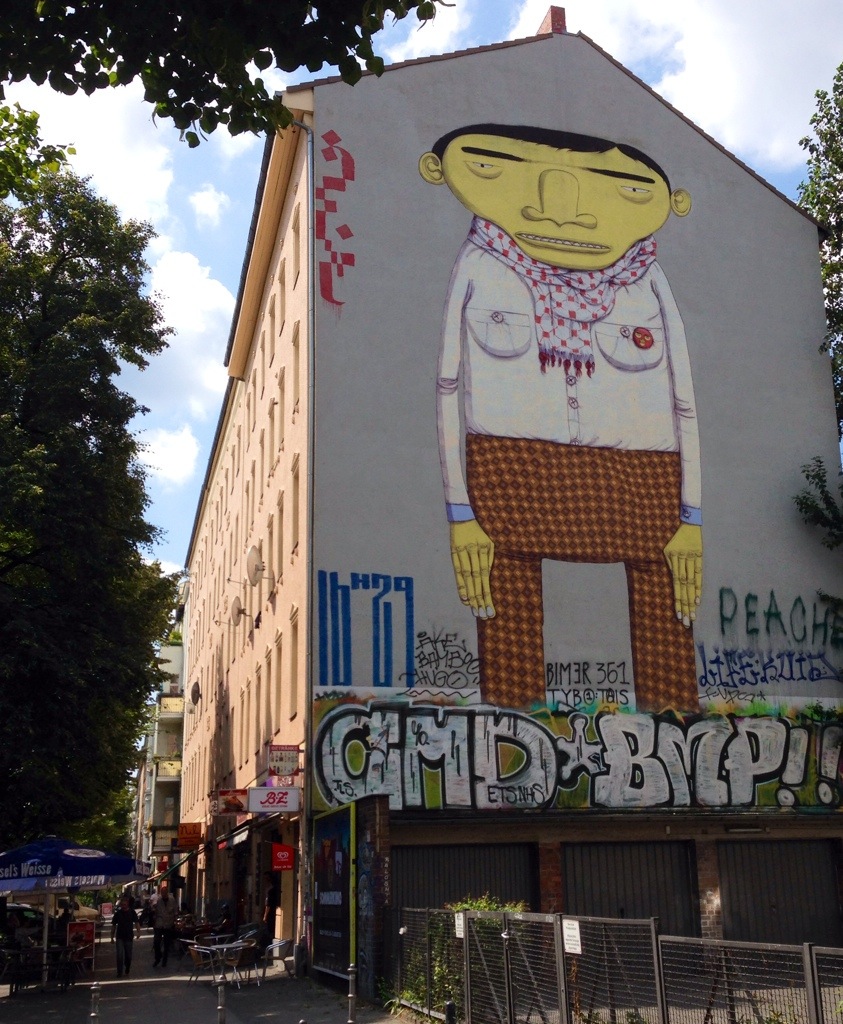
    Kreuzberg style – but is it art?

    20140806-124714-46034215.jpg

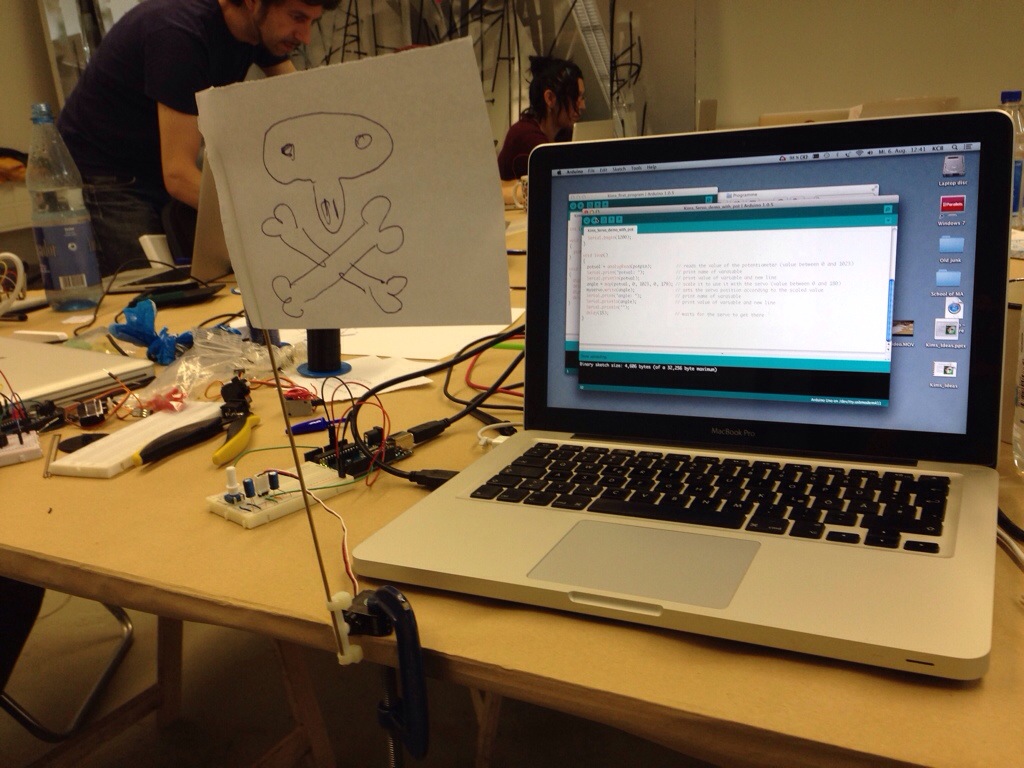
    Arduino waves the flag!

    20140806-124802-46082635.jpg

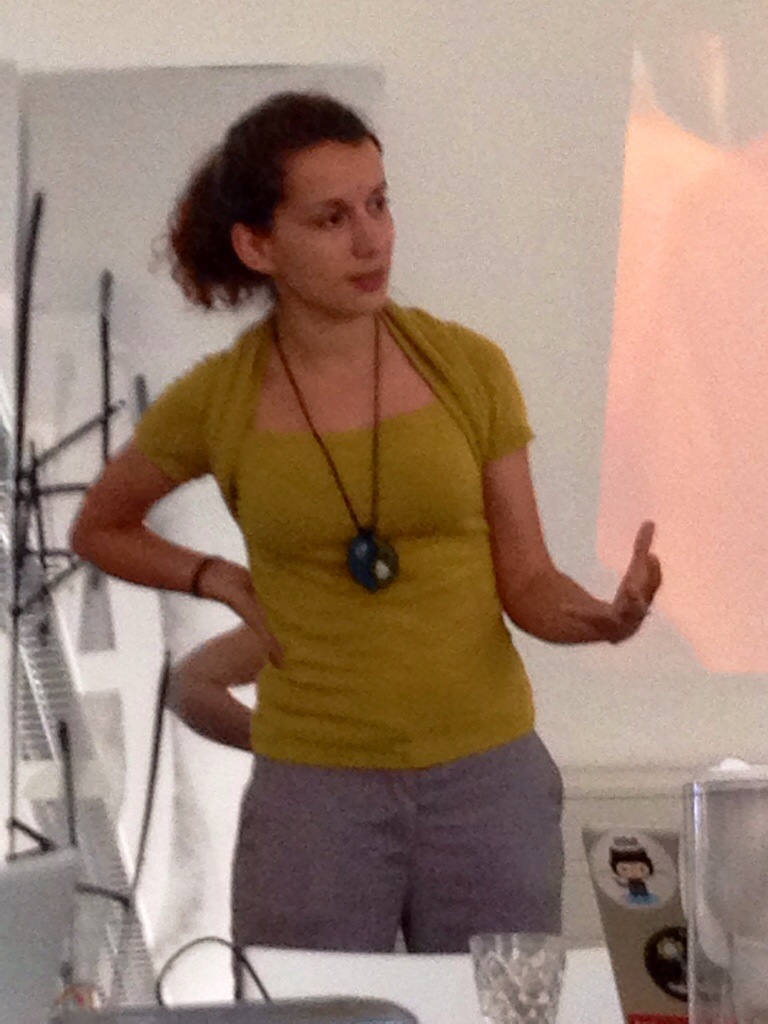
    Stefania starts her session (Stefania founded Hackidemia)

    20140806-163205-59525867.jpg

    Stefania invited us all to the maker camp party on Friday.

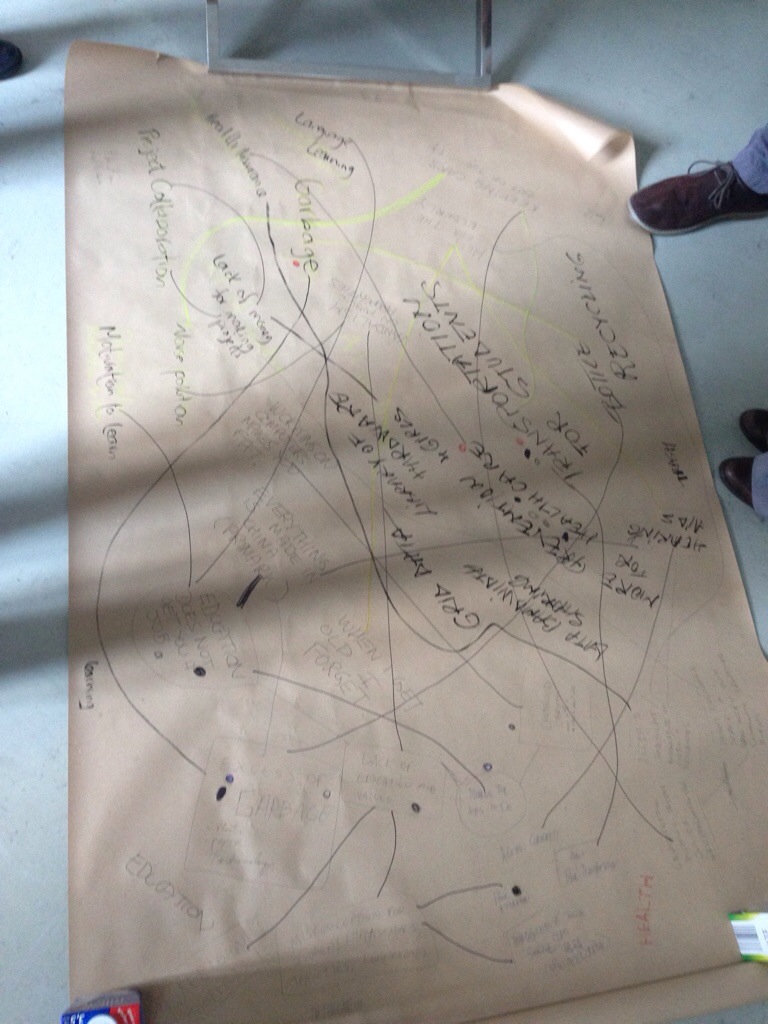
    Brainstorming on the floor

    20140806-163250-59570542.jpg

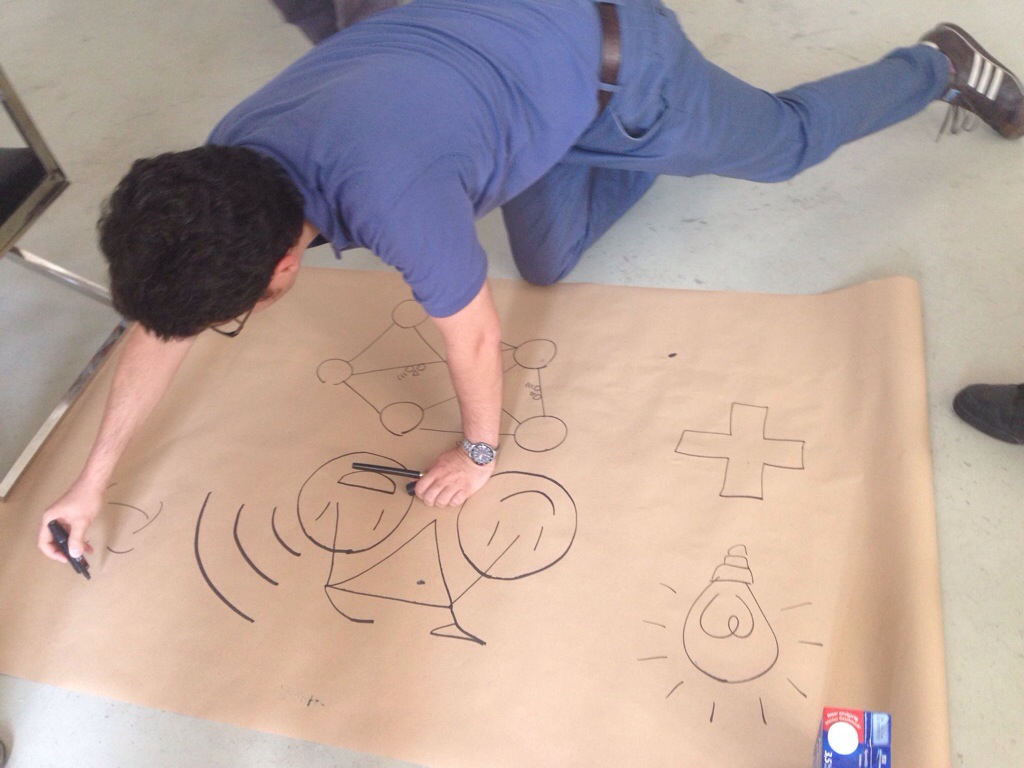
    The artwork for our cycling project

    20140806-163334-59614336.jpg

    Take a look at lock8

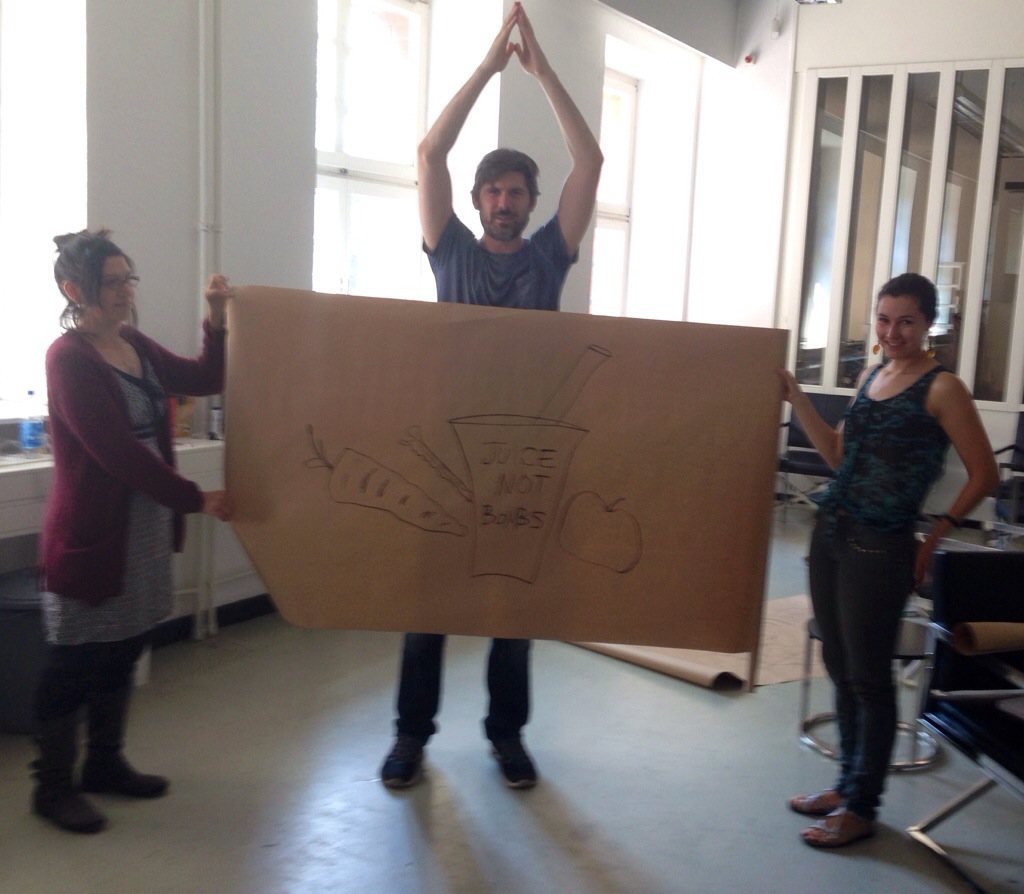
    Juice not bombs!

    20140806-163529-59729870.jpg

    See food not bombs.


  • Thursday week 1

    Taking off for class this morning through the middle of Berlin

    How to get a grant

    20140807-141328-51208623.jpg


    Alternatives to the Arduino editor

    Eclipse
    Eclipse is an integrated development environment. It contains a base workspace and an extensible plug-in system for customizing the environment. Written mostly in Java, Eclipse can be used to develop applications.

    Sublime
    Sublime Text is a sophisticated text editor for code, markup and prose. You’ll love the slick user interface, extraordinary features and amazing performance.

    Codebender
    This is an online development & collaboration platform for Arduino users, makers and engineers.


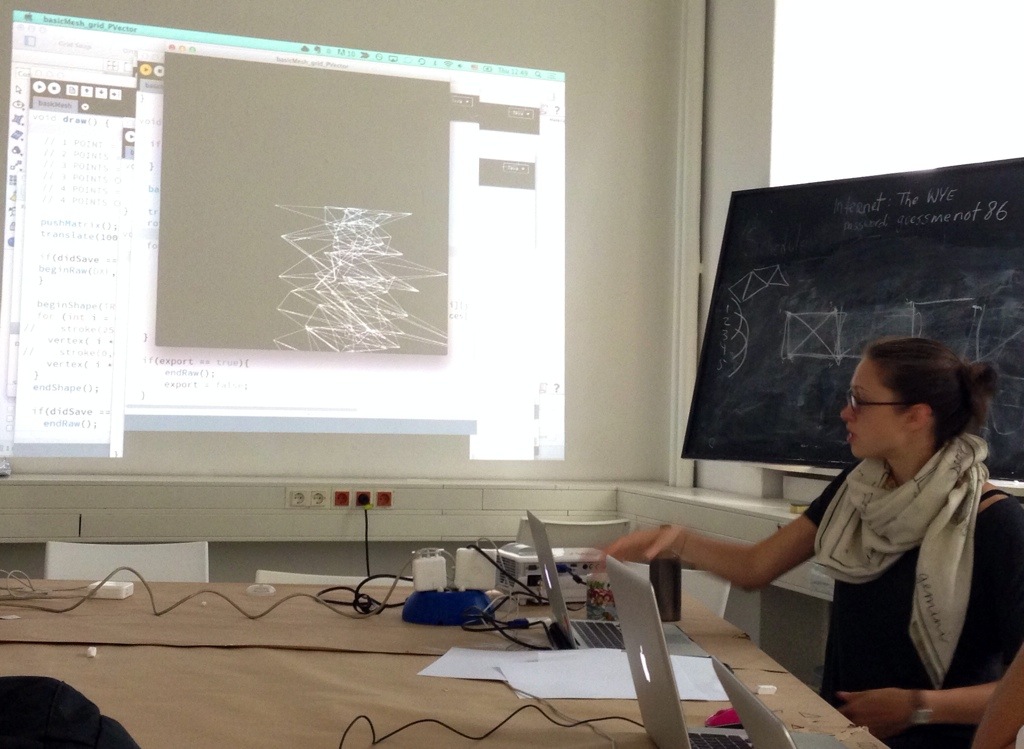
    Show and tell


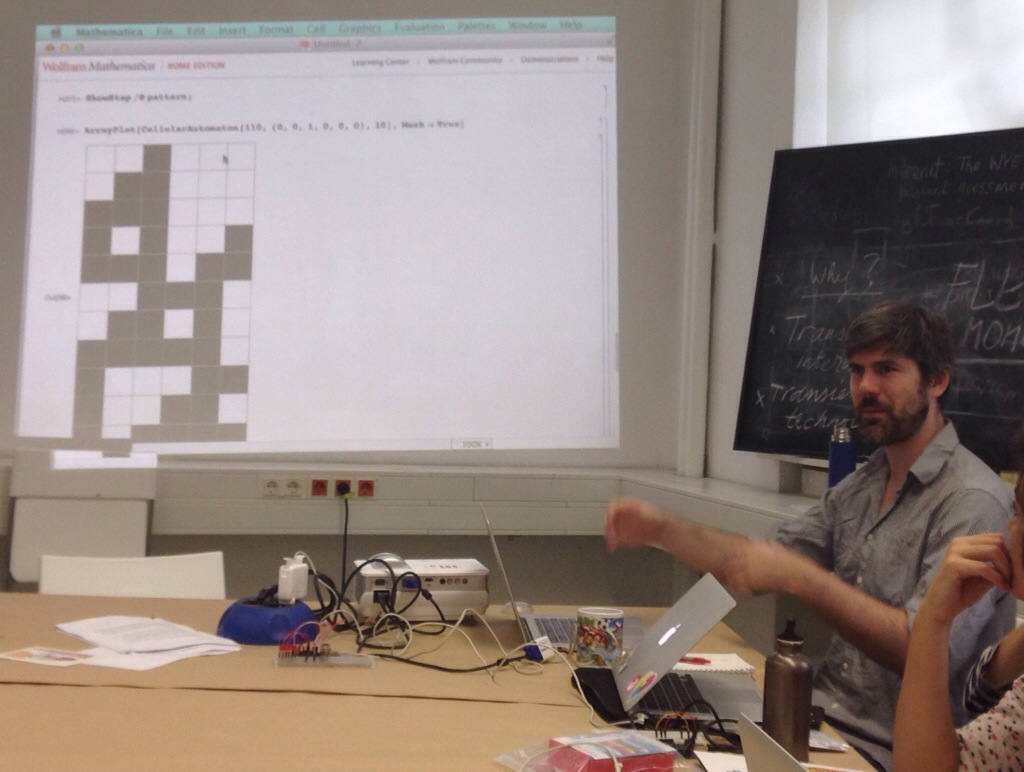
    Mathematica

    20140807-141410-51250736.jpg

    Don’t wake up the dog

    20140807-141448-51288949.jpg


    The Processing software


    This can talk to an Arduino via the serial interface.
    Download it here.

    To see a list of the command under the Help menu chose Reference.


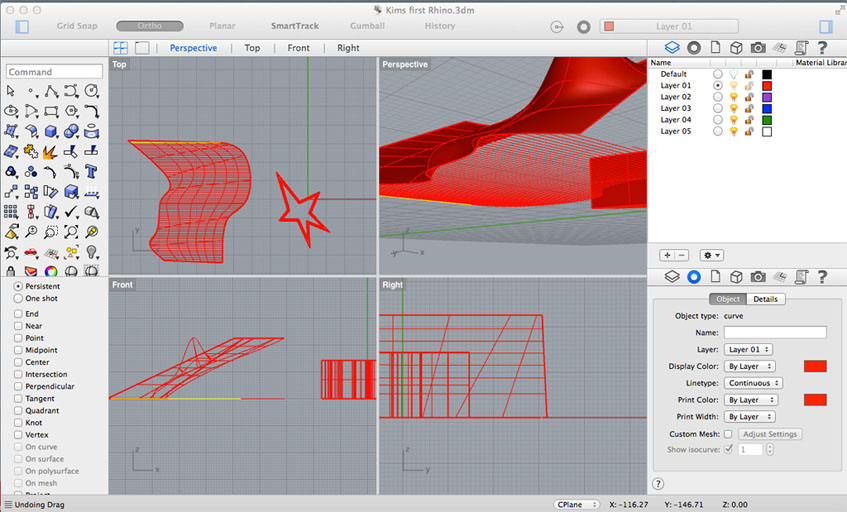
    Rhino


    This is 3D modelling software.
    Download the software here.

    Rhino


  • Friday week 1

    Another point of view – low-tech hacking with just your fingers


    Mechanical greeting cards

    Mechanical Principles (1930) by Ralph Steiner [4min selection]


    123D Make

    With Autodesk 123D Make you can turn your digital 3D models into amazing real world creations made from cardboard, wood, metal, and other flat materials.
    Download 123D Make here

    Inkscape

    Inkscape is a professional vector graphics editor. It’s free and open source.

    1. Download & install XQuartz. XQuartz is an open-source effort to develop a version of the ​X.org X Window System that runs on OS X. Together with supporting libraries and applications, it forms the X11.app that Apple has shipped with OS X since version 10.5.
    2. Download Inkscape here
    3. Draw something or import it from somewhere else
    4. From Inkscape save cutting plan (Save as command) in “Plain SVG” format.

    Visicut

    Visicut is a user-friendly tool for laser-cutting.

    1. Download and install Visicut
    2. Download the correct Visicut settings here for the Zing laser cutter.
    3. Open Visicut and in the Edit menu choose settings to import the downloaded file.
    4. Open the cutting plan SVG file.
    5. Choose your material and its thickness
    6. Press “Execute” to send a file to the laser cutter
    7. Put the material in the laser cutter
    8. Use the spring to calibrate the height of the laser above the material
    9. Start the cutting

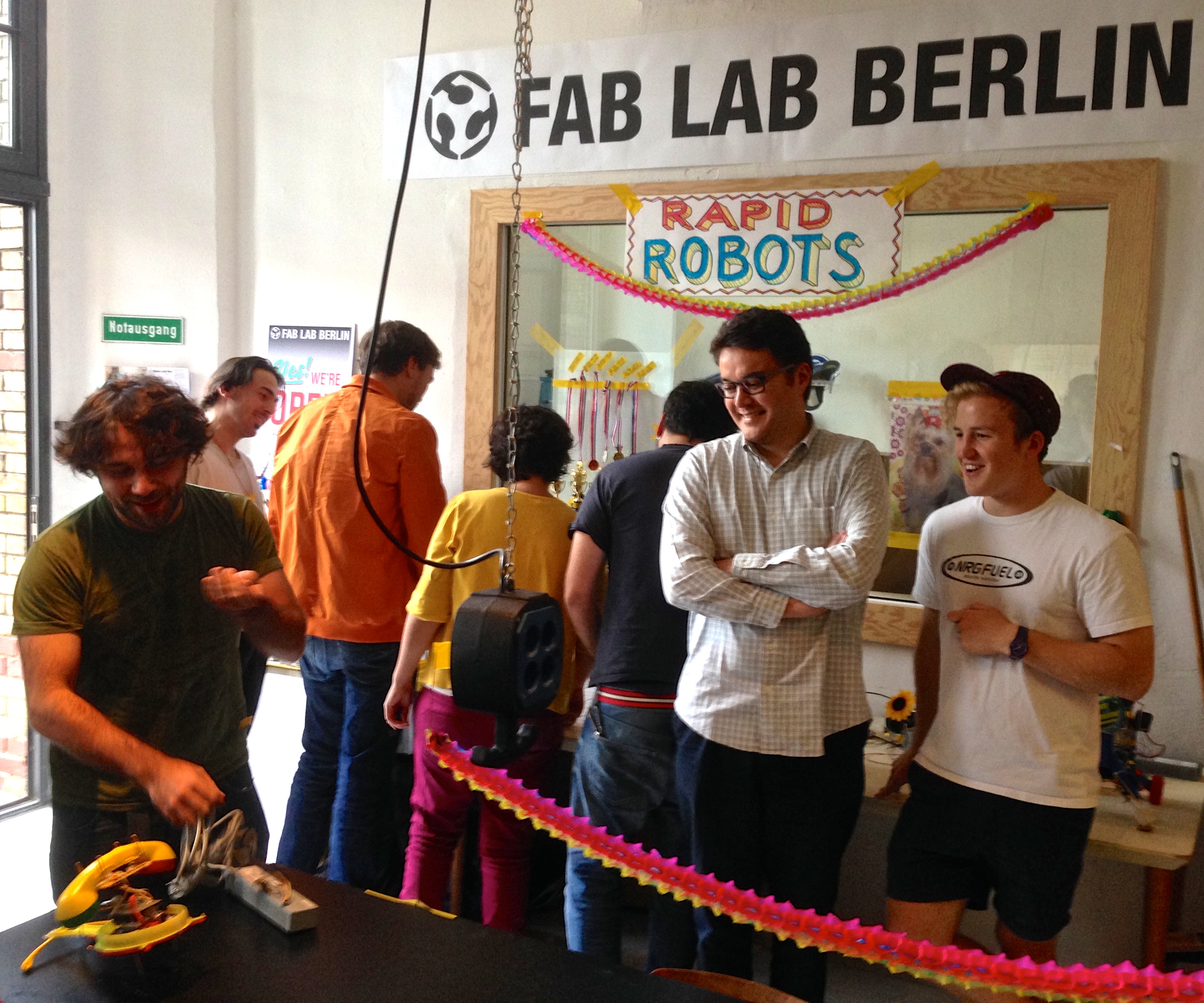
    Fablab is here

    20140808-192021-69621147.jpg

    20140808-155656-57416646.jpg

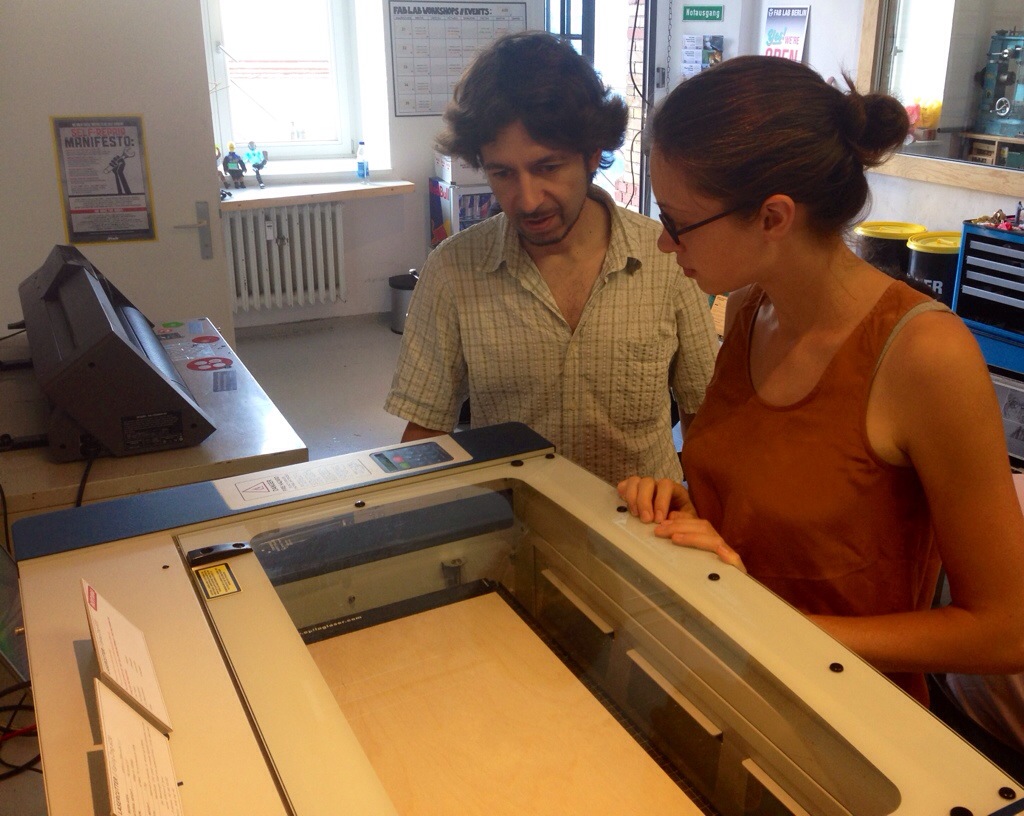
    The Epilog Zing 6030 laser cutter

    20140808-155753-57473420.jpg

    Cutting

    20140808-155830-57510789.jpg

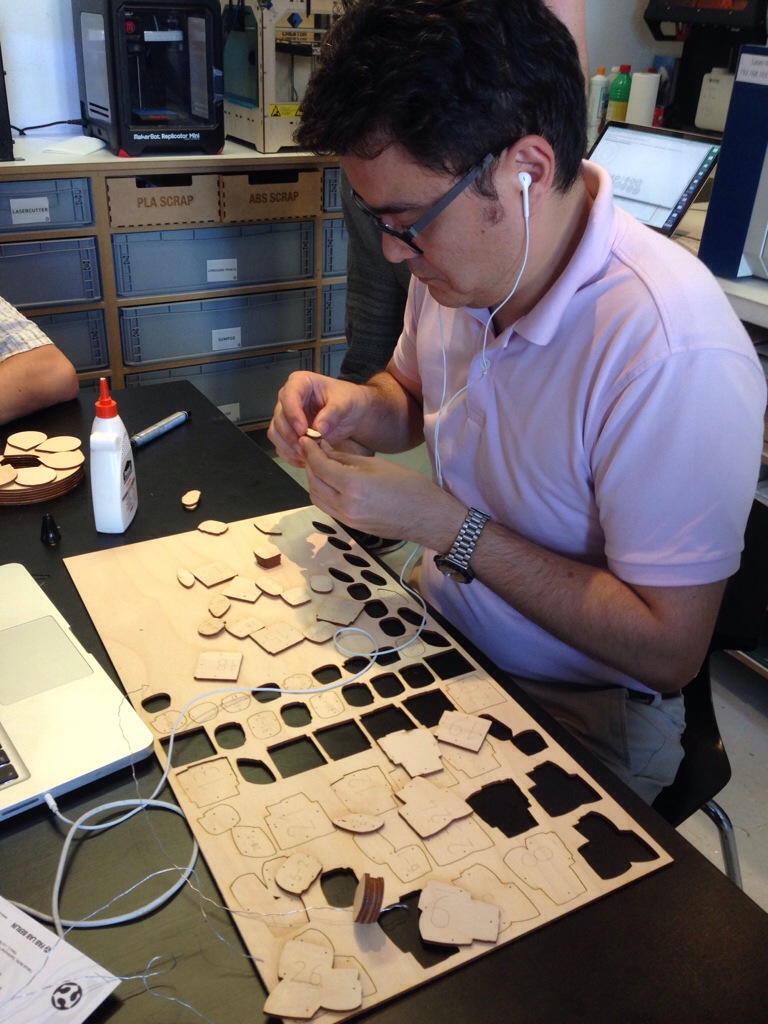
    Assembling

    20140808-155917-57557259.jpg

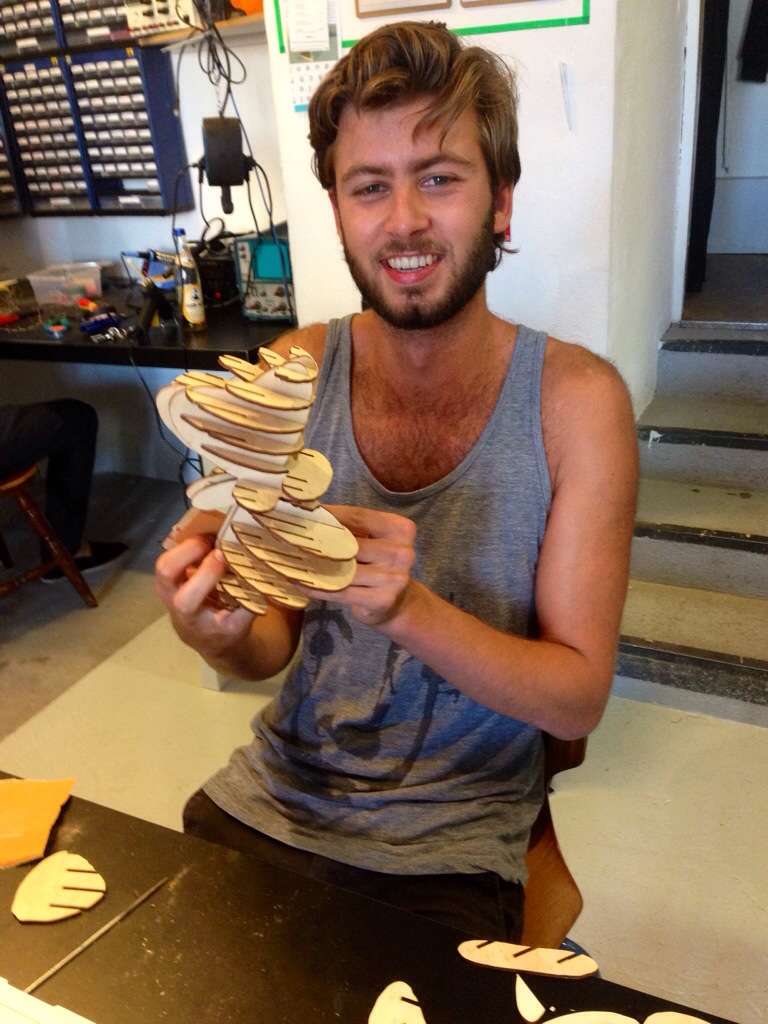
    Abel’s assembly

    20140808-191852-69532694.jpg

    Concentration

    20140808-160056-57656632.jpg


  • Weekend week 1

    Making in the cellar

    Foto

    Almost there

    Foto

  • Monday week 2

    Randomness

    1. Language is a virus here
    2. 500 letters – generate your biography as an artist here
    3. Postmodernist text generator here
    4. Music aleatoric, indeterminate and generative

    Rhino

    1. List of Rhino commands

    Sources of existing 3D models

    1. Thingiverse
    2. Archive3d
    3. Makehuman

    Show and tell

    20140811-211855-76735001.jpg

    20140811-211914-76754333.jpg

    20140811-211933-76773145.jpg


    Paper craft models from 3D data


    Pepakura

    Let’s modify the public space!

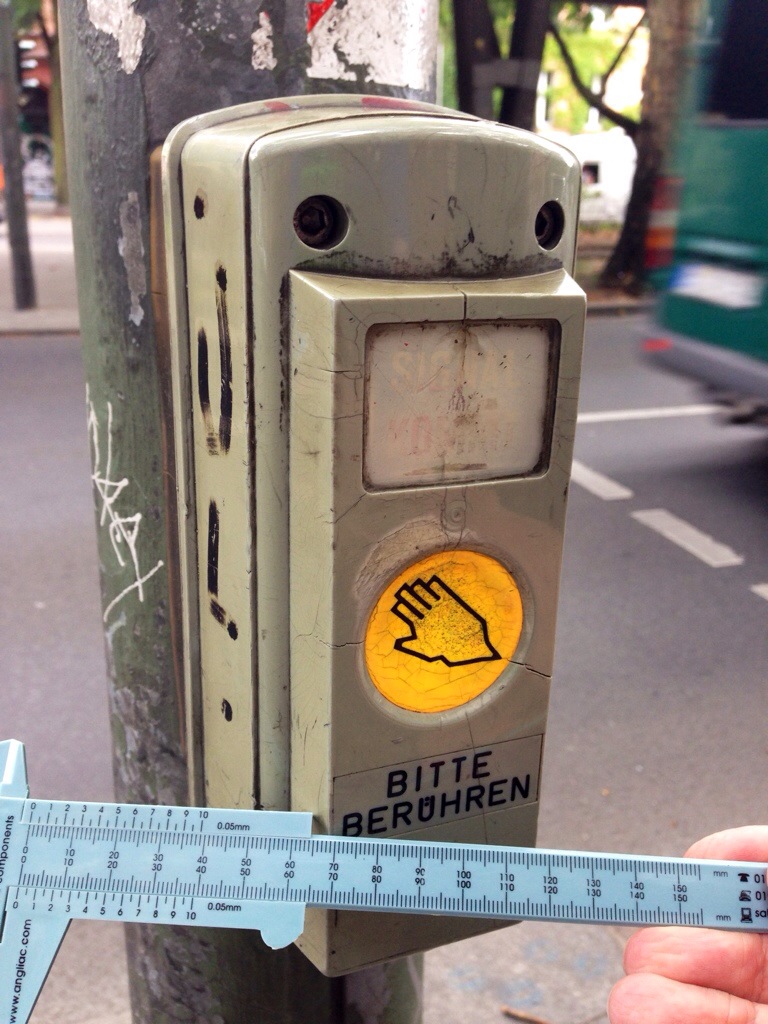
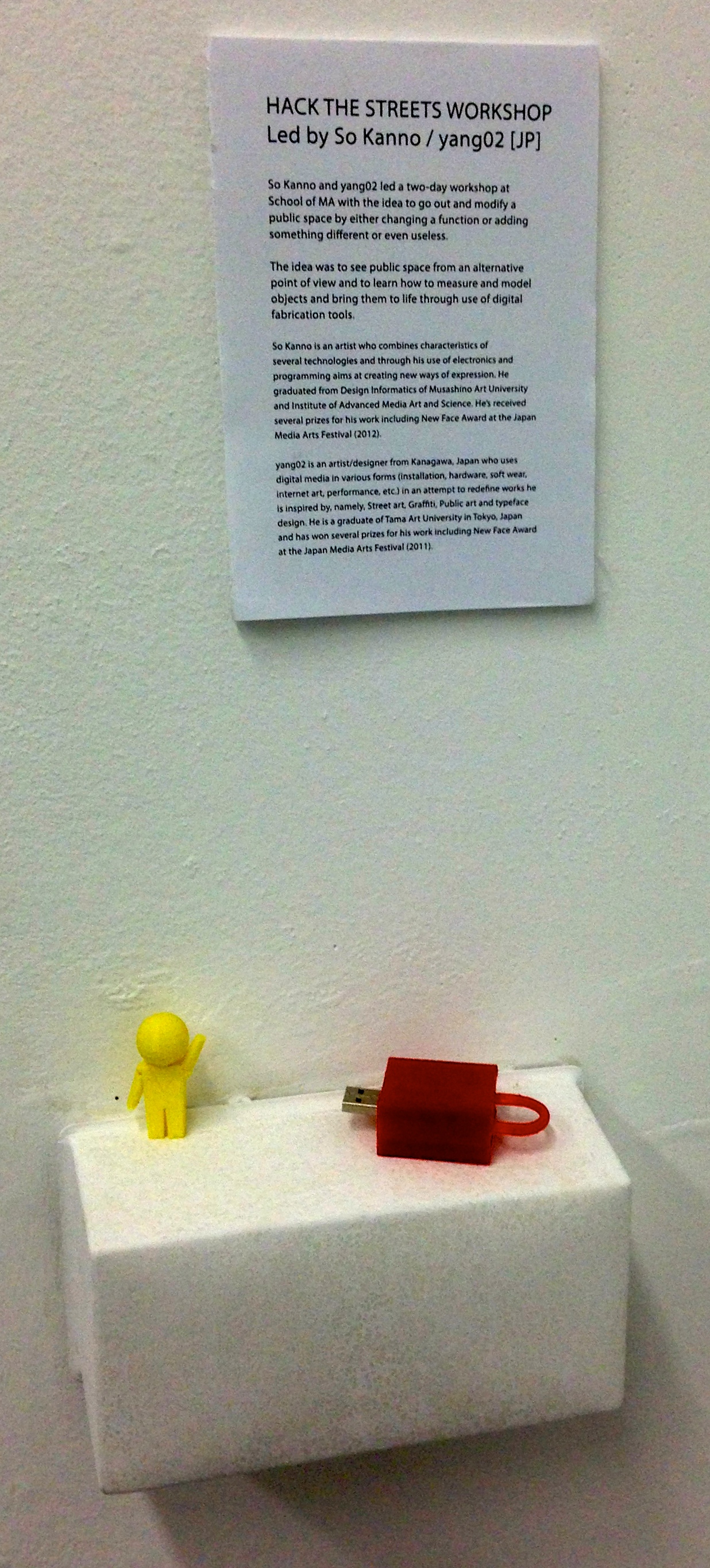
    We will try to make some modification on the public space, like adding some function, make it useless or make it different. whatever. During this workshop, the participants will have an alternative point of view for the public space and can learn how to measure and model for digital fabrication tools.

    Inspiring works

    • A sandstone block built from lego, blending real objects with 3d prints here
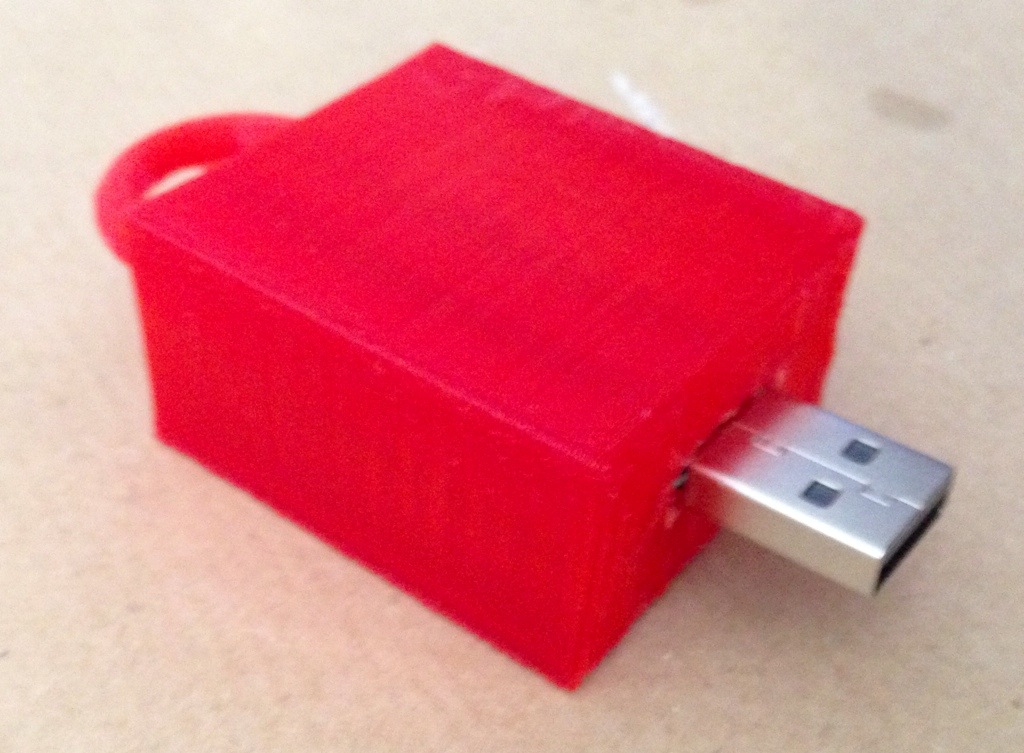
    • Dead Drops here
    • Trying to fix as much as possible here and here
    • The Inflatables – JOSHUA ALLEN HARRIS here
    • Mark jenkins here
    • Open Knit (Put clothes on mannequin, against fast fashion) here
    • Russia Wrap Up here
    • The Free Universal Construction Kit here

    Tools

    1. Caliper, to measure small things. it’s important to measure it precisely.
    2. Ruler, measure to measure big things.
    3. Digital camera to design fits to the shape, and it’s also useful for 123D Catch.
    4. 2D vector graphics editor (illustrator)

    Measuring the street furniture

    20140811-212057-76857706.jpg


  • Tuesday week 2

    Back at the Fablab


    5 mm MDF and a bit of paint


    IMG_2896

    Creative chaos?

    IMG_2899

    Kovas’ mathematical meanderings

    IMG_2898

    The hard bit
    IMG_2902

    Wait and see what Victor is up to with his tree prosthetic

    IMG_2900

    Anaisa was busy too

    20140812-214842-78522825.jpg

    What remains of the day

    20140812-214952-78592262.jpg


  • Wednesday week 2

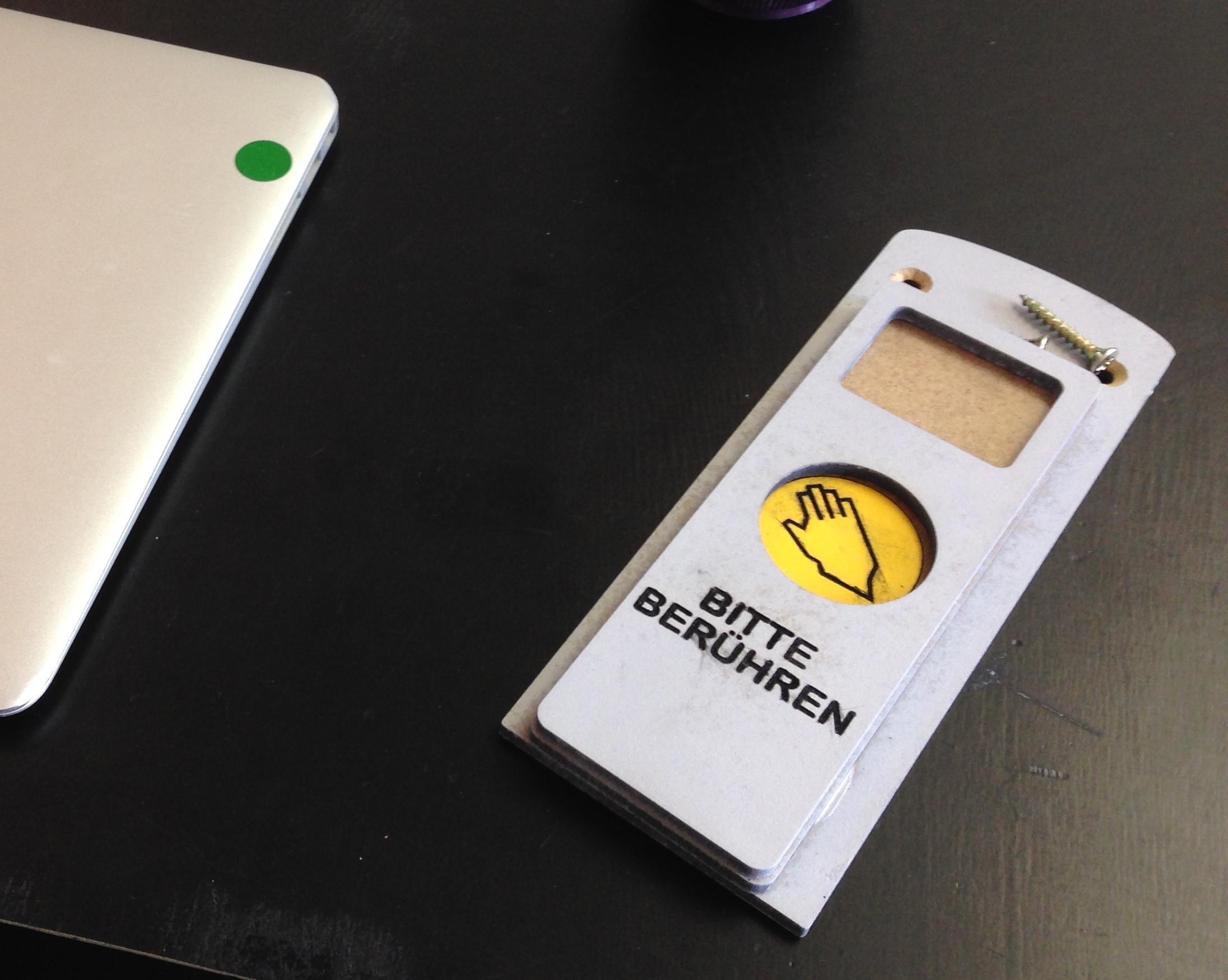
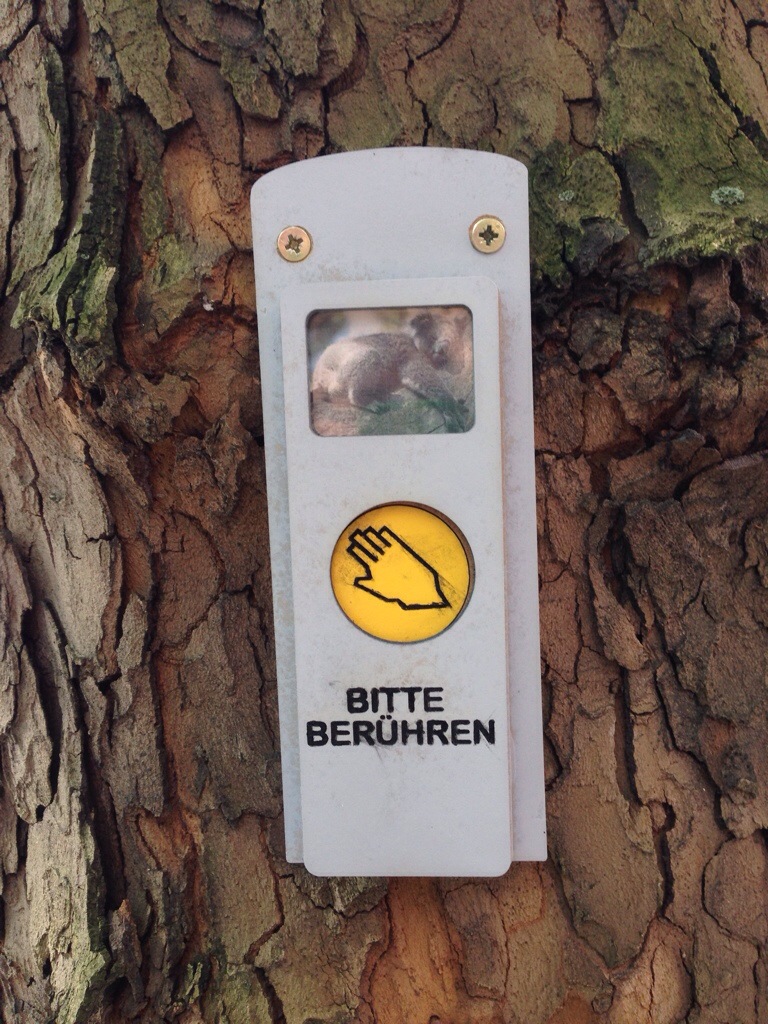
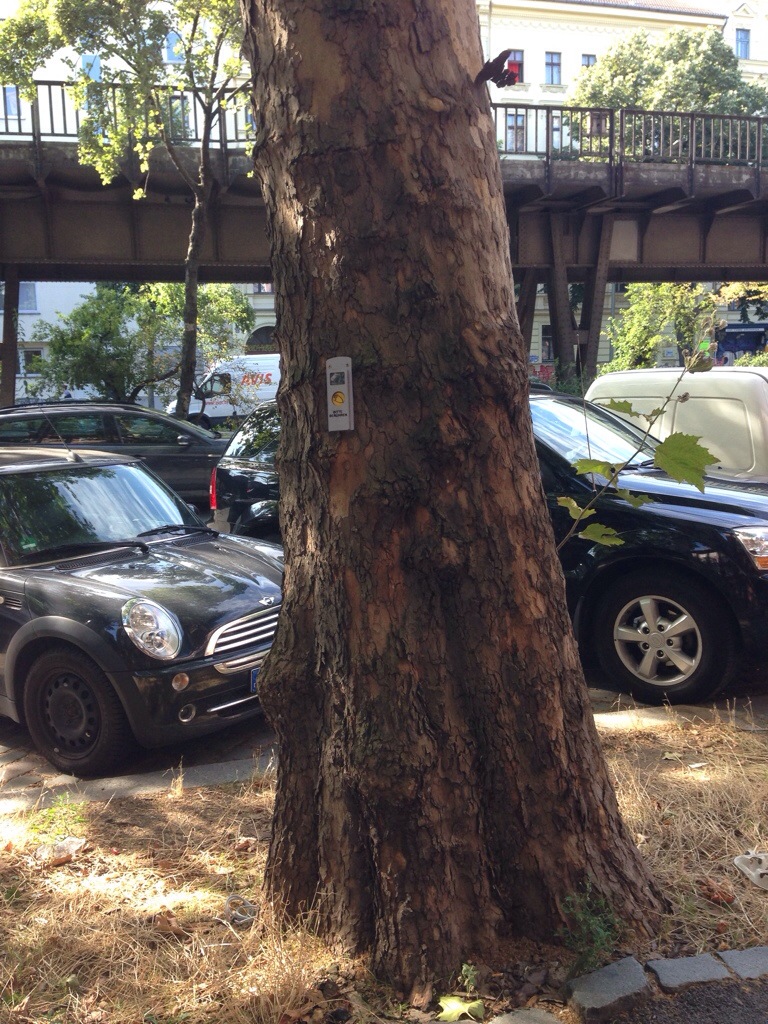
    Please touch

    20140813-101032-36632439.jpg

    20140813-101118-36678143.jpg

    A dead drop lock for the gate in The Wall.

    20140813-120226-43346232.jpg

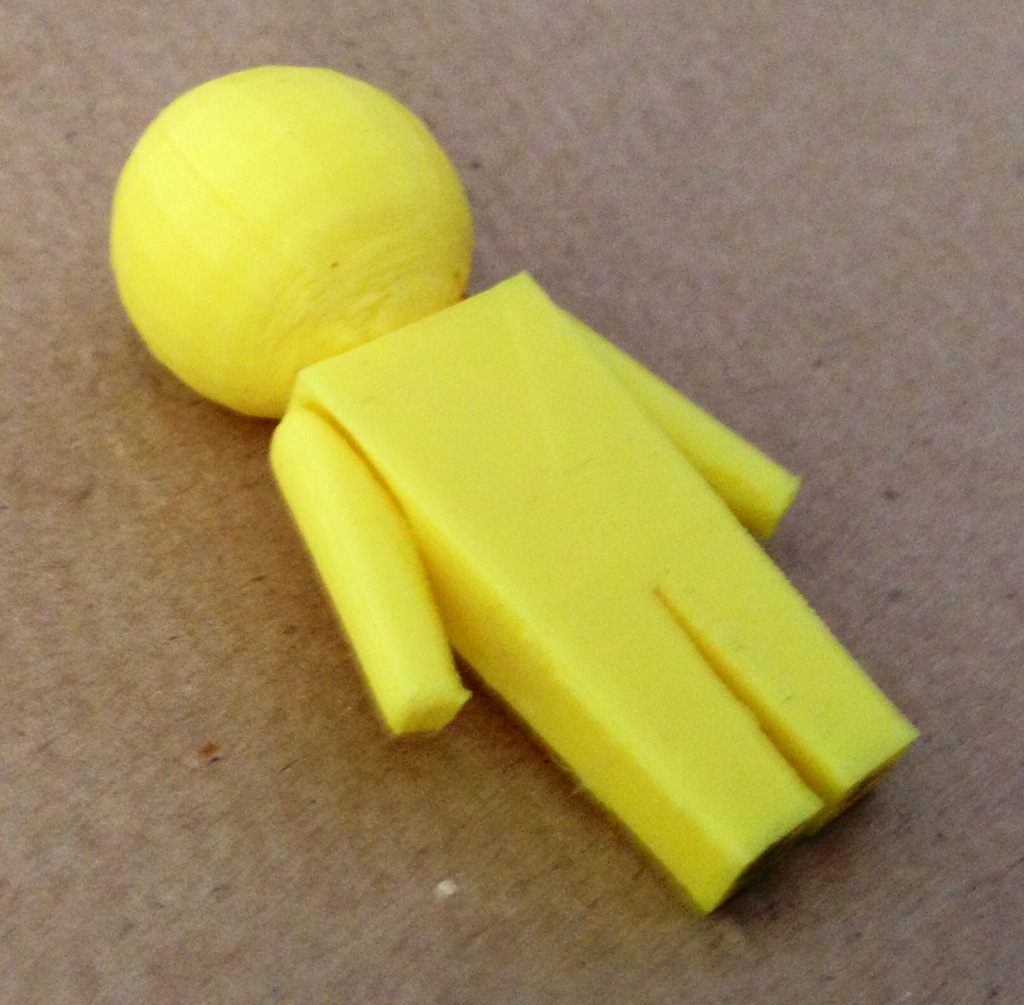
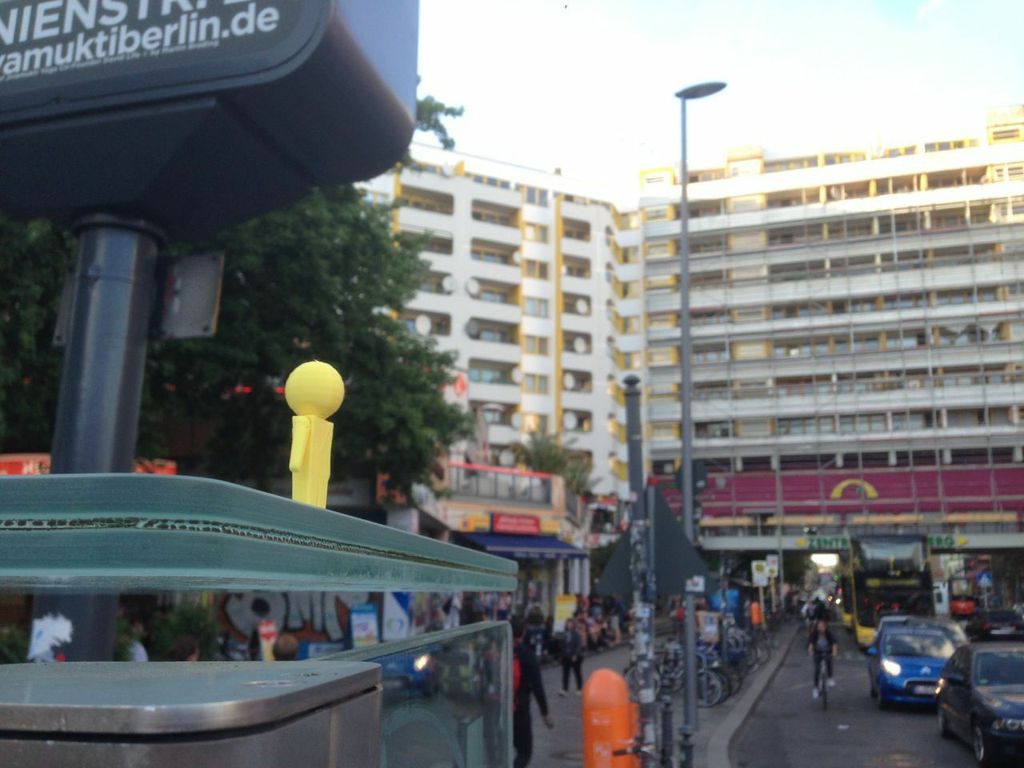
    The Google Streetview man comes out into the world

    20140813-120320-43400821.jpg

    The original
    google-man

    Out in the street
    Streetview_man


    Wearables

    Becky_Stewart
    Becky Stewart’s website. Becky is an engineer / developer working with physical computing. She co-founded Codasign, to run workshops teaching programming and electronics, and is a member of Anti-Alias Labs where she collaborates with artists and creative agencies to create interactive installations. She has a PhD from the Centre for Digital Music at Queen Mary, University of London.

    Becky’s slides are here

    Examples of wearables

    See theelectronicshobbyist for some basics.

    20140813-231313-83593513.jpg

    20140813-231329-83609118.jpg

    20140813-231342-83622908.jpg


    Tank Thunderbird and her 3D printer

    TankHave you seen Moment of Inspiration? It’s like Rhino but easier to use.

    Her Digital Alchemy web site.


  • Thursday week 2

    20140814-141150-51110811.jpg

    20140814-141224-51144256.jpg


    Need an idea?

    http://whatthefuckismywearablestrategy.com
    See http://theglovesproject.com


    20140814-154400-56640438.jpg
    //
    // Becky’s lesson on Thursday
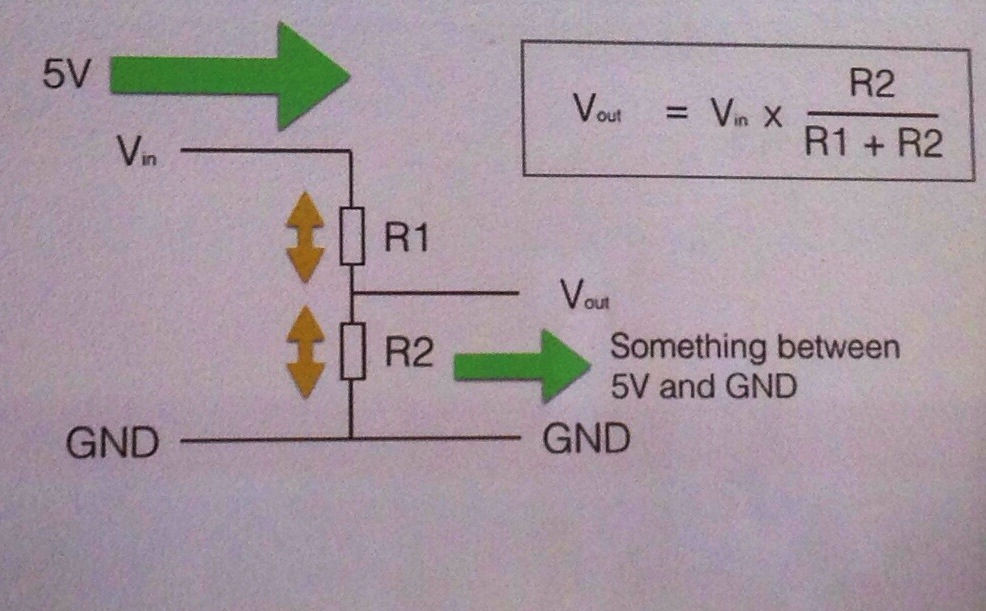
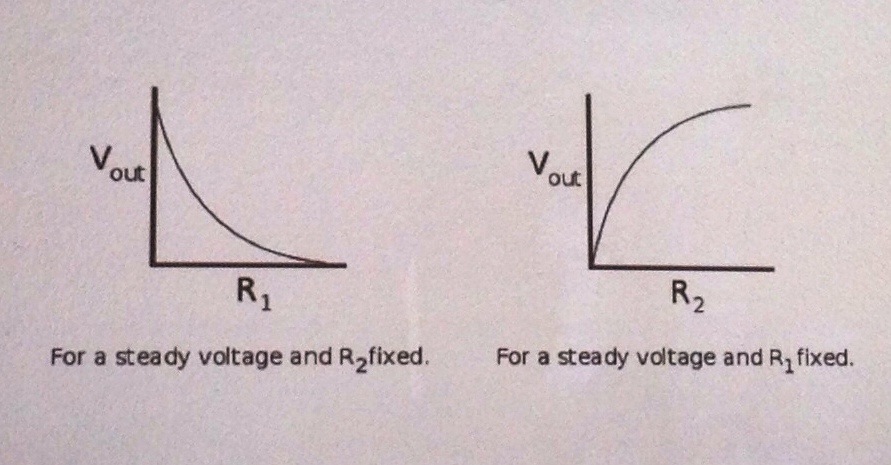
    // Read the voltage from the Arduino’s analogue input A0
    // and write out the value to the serial window
    //
    // Voltage divider circuit
    //
    //
    int potPin = A0; // This is the analogue input used to measure
    // the voltage from the potentiometer’s wiper

    // set up the serial interface
    void setup()
    {
    Serial.begin (9600);
    }

    // main loop
    void loop()
    {
    int potValue;
    potValue = analogRead (potPin); // produces values from 0 (0V) to 1023 (+5V)
    Serial.println(potValue); // output to the serial interface
    delay(300); // delay in ms
    }


    20140814-155501-57301474.jpg


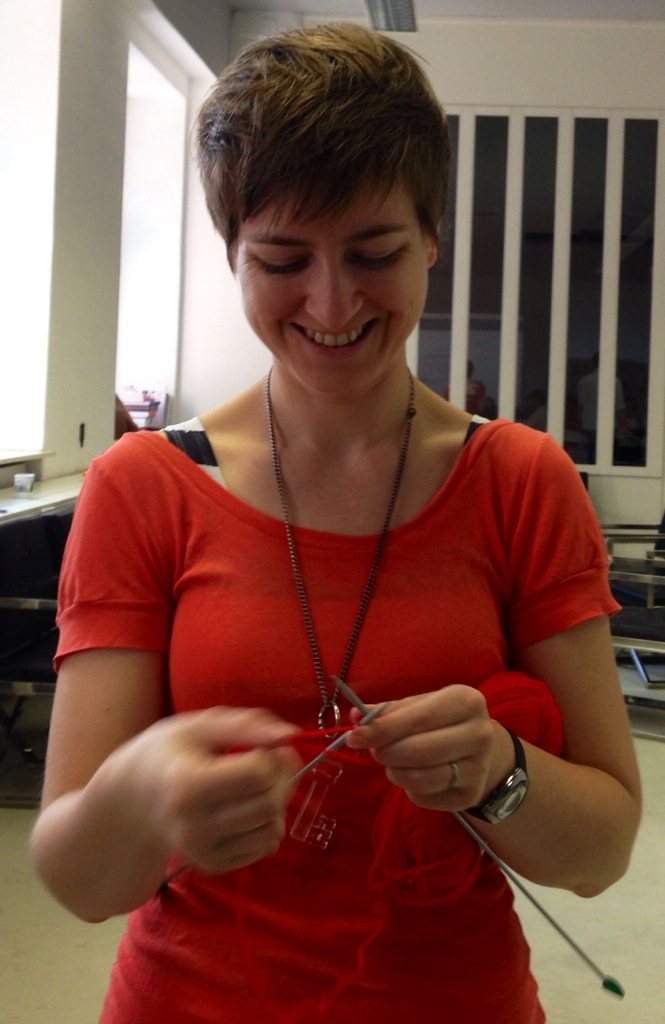
    Becky making

    20140814-155905-57545187.jpg

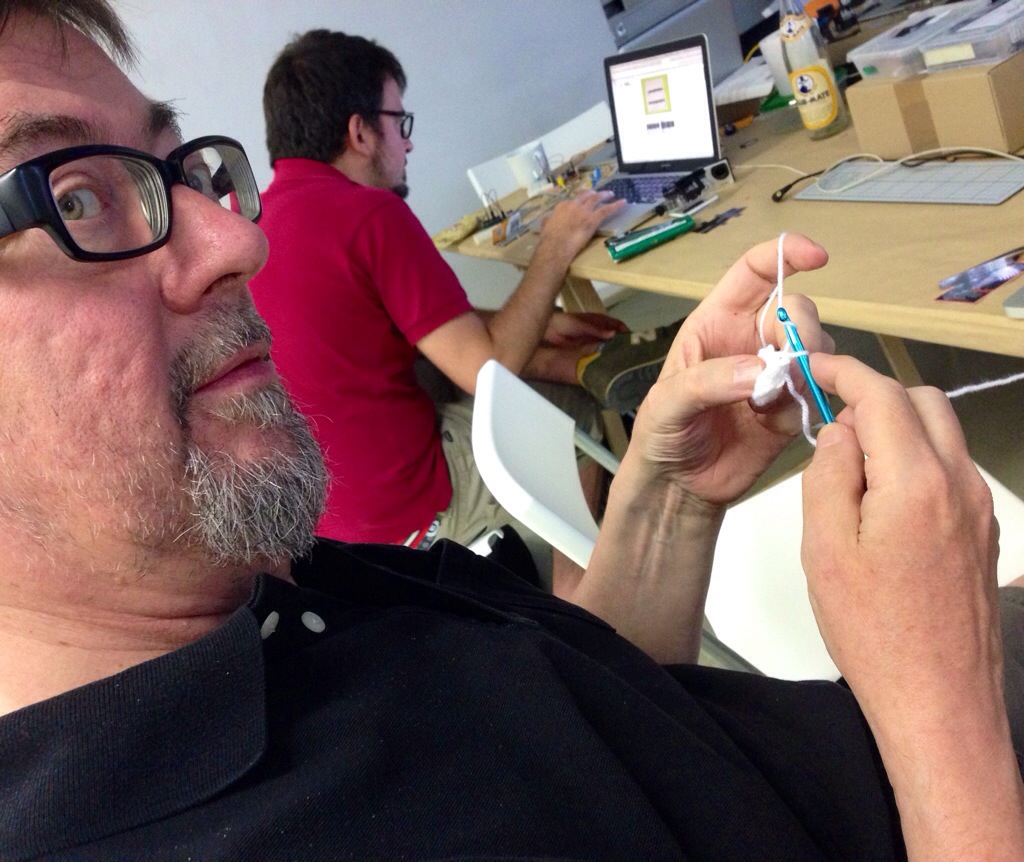
    Kim making traditional style

    20140814-173106-63066584.jpg

    20140814-173659-63419739.jpg

    WEAR IT

    The wearable electronics festival 11 – 12 October 2014. Web site. Two days of diving into wearable tech at Betahaus Berlin.

    Another shop for components, in Wedding


    It’s called Sly

    They were more helpful than the Conrad people. Erich-Weinert-Str. 139 – 141 – close to S-Bahn station Greifswalderstrasse.

    aBe


  • Monday week 3

    ROBOTS LOOSE IN TATE BRITAIN!

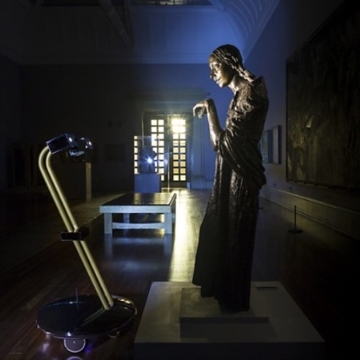
    ea01cb8c-9e85-44be-bb90-8b7e84555115The Space reports. Four robots will be roaming the galleries of Tate Britain after hours this weekend (15 – 17 August). After Dark offers people from all over the world the chance to control one of the robots’ routes around the Tate and to see through their ‘eyes’.

    After Dark won the inaugural IK Prize 2014, a new annual prize presented by Tate to celebrate digital creativity, supported by the Porter Foundation.

    Niklas and Kati

    Their web sites are here and here.

    Cyberbeetle from Kati Hyyppä on Vimeo.

    Niklas Roy – My Little Piece of Privacy from Le Studio MAC Créteil on Vimeo.

    Can we make walking machines as silly as John Cleese?


    4 hours to print & then this

    IMG_3005.JPG

    Wooh! Presents!

    IMG_3009.JPG

    IMG_3011.JPG

    Treasure trove – All of these beautiful things to use

    IMG_3013.JPG

    To make one of these

    IMG_3021.JPG

    Or one of these

    IMG_3022.JPG

  • Tuesday week 3

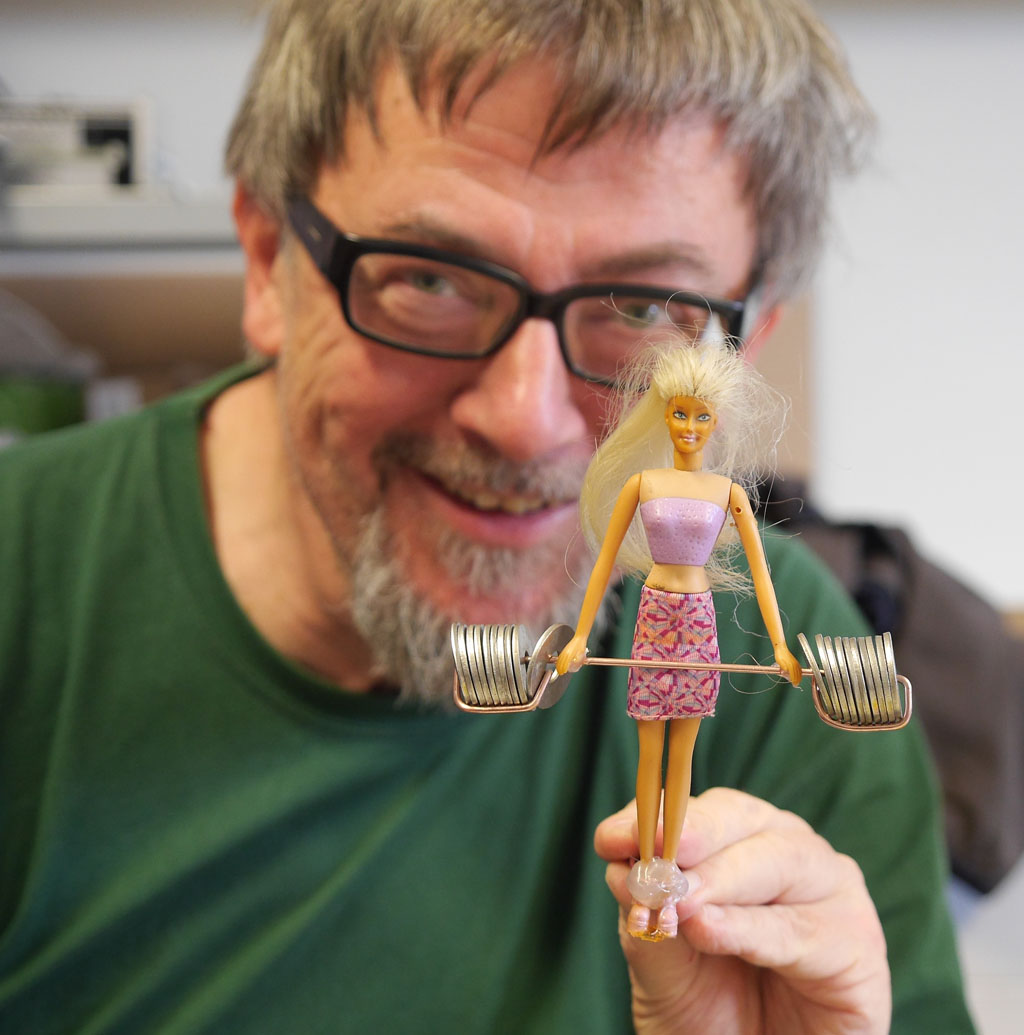
    Barbie is keeping in trim

    Kim_and_Barbie

    Waiting for the music

    IMG_3043.JPG

    These legs are made for walking

    IMG_3044.JPG

    IMG_3045.JPG

  • Wednesday week 3

    Who knows Tim Hunkin?

    Paprika pedestrian


    IMG_3058

    Hot gluing

    IMG_3057

    Hot soldering

    IMG_3064

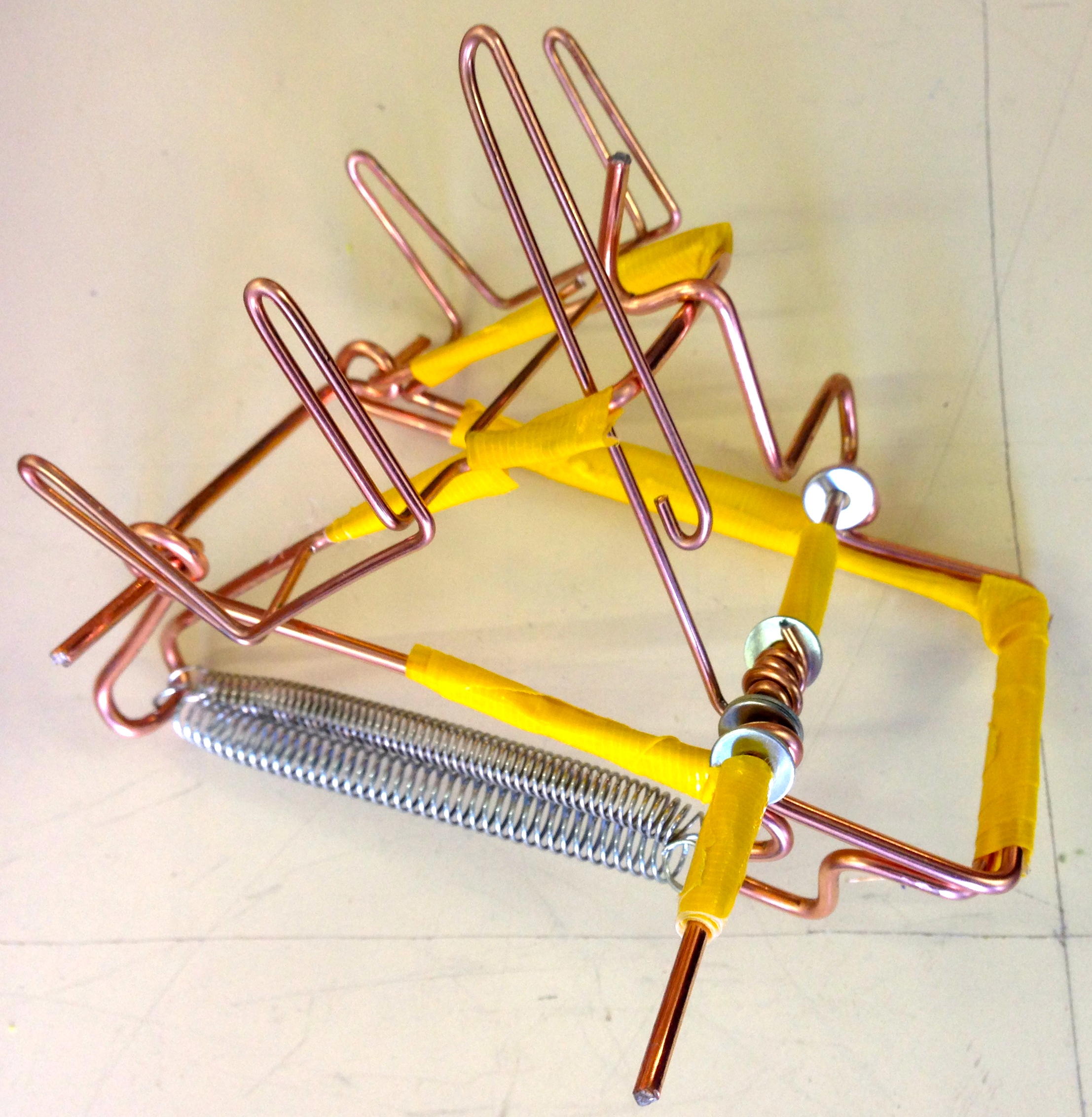
    Cool bending of welding rods

    IMG_3060

  • Thursday week 3

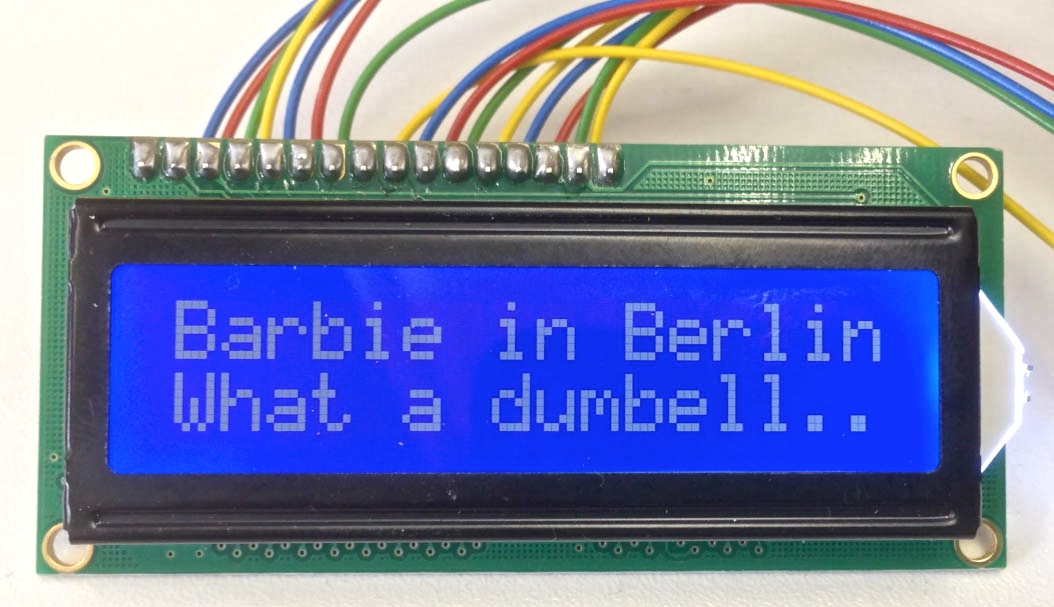
    LCD_Dumbell

    Niklas and Kati working hard

    IMG_3062

  • Friday week 3

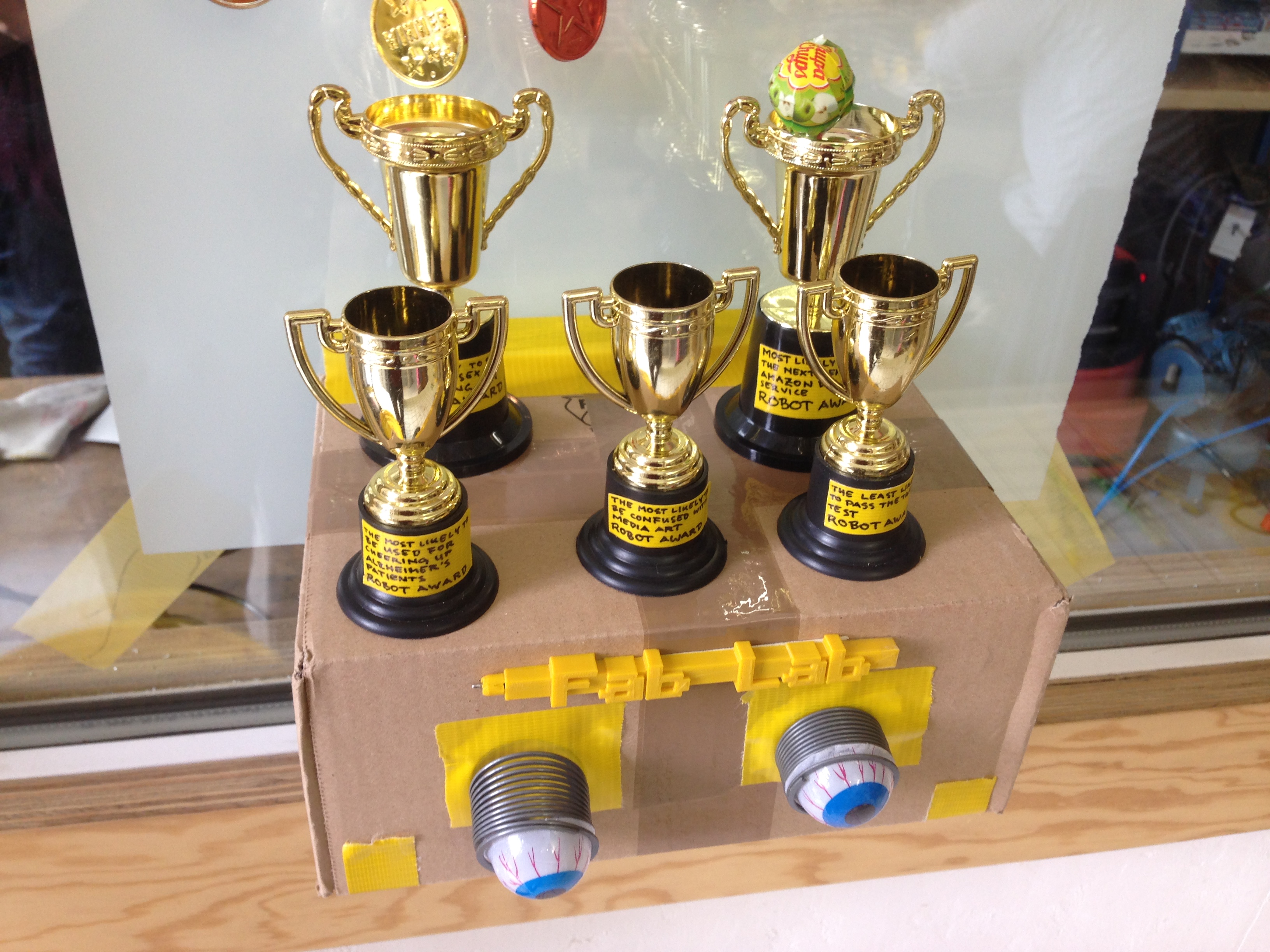
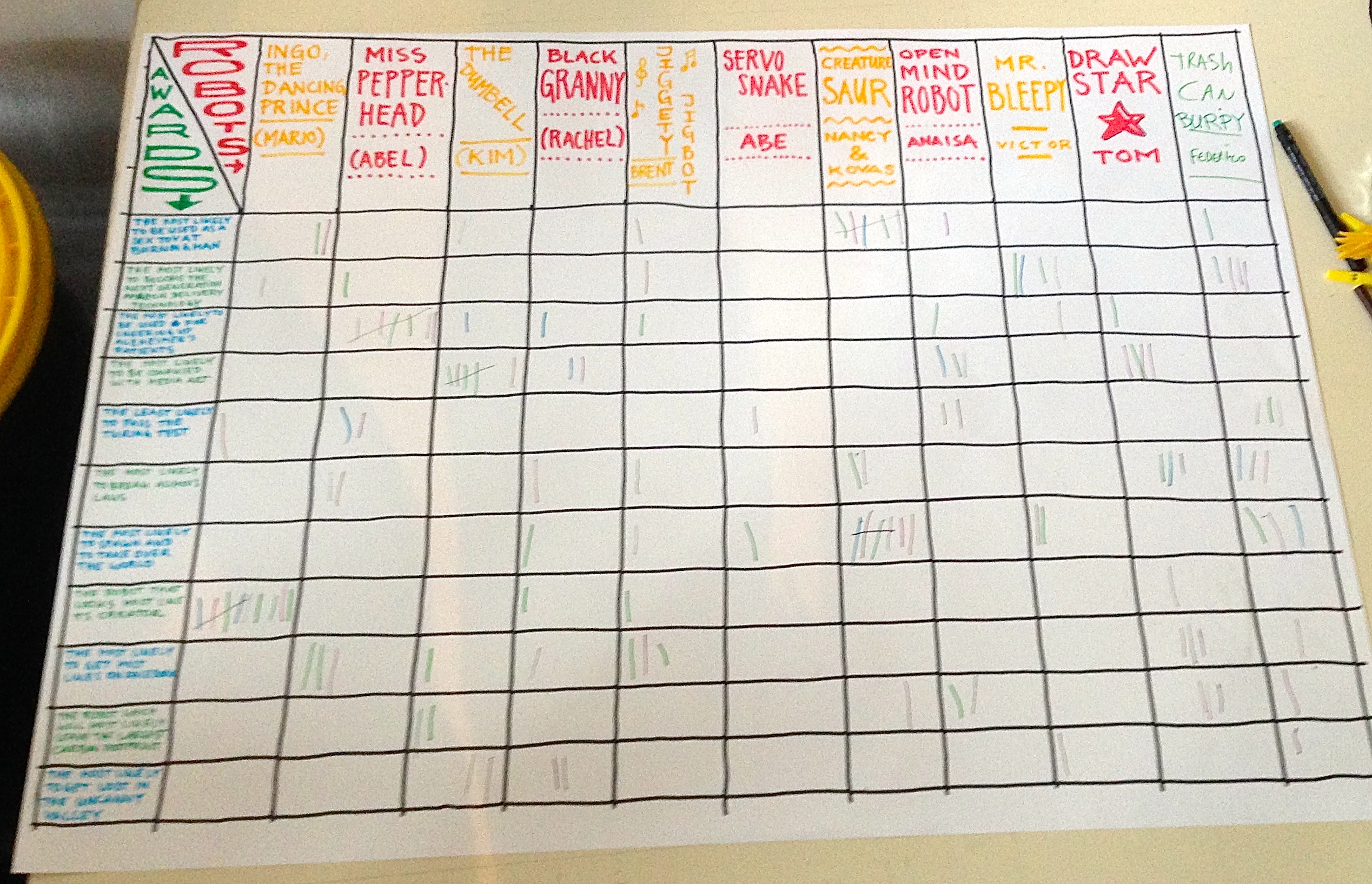
    The Robot Awards

    • The most likely to break Asimov’s laws
    • The most likely to spawn and take over the world
    • The robot that looks most like its creator
    • The most likely to get most likes on Facebook
    • The robot which will most likely leave the biggest carbon footprint
    • The most likely to get lost in uncanny valley
    • The most likely to be used for cheering up Alzheimer’s patients
    • The most likely to be confused with media art
    • The least likely to pass the Turing test
    • The most likely to be the next Amazon delivery service
    • The most likely to be used as a sex toy at the next Burning Man

    The awards

    IMG_3090

    The voting

    IMG_3125

    Some contenders

    IMG_3132

    IMG_3141

    IMG_3133

    Early voting

    IMG_3145

    Robot wars – Berlin style

    P1080627

    Take a look at the amazing video on this page by Niklas Roy.

  • Weekend after week 3

    Laser cutting rules OK


    IMG_3157

    IMG_3159

    IMG_3160

    Now it just needs an arm, the electronics and the software …

  • Monday week 4

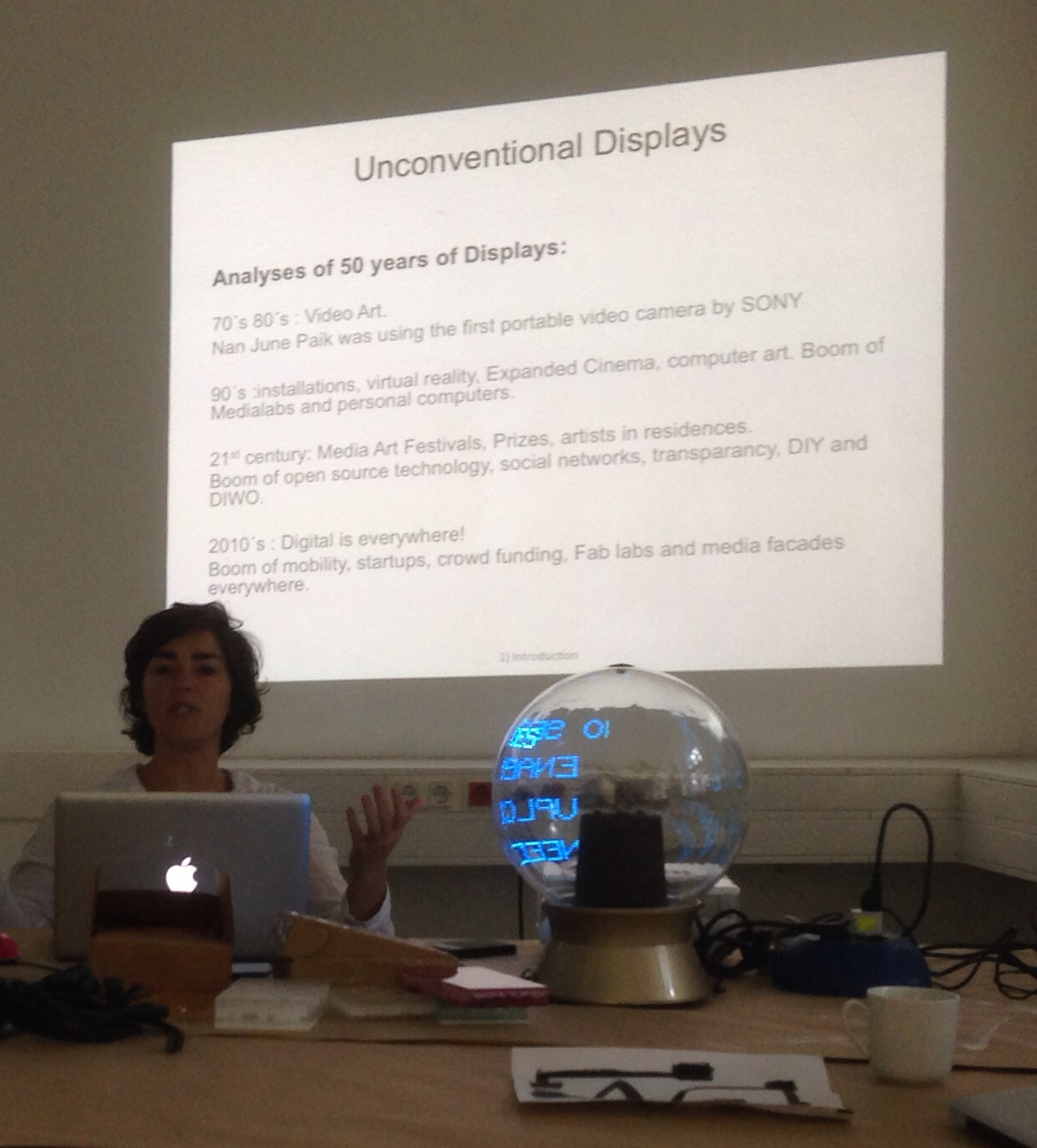
    Anaisa’s presentation on types of display

    IMG_3167.JPG

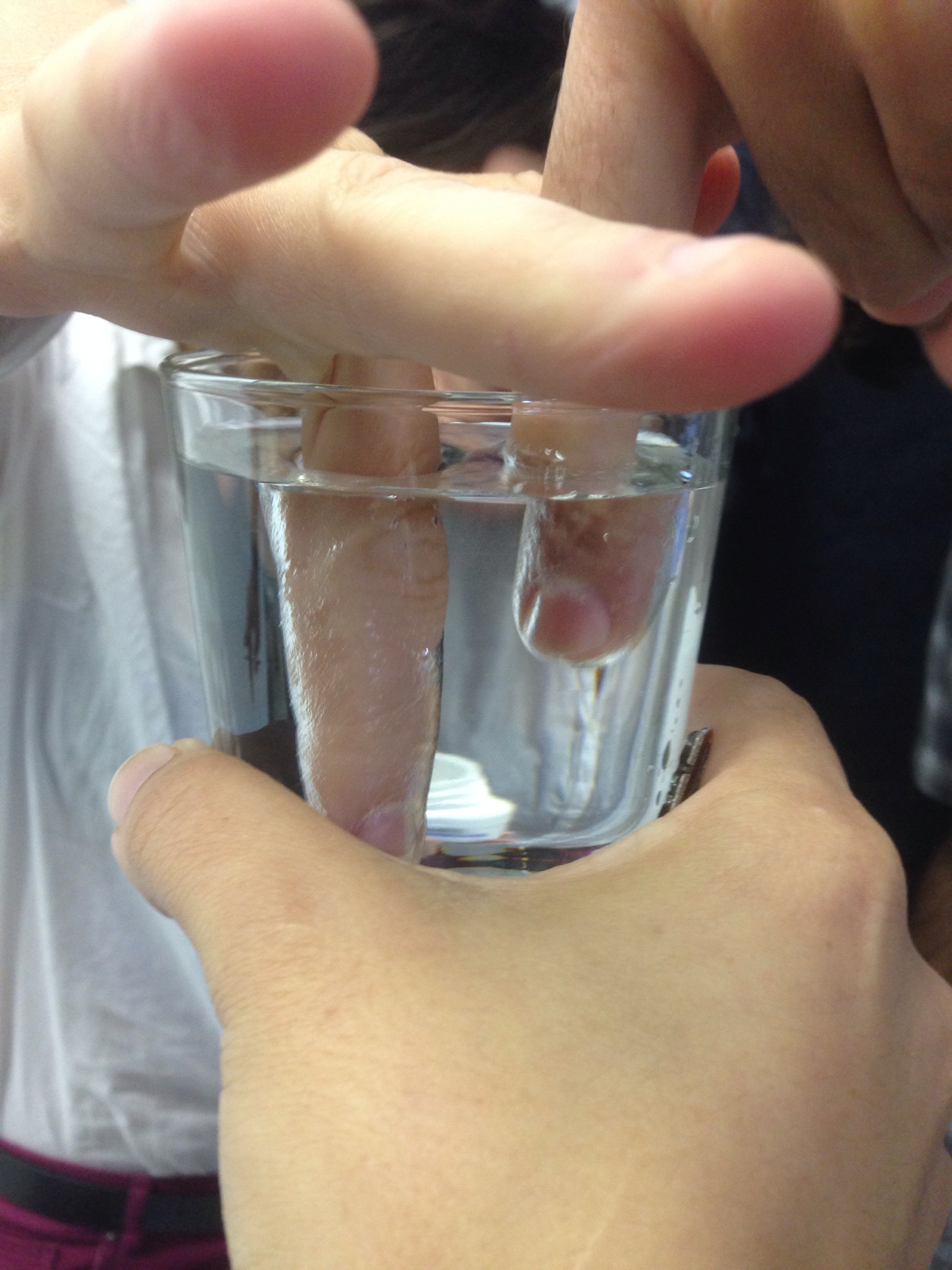
    Aerogel is funny stuff.

    IMG_3169.JPG

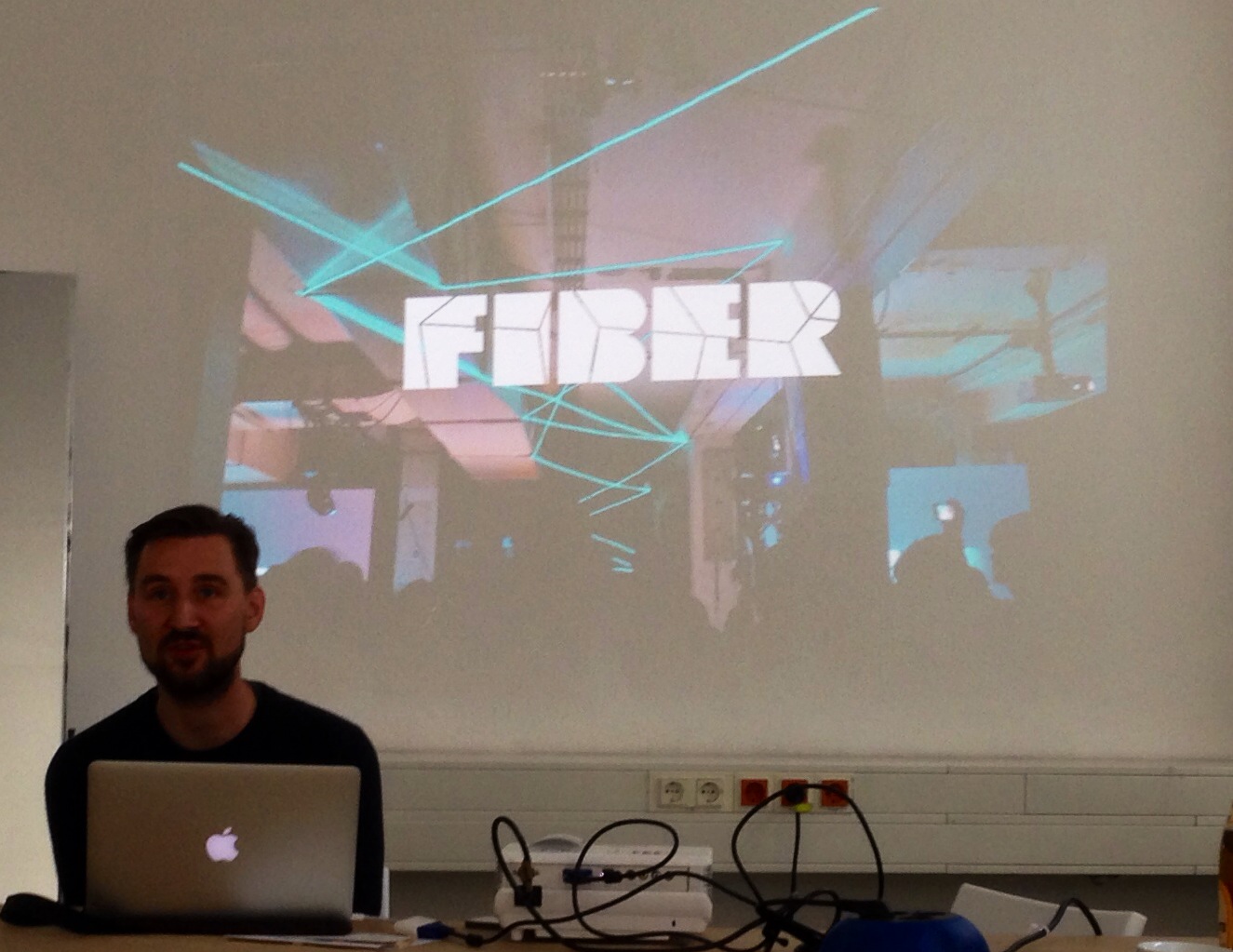
    Fiber Space

    Fiber-space web site

    Coded matters

    Jarl Schulp presents –

    IMG_3175.JPG

    Sonice Development

    The web site

    Julian Adenauer presents –

    Sonice_Facadeprinter_1_fmt

    Rising Colorspace from Sonice Development on Vimeo.

    This autumn Retune

    Do you know Your world of text?

    How about Victor’s http://www.protocoder.org

  • Tuesday week 4

    3 presentations this morning


    IMG_3179

    Abel’s presentation

    IMG_3184

    Victor’s presentation

    IMG_3185

    Federico’s presentation

    Links

  • Friday week 4

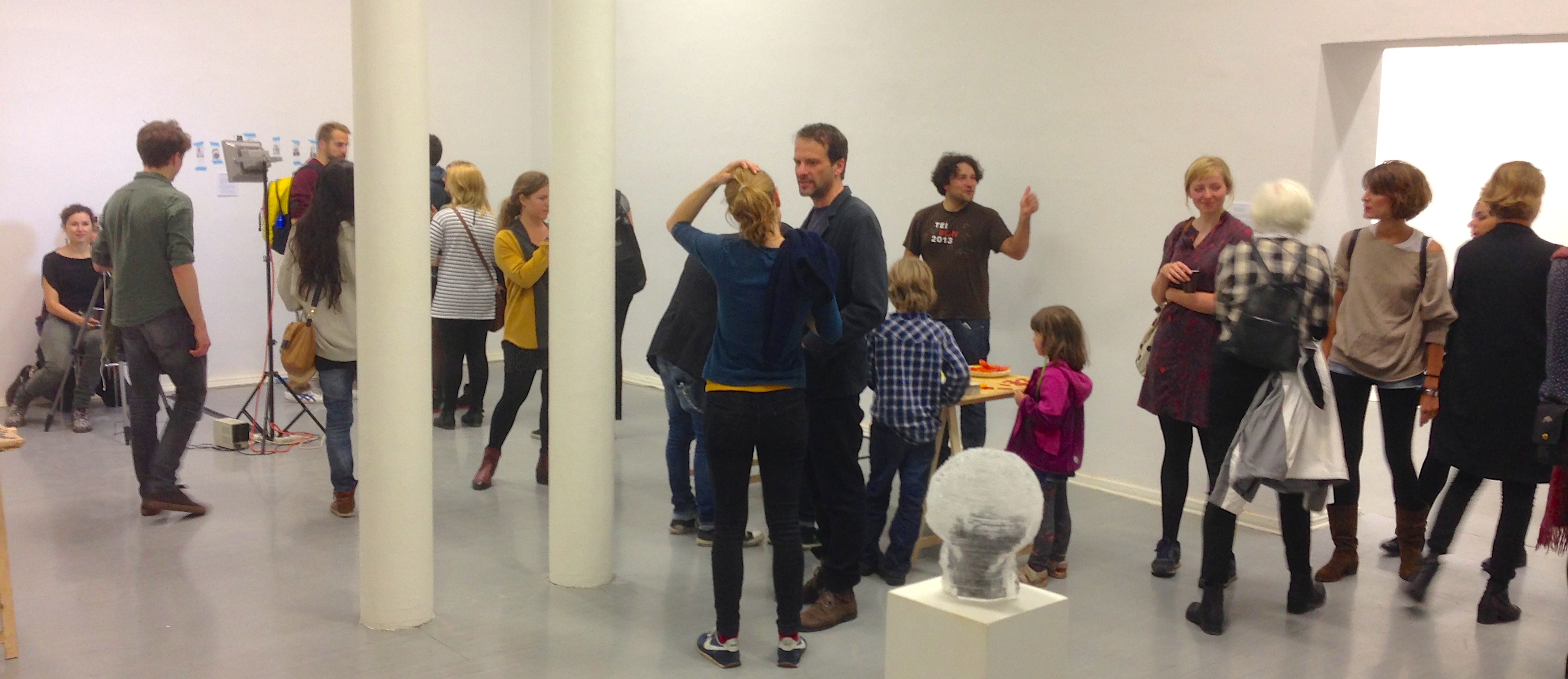
    Final exhibition in Kunstquartier Bethanien


    Come this way


    IMG_3214

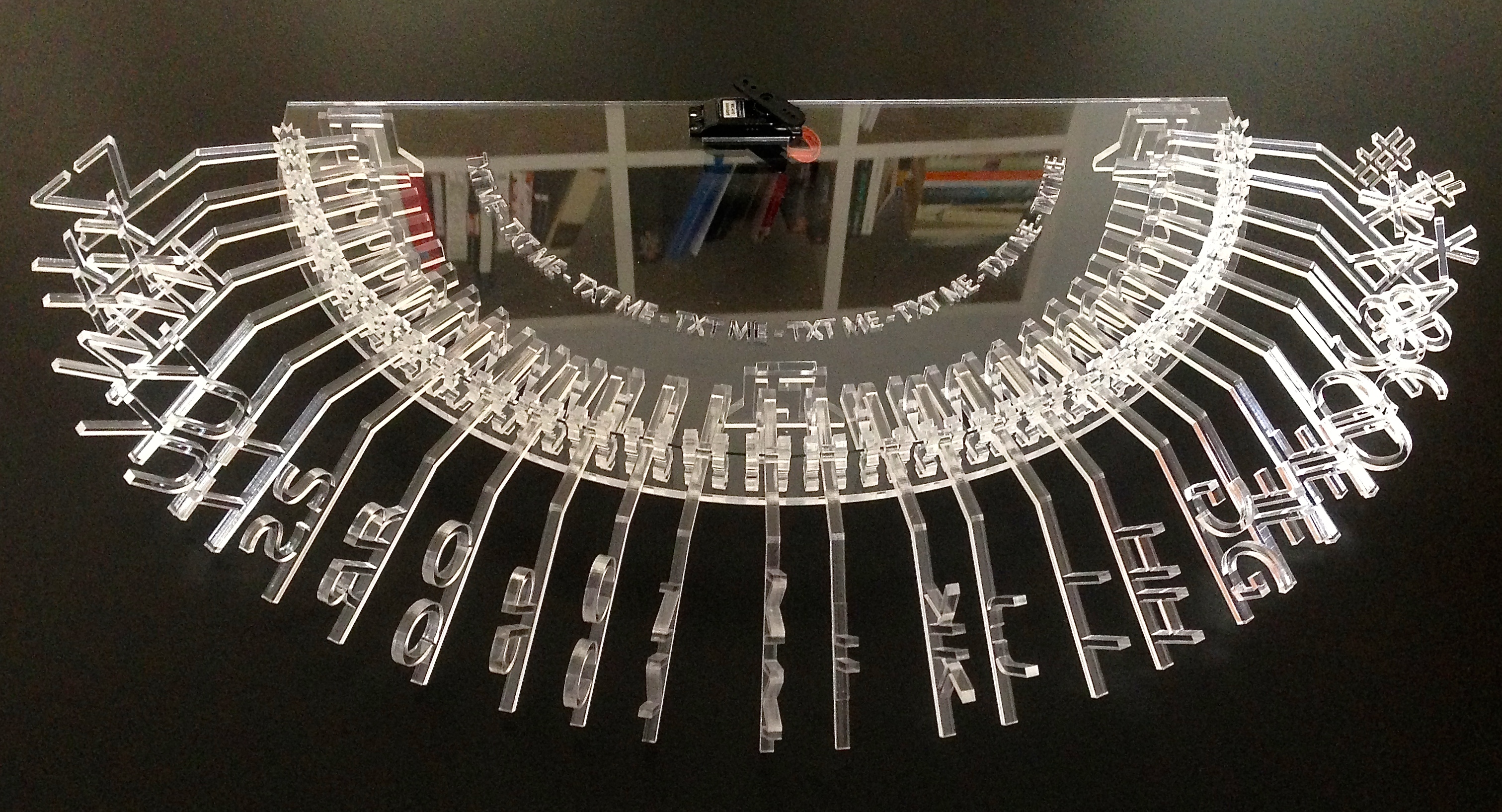
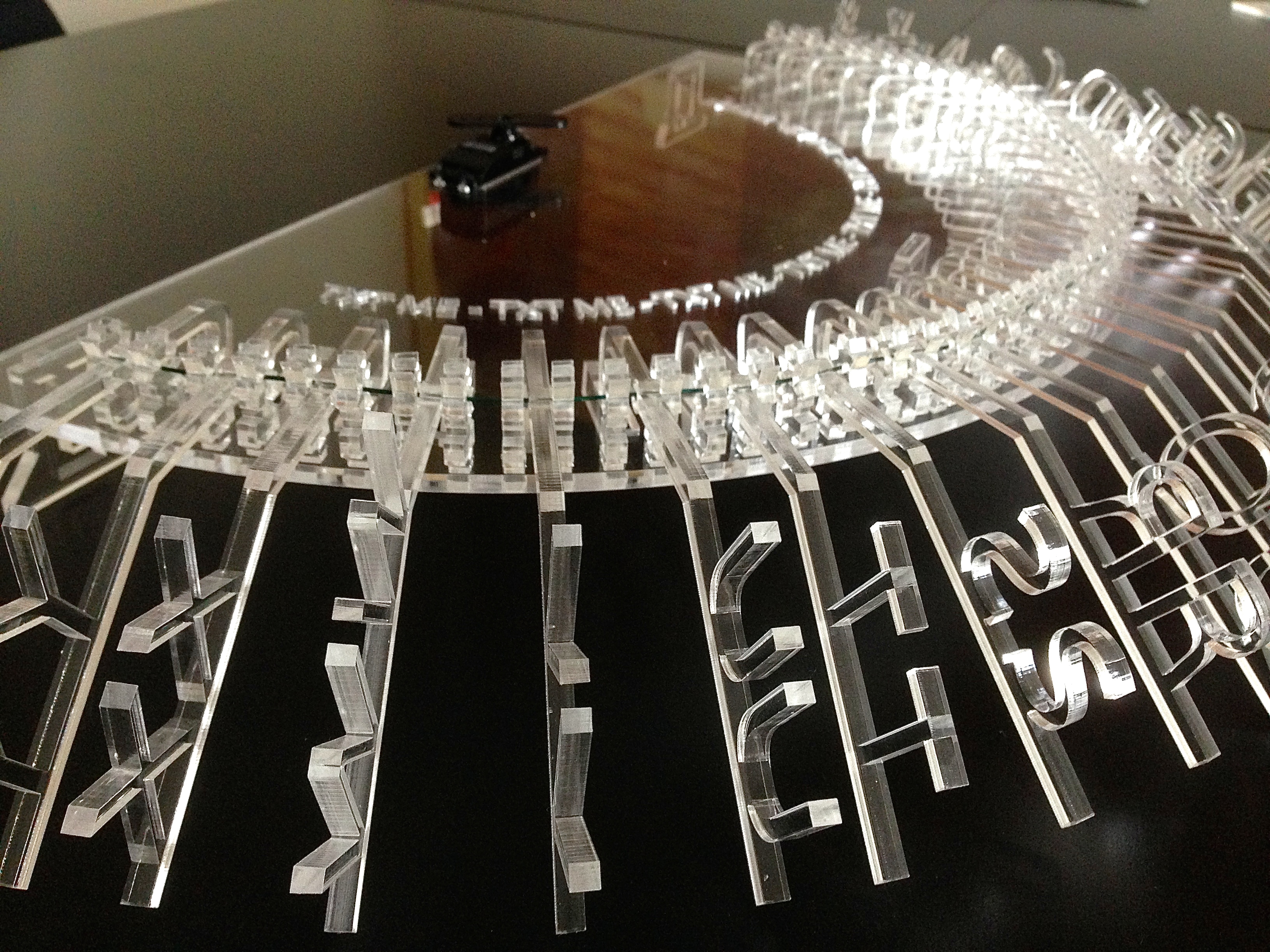
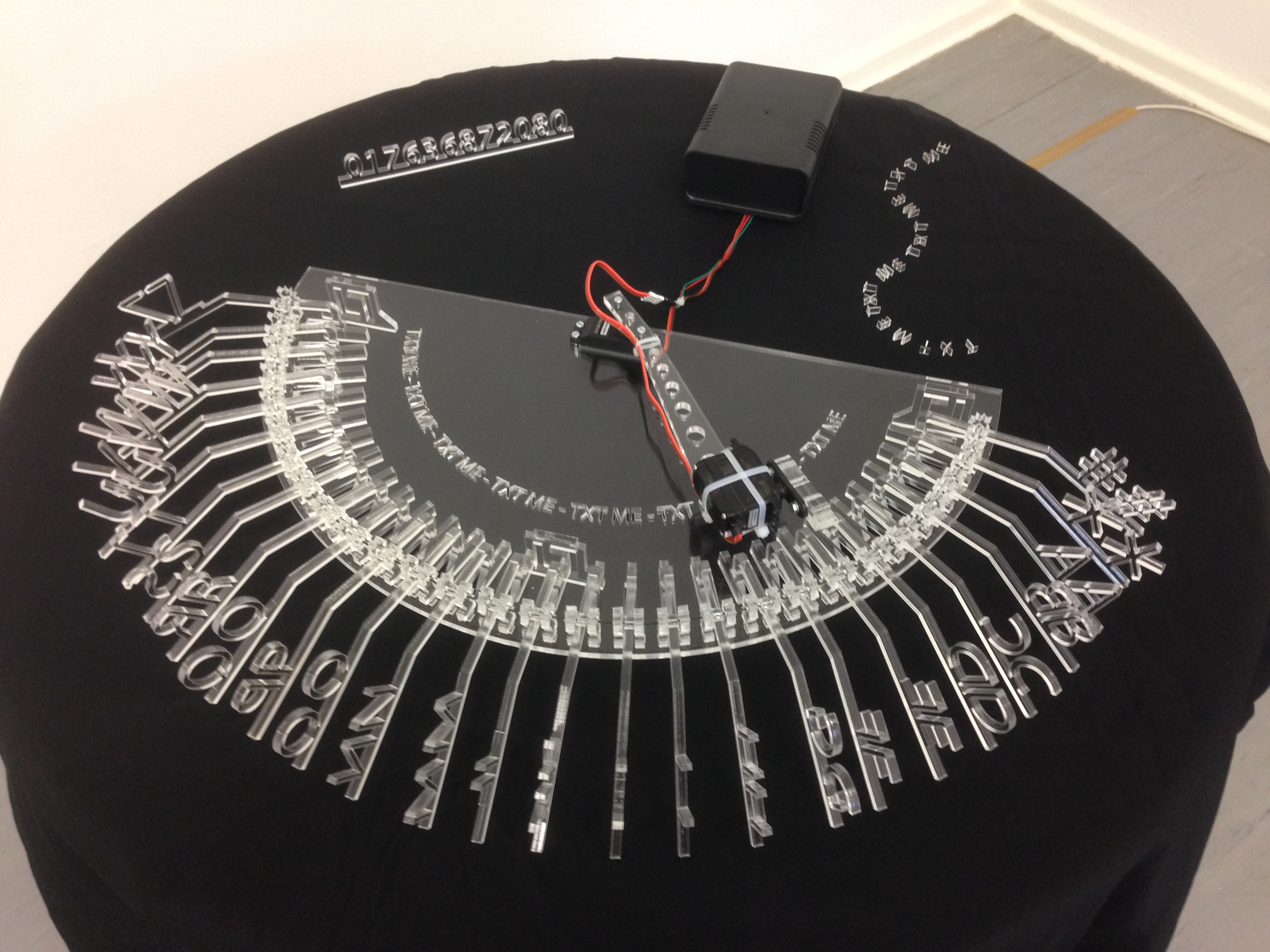
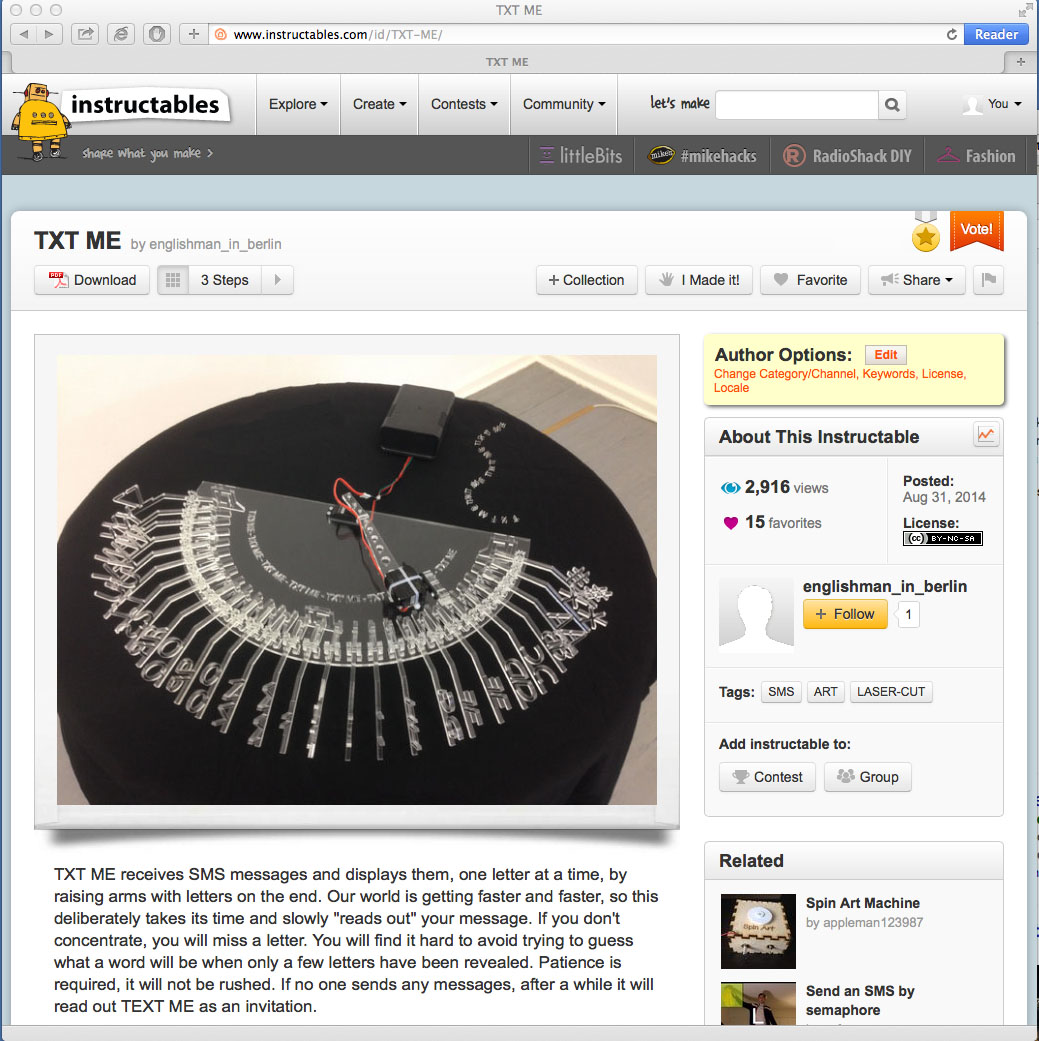
    Kim’s TXT ME

    There is more detail on TXT ME.
    IMG_3206

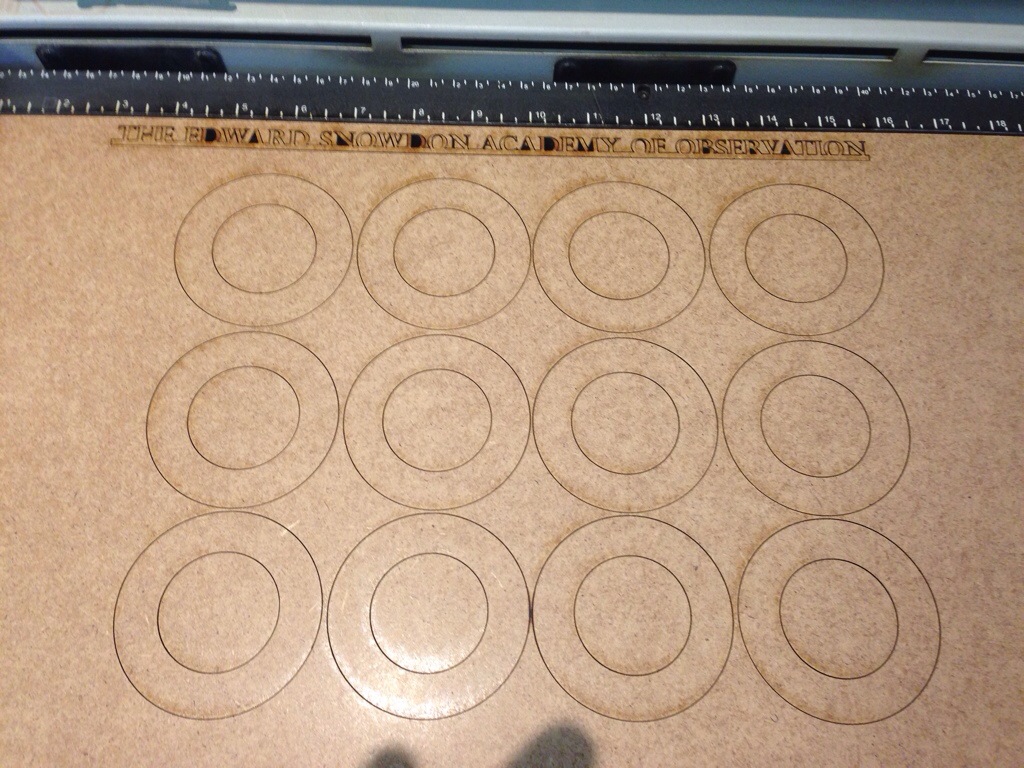
    Kim’s Edward Snowden Academy of Observation

    There is more detail here.
    IMG_3208

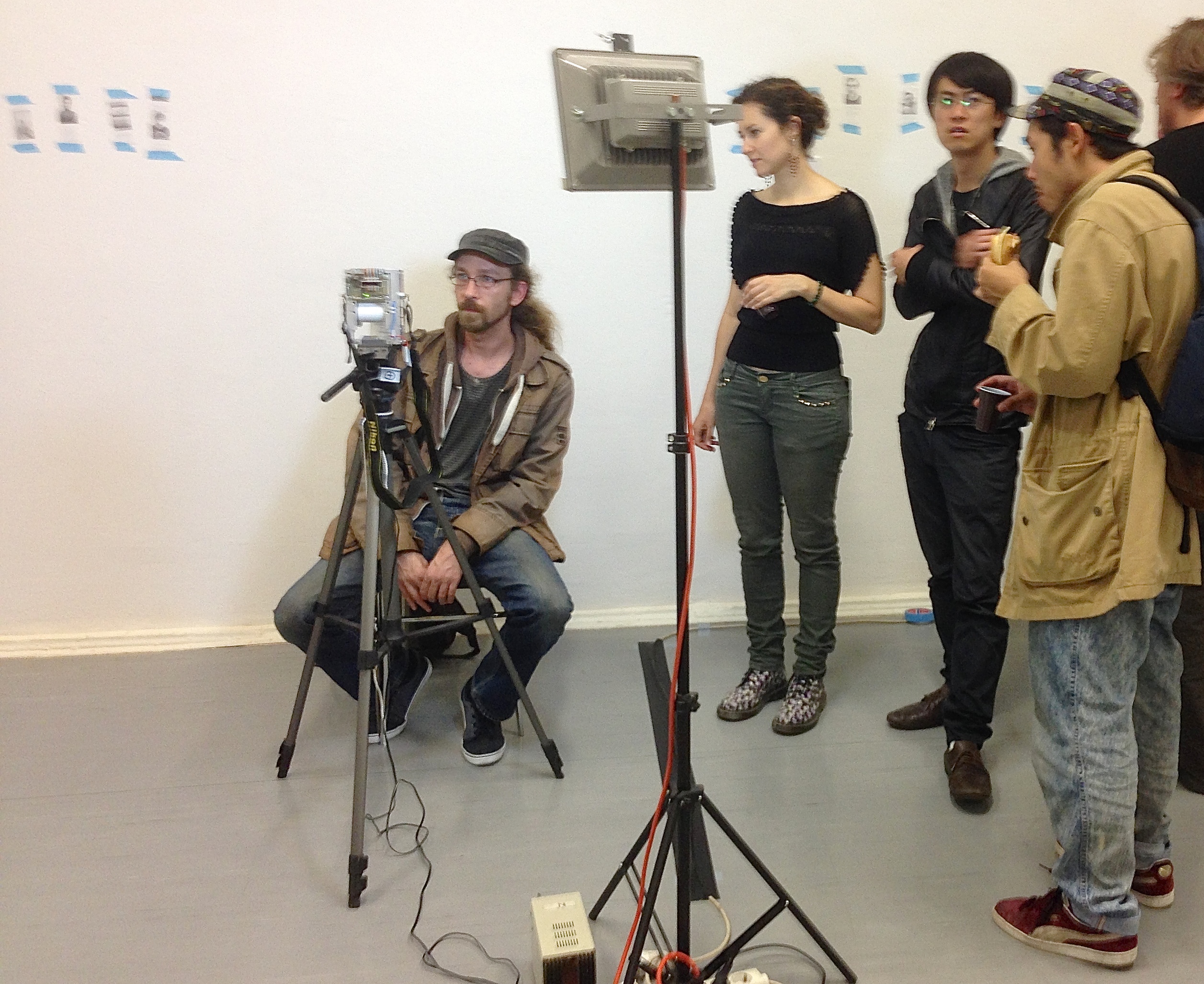
    Niklas Roy’s electronic instant camera

    See Niklas’ web site
    IMG_3210

    IMG_3251

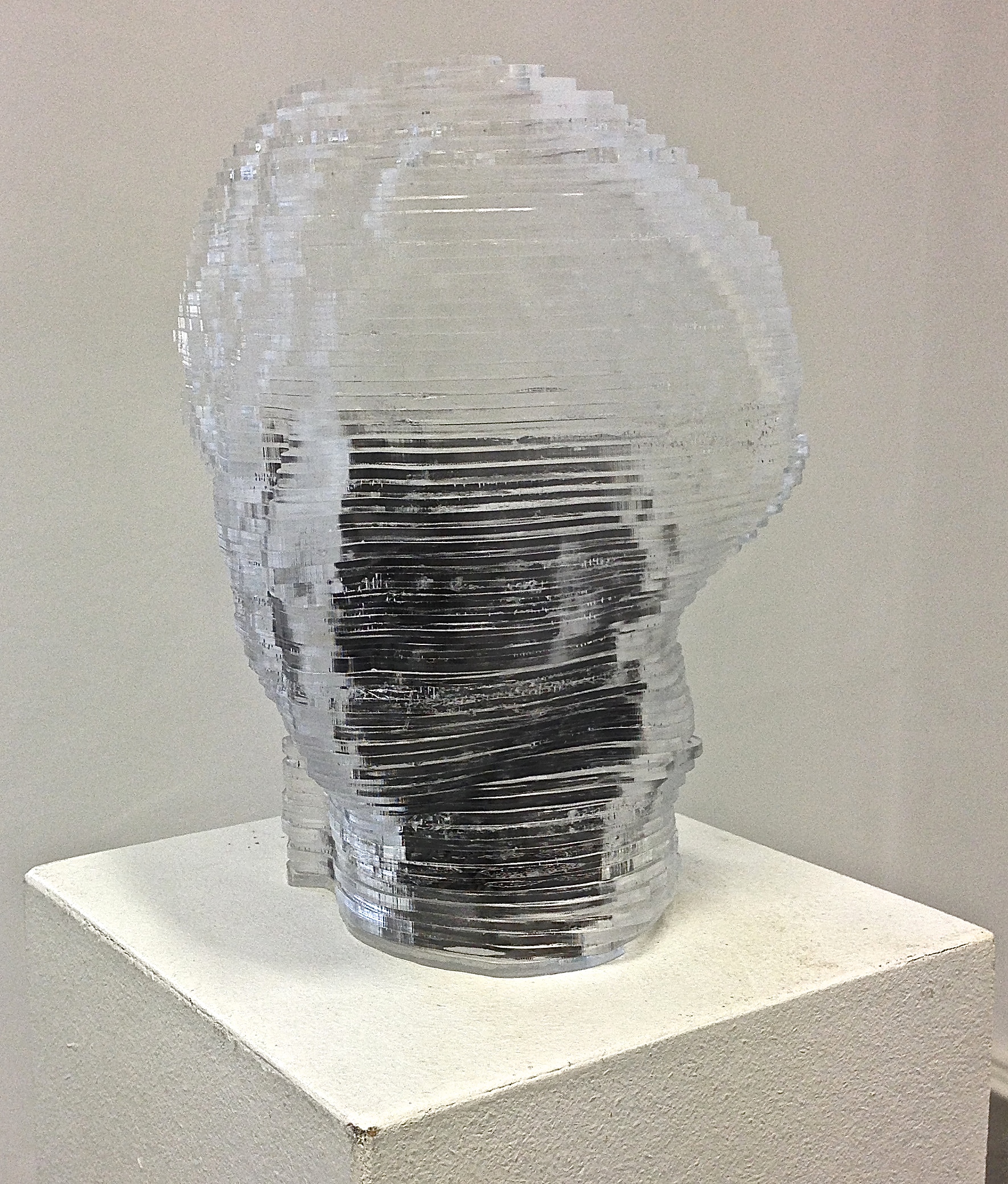
    Mario’s head

    IMG_3212

    Now what is it?

    IMG_3215

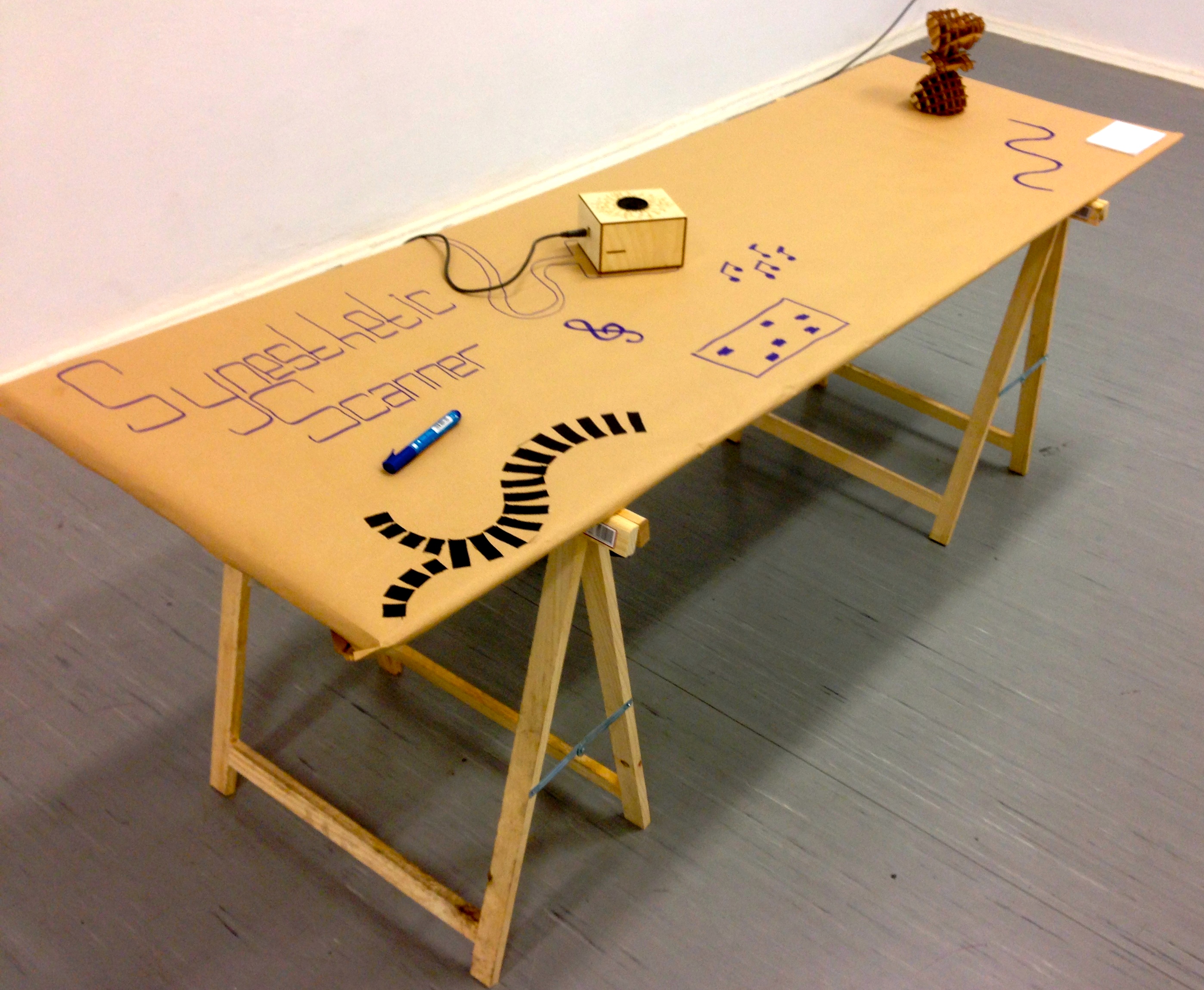
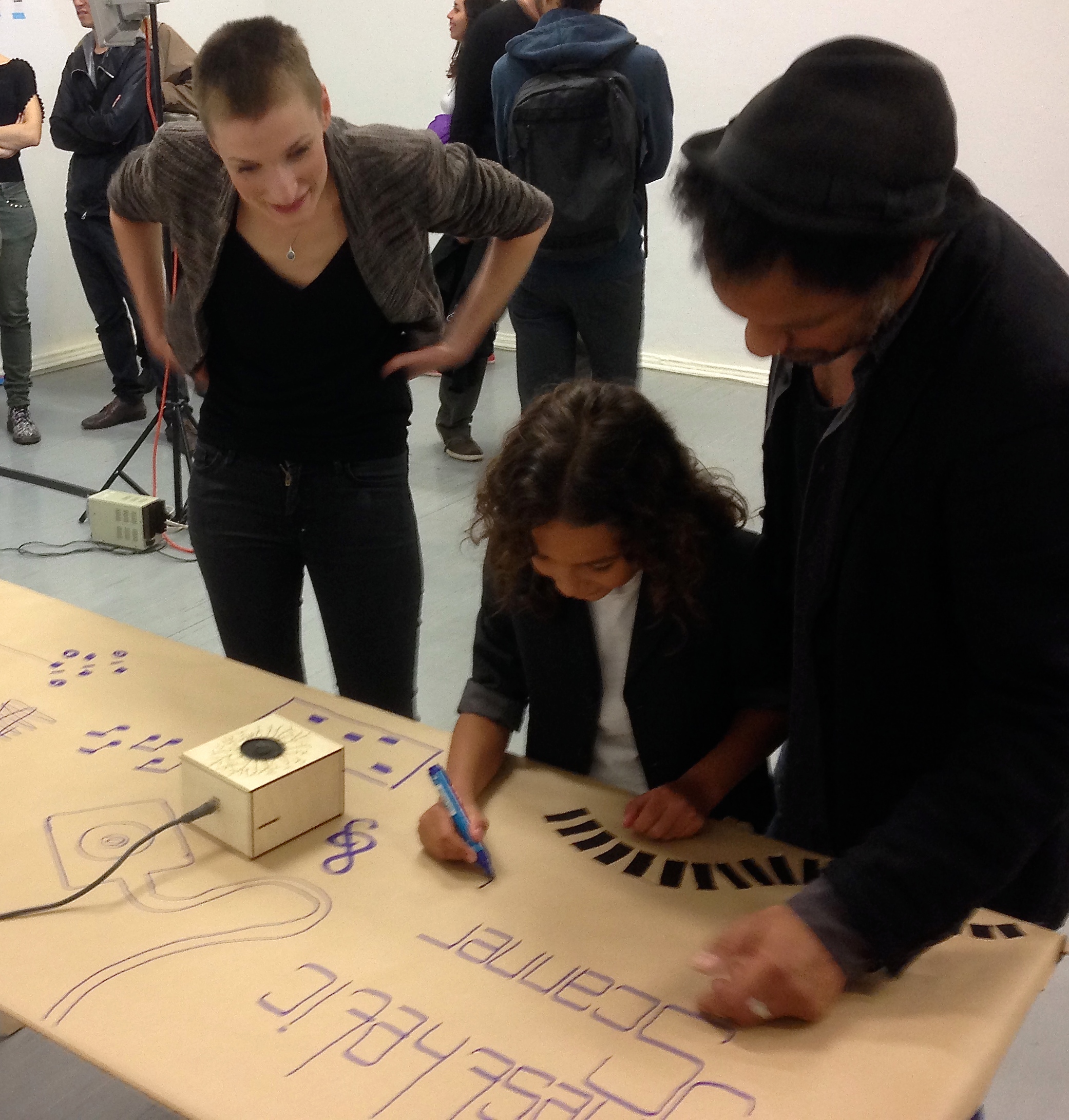
    Draw something that sounds good

    IMG_3217

    Another work by Mario

    IMG_3221

    IMG_3227

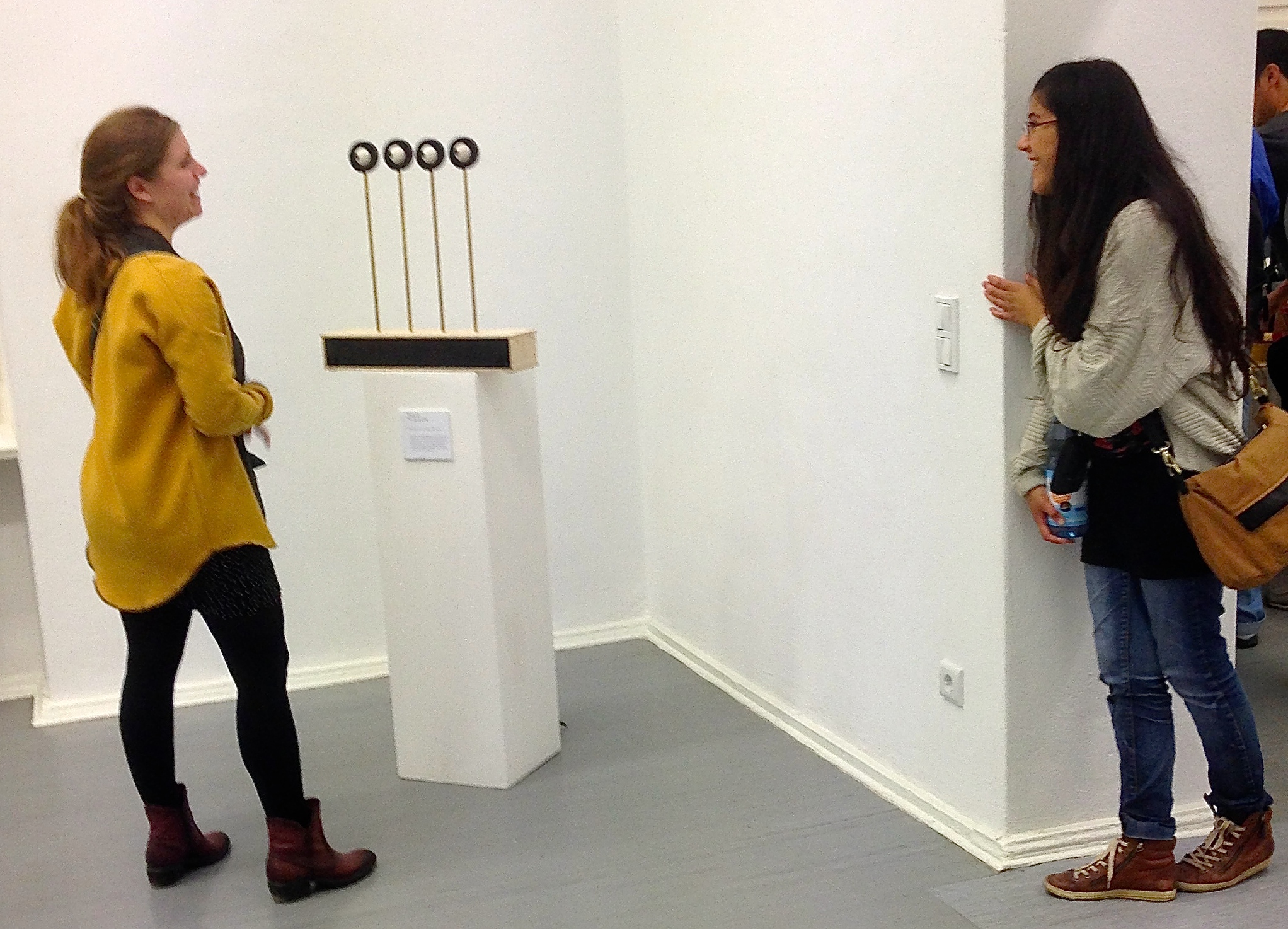
    Can it see around corners?

    IMG_3229

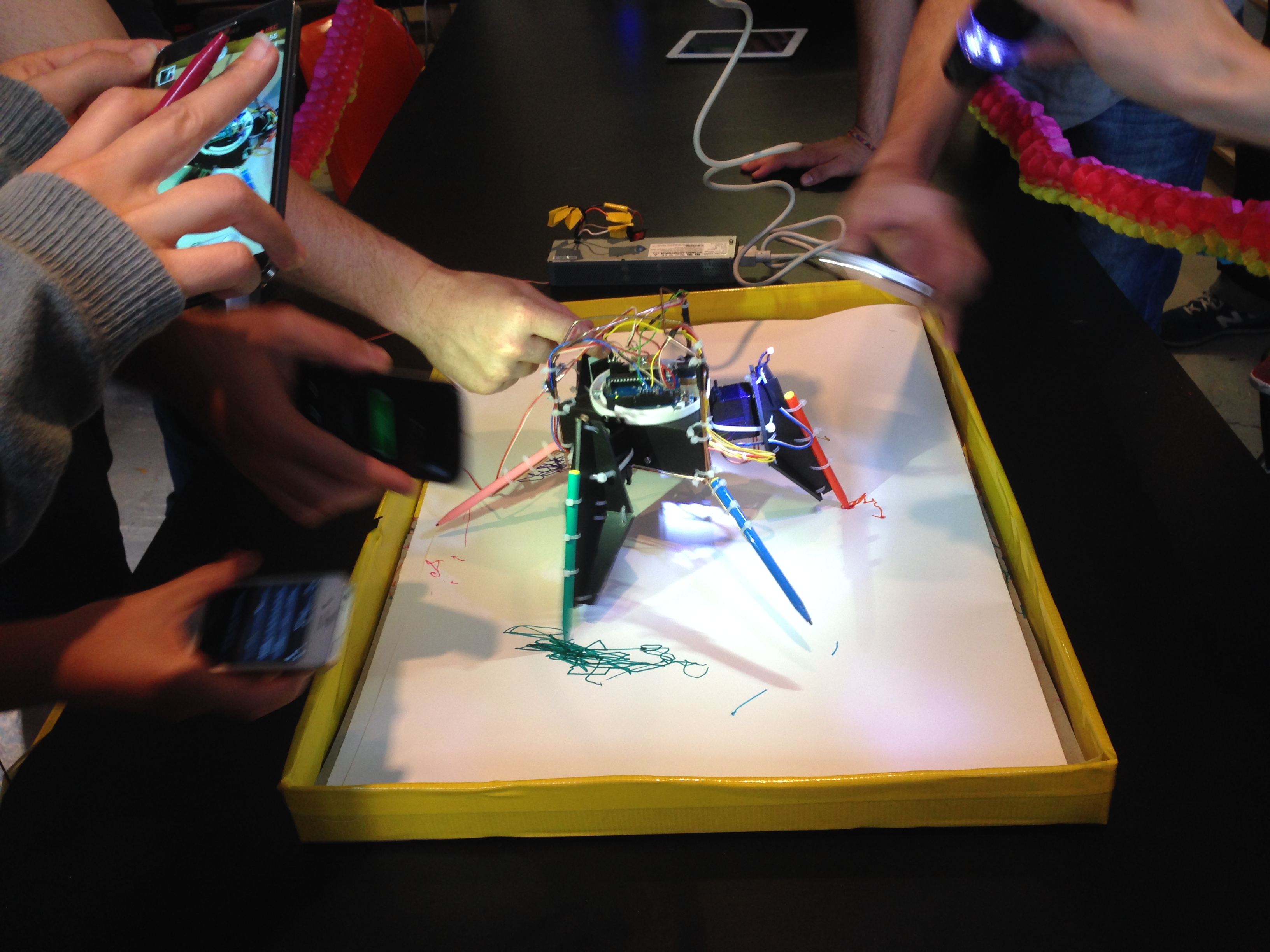
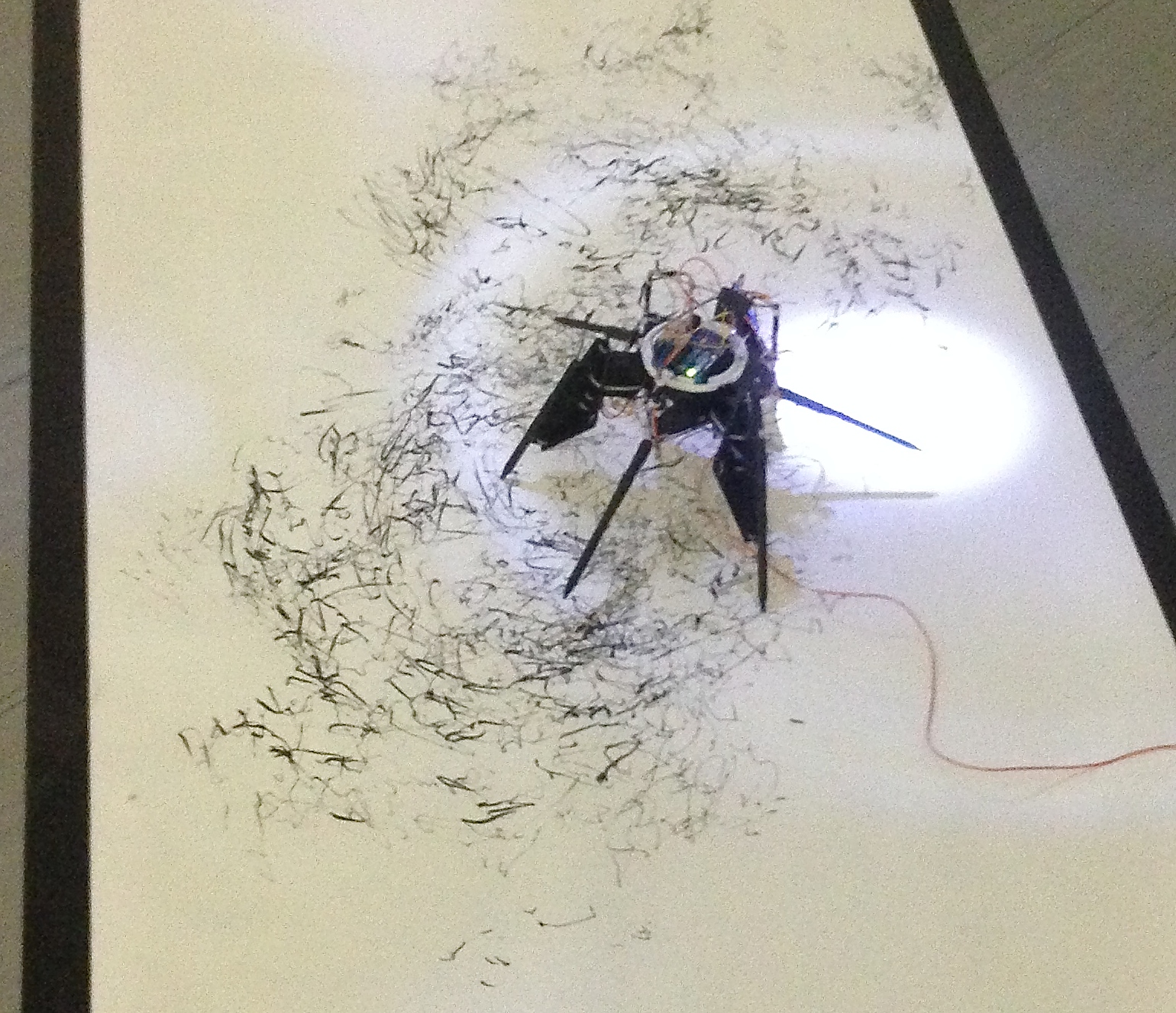
    Tom’s amazing light sensitive drawing robot

    IMG_3231

    Kovas and Nancy’s beautiful mathematical creation

    IMG_3233

    Queue here to have your picture taken

    IMG_3236

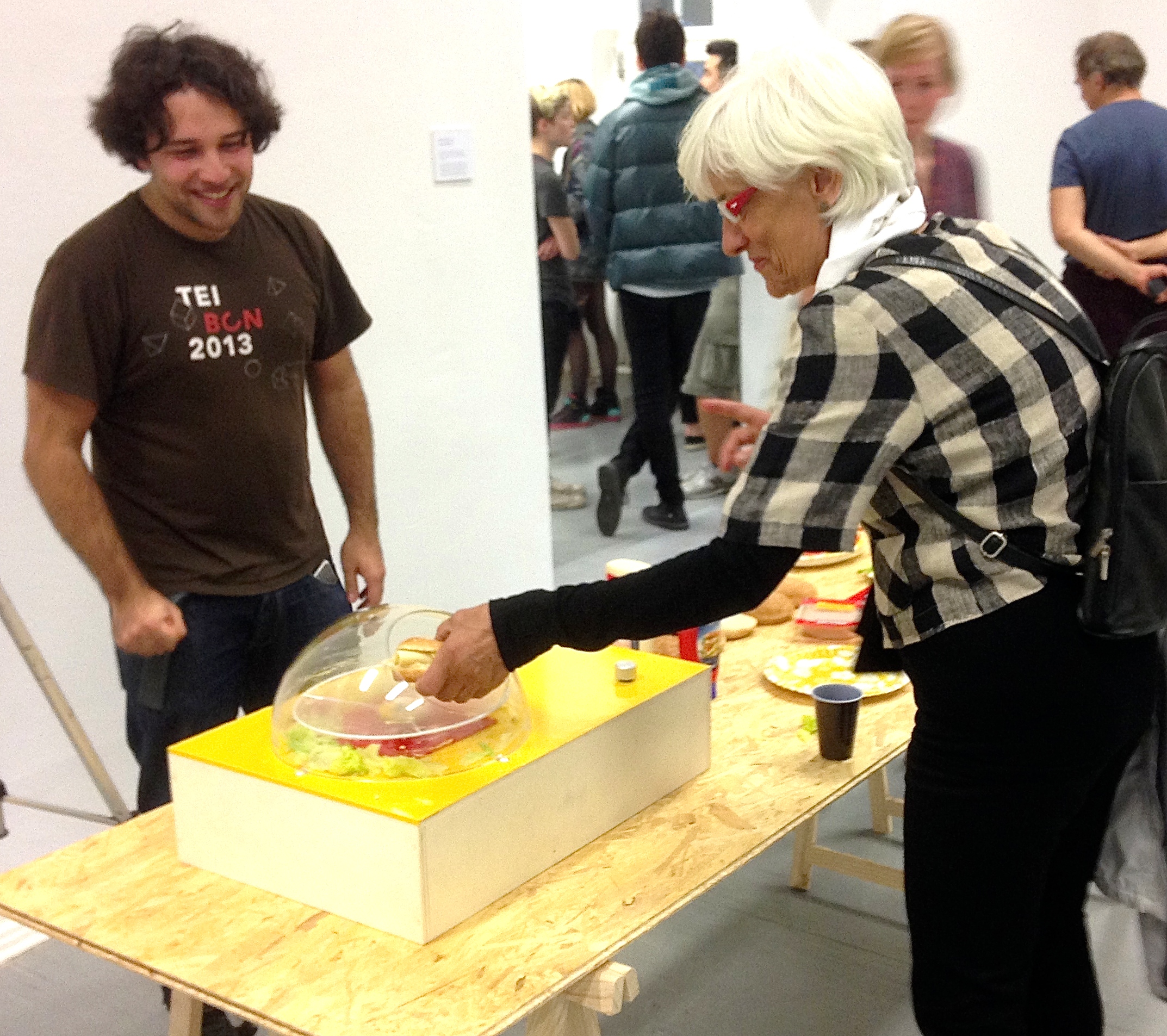
    Victor asks how fast would you like your food?

    This fast? (video)
    IMG_3238

    Young composer at work

    IMG_3240

    IMG_3241

  • Postscript

    FedericoFollowing a tip from Federico, I put TXT ME on the Instructables site.

    Instructables.


    On the first day

    Hi englishman_in_berlin!

    Congratulations, your Step by Step Instructable “TXT ME” was just featured by one of our editors! Look for it in the Technology category. Being featured means we think you are awesome. Keep up the great work!


    Hello englishman_in_berlin!

    Your Step by Step Instructable “TXT ME” just became popular on Instructables!
    Being popular means that tons of people are checking out your Step by Step Instructable and telling us they really like it. Keep up the great work!


    Congratulations englishman_in_berlin!
    “TXT ME” has been featured to the Instructables homepage! Being featured by our editors means your Instructable stands out and represents one of the best we have.

    Projects like yours make Instructables a great place, and we really appreciate your time and effort. As a thank you, we’d like to give you a 3 Month Pro Membership to Instructables.

    Thanks for being part of our community!

    Instructables Team @ Autodesk | http://www.instructables.com/

    It was viewed over 3000 times – amazing!